











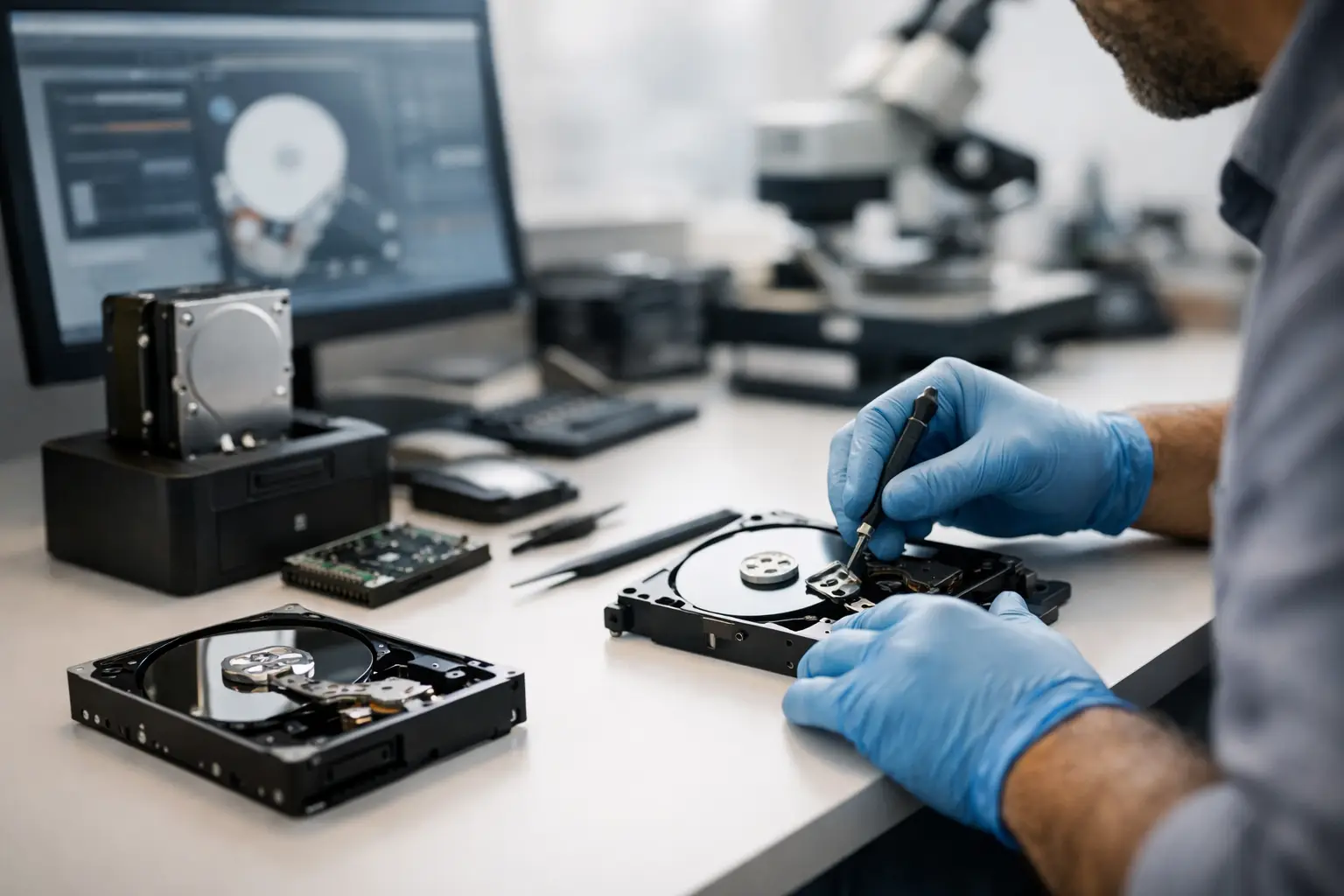
A hard drive starts clicking, a laptop stops recognising its SSD, or a RAID array drops offline right before payroll. That is usually the moment people ask: what is data recovery services, and do I need it now or can I fix this myself?
Data recovery services are specialist technical services used to retrieve files from storage devices that have become inaccessible, corrupted, damaged, deleted, or failed. The goal is not to repair the device for normal use. The goal is to recover the data stored on it as safely and completely as possible. That difference matters, because the right response to data loss is often very different from the right response to a hardware fault.
For home users, that might mean recovering family photos from a failed external drive or a damaged mobile. For businesses, it can mean restoring access to accounting records, project files, surveillance footage, databases, or entire shared storage environments. In both cases, the stakes are high, and every action taken after the failure can either improve or reduce the chance of success.
What is data recovery services in practical terms?
In practical terms, data recovery services involve diagnosing the cause of data loss, stabilising the affected device, extracting recoverable data, and returning that data on suitable media. Depending on the fault, this may involve software-based recovery, firmware repair, file system reconstruction, logical rebuilding of RAID structures, or controlled hardware work in a specialist environment.
That means professional recovery is not one single process. It changes depending on the device and the failure type. Recovering deleted files from a healthy drive is very different from recovering data from a burnt PCB, water-damaged mobile, failed NAS, or SSD with controller issues.
A proper recovery service is built around evidence, not guesswork. The first step is usually assessment. Technicians identify whether the problem is logical, electronic, mechanical, firmware-related, or a combination of several faults. From there, they choose the least invasive method likely to preserve the best possible recovery outcome.
The types of problems data recovery services deal with
Data loss does not always mean a drive is physically broken. Sometimes the storage hardware still works, but the data structure does not. In other cases, the media itself is failing and continued use will make things worse.
Logical failures include accidental deletion, formatting, corrupted partitions, damaged file systems, encryption issues, and software-related corruption. These are often recoverable, but the result depends on what has happened since the data was lost. If a drive has been reused heavily after deletion, some files may already be overwritten.
Physical failures are more serious. Traditional hard drives can suffer head crashes, motor seizure, platter damage, or PCB faults. SSDs can fail without warning due to controller faults, degraded memory, power damage, or firmware issues. Mobiles, cameras, USBs, and memory cards may arrive after water exposure, impact damage, failed updates, or charging-related faults.
Then there are complex storage environments such as NAS and RAID systems. These cases often involve multiple layers of failure - one failed drive, another with bad sectors, a degraded array, incorrect rebuild attempts, or accidental reconfiguration. Recovering data from these systems requires both device-level handling and a detailed understanding of how the array was built.
Which devices can be covered?
When people hear the term data recovery, they often think only of laptop hard drives. In reality, professional recovery services cover a much broader range of storage media.
Common examples include internal hard drives, external hard drives, SSDs, USB flash drives, SD cards, microSD cards, mobiles, tablets, Apple devices, cameras, DVR systems, desktop computers, laptops, NAS units, and RAID arrays. Business environments may also involve server drives, virtual storage environments, and multi-disk systems that cannot be treated like a standard single-drive recovery.
The device category matters because each one stores data differently. A hard drive gives different failure signs than an SSD. A camera card has different risks than a MacBook storage module. A RAID 5 set with one failed disk requires a different process from a portable drive dropped on the floor. Serious recovery work depends on knowing those differences.
Why DIY recovery can go wrong
Many people search for recovery software first, and that is understandable. If the issue is minor and the device is healthy, software can sometimes help. But there is a narrow window where DIY makes sense.
If a drive is making unusual noises, disappearing intermittently, running extremely slowly, overheating, or asking to be initialised, continued use can cause more damage. Scanning a physically unstable drive can push weak components beyond the point where safer imaging was still possible. Opening a hard drive outside a controlled environment is even riskier. Dust, handling marks, and incorrect parts can turn a recoverable case into a partial recovery or total loss.
The same applies to RAID and NAS systems. Well-meaning rebuild attempts, drive resequencing, or swapping components without a full diagnosis can alter metadata and complicate reconstruction. In business cases, that can add downtime on top of data loss.
Professional services exist because failed storage devices often need controlled handling, specialist tools, and methodical decision-making. It is not just about having software. It is about knowing when not to force a failing device any further.
How professional data recovery usually works
The process starts with an assessment. The technician checks the device condition, identifies the likely cause of failure, and determines the most suitable recovery path. In service-led environments, the customer is then advised on the problem, the chance of recovery, expected turnaround, and costs before major work proceeds.
If the media is physically unstable, the focus is usually on stabilisation and imaging first. That means creating a sector-level copy or otherwise extracting readable data without relying on the original device for repeated access. Once that safe working copy exists, logical repair and file extraction can continue from there.
For logical cases, the work may centre on rebuilding partitions, repairing file system damage, reconstructing deleted entries, or extracting data from damaged structures. For SSDs and complex electronics, technicians may need to address firmware and controller-level problems before file access is possible.
For NAS and RAID recoveries, the process often includes identifying disk order, stripe size, parity rotation, file system type, and configuration history. Even when one or more drives have failed, it may still be possible to rebuild the array logically enough to extract the underlying data.
Once recovery is complete, the data is usually returned on separate media. The original device should not be treated as trustworthy storage unless it has been fully assessed for a different purpose. Recovery and device reuse are not the same thing.
What affects the chance of success?
No honest provider should promise every file back in every case. Recovery success depends on the type of failure, how severe the damage is, and what has happened since the loss.
Deleted files from a healthy system may have a strong chance if the device was powered down quickly and not used further. A hard drive with damaged heads may still be recoverable if the platters remain in workable condition. An SSD can be far less predictable, especially after controller failure, electrical damage, or prolonged power-on attempts. Encrypted devices also add complexity, because the data may exist physically but remain inaccessible without the correct credentials or intact metadata.
Time matters, but not always in the way people assume. You do not always need to panic within the hour. You do need to stop actions that could worsen the case. Reinstalling software, saving new files, repeatedly rebooting, or running repair tools blindly can reduce recovery options.
When should you contact a specialist?
You should contact a specialist as soon as the data matters and the device is not behaving normally. That includes clicking hard drives, failed SSDs, water-damaged devices, unreadable memory cards, inaccessible Apple devices, deleted business files, and any NAS or RAID issue where the storage setup is more complex than a single disk.
It also makes sense to get help early if the data has operational, legal, financial, or sentimental value. Waiting for a second or third failed DIY attempt rarely improves the result. In many cases, the safer choice is to stop using the device and get a professional assessment before more damage occurs.
For Canberra customers and organisations across Australia, that specialist approach matters most when the device is not just broken, but carrying data that cannot easily be replaced. That is where a provider such as RecoveryGeeks adds value - not by offering generic IT support, but by applying focused recovery expertise across hard drives, SSDs, NAS, RAID, Apple devices, cameras, and other digital storage media.
What is data recovery services really about?
At its core, data recovery services are about controlled retrieval under pressure. The device may be dead, the files may be corrupted, and the situation may feel urgent, but the right process is still careful, technical, and case-specific.
That is why the best first step is usually the simplest one: stop experimenting, protect the device from further use, and get clear advice from people who work with failed storage every day. When the data matters, a calm technical response is often the difference between a difficult recovery and a missed opportunity.
