











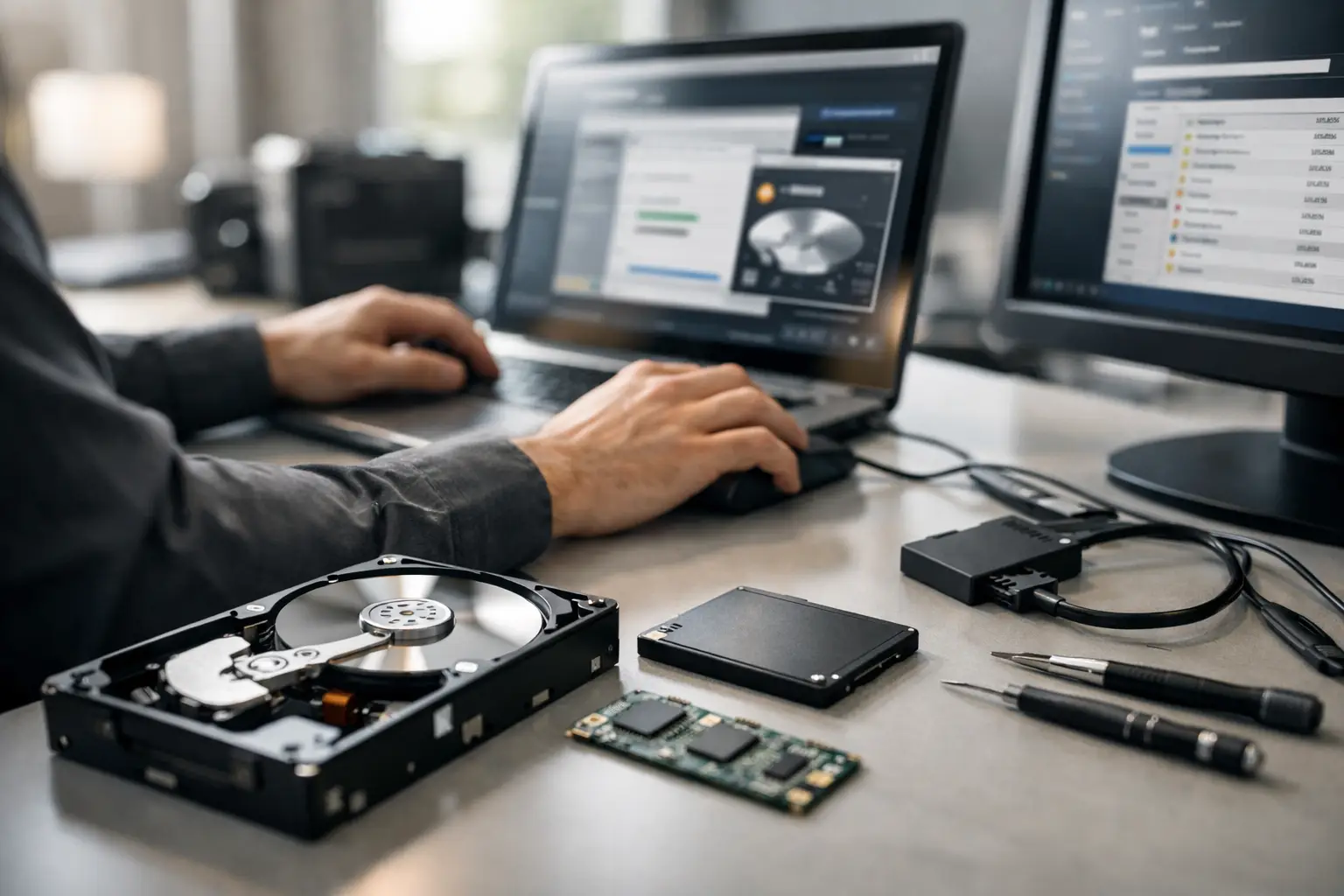
When a drive disappears from File Explorer, a RAID drops offline, or a camera card suddenly asks to be formatted, the first question people ask is usually what data recovery software do professionals use. The honest answer is that professionals rarely rely on one program. They use a mix of software, hardware imaging tools, file system analysis utilities, and lab processes chosen for the exact failure in front of them.
That matters because data loss is not one problem. Deleted files, accidental formatting, file system corruption, firmware faults, bad sectors, failing SSDs, degraded RAID arrays, and physically damaged drives all behave differently. The right tool in one case can make another case much worse.
What data recovery software do professionals use in real cases?
Professional recovery work usually starts with diagnosis, not software selection. Before any recovery attempt, an experienced technician wants to know whether the device is logically damaged, electronically unstable, mechanically failing, or suffering from media degradation. Software can help when the storage hardware is still stable enough to read. If the device is clicking, dropping out, reporting the wrong capacity, or freezing during access, software alone is often the wrong first move.
For logical recoveries, professionals commonly use specialist tools such as R-Studio, UFS Explorer, GetDataBack, X-Ways Forensics, DMDE, and ReclaiMe in some scenarios. These tools are not all interchangeable. One may handle a damaged NTFS volume better, another may be stronger on RAID reconstruction, and another may give finer manual control over partitions, metadata, and file carving.
R-Studio is widely respected because it handles many file systems, supports network and RAID work, and gives technicians detailed control over scans and recovery results. UFS Explorer is also highly regarded, particularly for complex file systems and RAID or NAS work where manual assembly is needed. X-Ways Forensics is more often associated with forensic workflows, but skilled recovery professionals also value it for low-level analysis. GetDataBack remains a solid option in selected logical cases, especially when a file system is damaged but the media itself is reasonably stable.
The key point is this: professionals choose based on the job, not on brand familiarity alone.
Software is only part of professional recovery
This is where public advice often goes off track. Many articles compare consumer recovery apps as if professionals simply pick the most popular one and press scan. In real lab environments, the first priority is often to create a sector-by-sector image or clone of the failing device. That protects the original media from repeated stress and gives the technician a safer working copy.
If a hard drive has unstable heads, growing bad sectors, or intermittent read behaviour, a professional may use dedicated imaging hardware rather than standard software scanning. These tools can control read timeouts, skip damaged areas strategically, and return later for difficult sectors. A normal desktop scan can push a weak drive over the edge.
That distinction matters even more for SSDs. SSD failures can involve degraded NAND, controller issues, firmware faults, or encryption behaviour that software cannot bypass. If the drive is still accessible, software may recover files from a logical issue. If it is not identifying properly or has entered a fault state, recovery often moves beyond software and into specialist bench work.
The software professionals trust for logical recovery
When the problem is deletion, formatting, partition loss, or file system corruption on otherwise stable media, several tools appear regularly in professional workflows.
R-Studio
R-Studio is one of the most common answers to what data recovery software do professionals use because it is flexible, mature, and effective across Windows, macOS, Linux, and many file systems. It is especially useful when a technician needs to inspect partitions, rebuild RAID parameters, image a device, and recover data in one environment.
Its strength is control. Professionals can work at a detailed level instead of relying on a simplified wizard. That said, it can be unforgiving in inexperienced hands.
UFS Explorer
UFS Explorer is often favoured for more advanced storage scenarios, including NAS units, virtual machines, and complicated RAID structures. It supports a wide range of file systems and tends to be highly valued when automatic detection is not enough and manual interpretation is required.
For business storage, this matters. A failed NAS or degraded RAID is not a standard deleted-file problem. Correct disk order, stripe size, parity rotation, and metadata interpretation can determine whether data comes back intact or comes back corrupted.
DMDE and X-Ways
DMDE is well known among technical users for deep low-level access and strong partition and directory analysis. X-Ways is a more specialised tool, often used where forensic-grade visibility is useful. Neither is aimed at casual users, but both are respected where precision matters.
GetDataBack and similar tools
GetDataBack still has a place in clean logical recoveries. It is approachable and often effective on damaged file systems where the underlying device remains readable. Other software may also be used in niche cases, especially when one engine identifies file structures more accurately than another.
The practical reality is that professionals often test more than one software environment against the same image. Different tools parse damaged metadata differently, and the best file tree in one program may not be the best result in another.
When professionals do not use software first
If a hard drive is clicking, buzzing, slow to identify, or vanishing from the system, software scanning is often a poor move. Every extra read request can worsen platter damage or push failing heads harder. In those cases, professionals usually stabilise the situation first, then image, then analyse.
The same applies to many external drives that connect and disconnect repeatedly, SD cards that stop reporting correct capacity, and USB flash devices that suddenly show as unallocated with strange sizes. A software scan may still be part of the workflow later, but not before the risk is understood.
On RAID and NAS systems, professionals also avoid impulsive software recovery directly against live production storage. Rebuilds, resyncs, and background repairs can overwrite critical parity and metadata. In business environments, preserving the current state before any repair attempt is often more important than speed.
Consumer software versus professional software
There is overlap, but the difference is usually in capability and control. Consumer tools are designed to be simple. That can be useful for recently deleted files from healthy storage. Professional tools expose the structure underneath: partitions, boot records, file system journals, RAID geometry, hex-level data, and image management.
The trade-off is complexity. A consumer app might be easier to run, but it may hide warnings that matter. A professional tool might recover more, but only if the operator understands what they are seeing. This is why the software alone is not the expertise.
A strong tool in the wrong hands can lead to overwritten sectors, mistaken initialisation, bad cloning choices, or false confidence in damaged media. That is especially risky when the data has business value, legal value, or irreplaceable personal value.
What data recovery software do professionals use for RAID, NAS, and business storage?
For RAID and NAS recovery, professionals commonly lean towards tools like UFS Explorer and R-Studio because they allow manual RAID reconstruction and broad file system support. In more complex environments, they may combine software analysis with controller logs, NAS metadata interpretation, and sector-level imaging from each member disk.
This is not a plug-and-play exercise. A RAID 5 with one failed disk is very different from a RAID 6 with silent corruption, a NAS with proprietary layout, or a system where multiple disks have bad sectors. Good software helps, but accurate reconstruction depends on understanding the storage architecture.
For business clients, the priority is rarely just getting some files back. It is getting the right data back, in the right structure, with minimal corruption and a clear chain of handling.
So should you use the same tools professionals use?
Sometimes yes, but only if the device is stable and the problem is clearly logical. If you deleted files from a healthy external drive and stopped using it immediately, a reputable recovery program may be a reasonable first step. If the drive is making unusual sounds, slowing the computer to a crawl, or contains critical business data, caution is the better choice.
Professional-grade tools are powerful, but they do not remove risk. They also do not solve hardware faults. The more valuable the data, the less sense it makes to experiment.
For clients dealing with failed hard drives, SSDs, mobile devices, cameras, NAS units, or RAID systems, the safer question is often not what software professionals use, but what process professionals follow. That process starts with diagnosis, protects the original media, and uses the right tool only after the risk is clear.
If you are facing data loss now, resist the urge to keep restarting, rescanning, or trying multiple apps at random. The best recovery chance usually comes from doing less, earlier, and getting the device assessed before a recoverable problem becomes permanent.
