











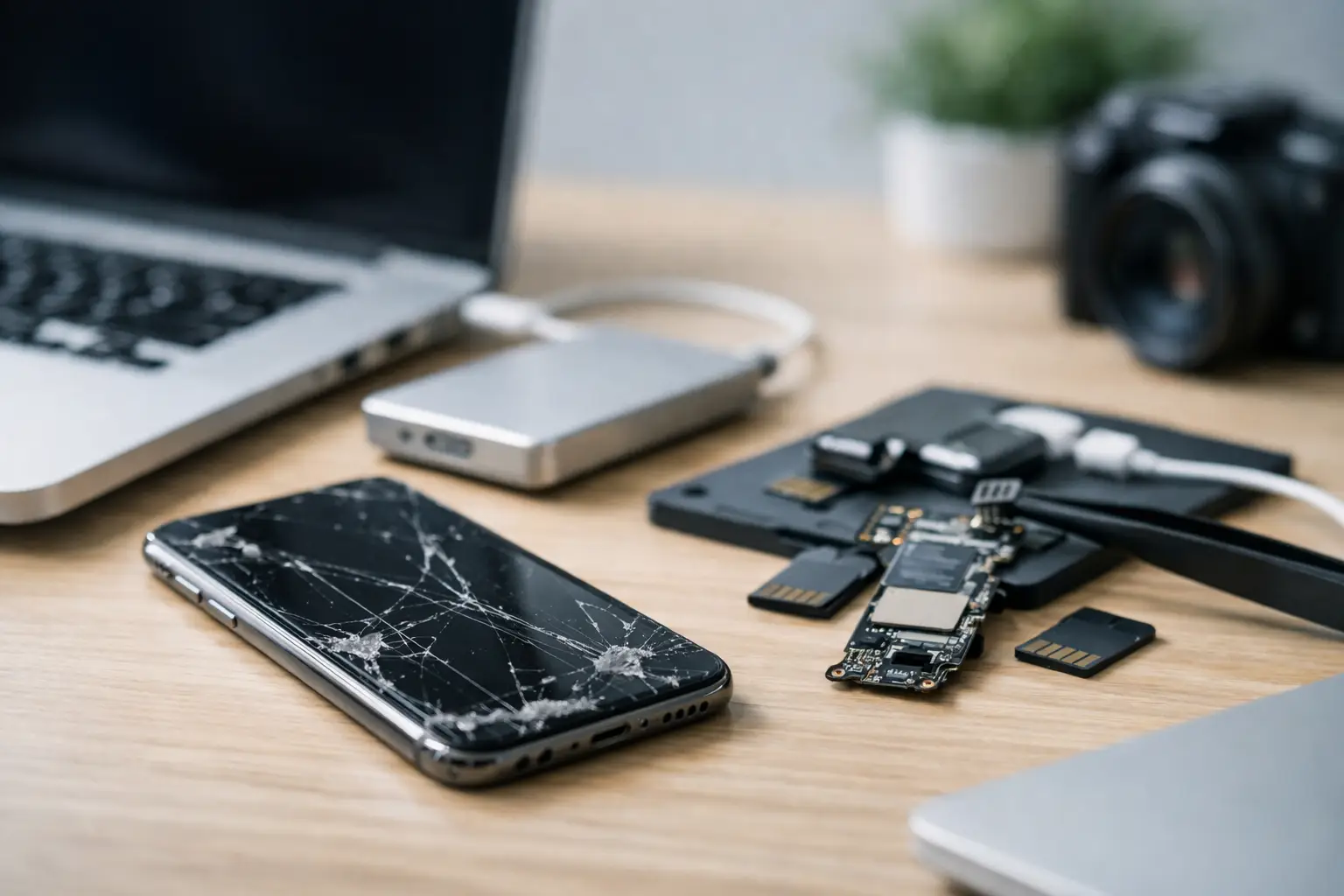
A broken iPhone becomes a data problem the moment the screen stays black, the phone won’t boot, or touch stops working and your photos are trapped inside. If you need to retrieve photos from broken iPhone storage, the right next step depends on what has actually failed - the display, the battery, the charging circuit, the logic board, or the storage access itself.
That distinction matters because some faults leave your data intact and accessible with the right method, while others need specialist hardware-level recovery. Acting too quickly with the wrong fix can make the job harder. Acting too slowly can also be risky if the phone has liquid damage or an unstable board that is degrading over time.
What determines whether photos can be recovered?
On most iPhones, photos are stored in internal flash memory and protected by device-level encryption. That means recovery is rarely as simple as removing a chip and copying files off it. The phone usually needs to power correctly, pass security checks, and allow access through the original hardware path.
If the issue is limited to a smashed screen, failed touch layer, worn battery, or faulty charging port, there is often a good chance of getting the photos back without touching the stored data itself. In those cases, the goal is to restore enough function to back up or transfer the images.
If the iPhone has severe liquid damage, board damage after a drop, or failed components around the CPU, NAND, or power management circuits, the process is more technical. Recovery then becomes a specialist repair-for-data-access job rather than a standard phone repair.
First steps before you try to retrieve photos from broken iPhone devices
Start by checking whether the photos already exist somewhere else. Many people assume the images are only on the handset, but they may already be synced to iCloud Photos, included in an iCloud Backup, or copied to a Mac or PC. That is the least risky path, so it should always be checked first.
If you have access to your Apple ID, sign in from another device and confirm whether your photo library is there. If it is, the problem shifts from recovery to account access and downloading. If not, move carefully with the phone itself.
Do not keep forcing the device to start if it gets hot, loops on the Apple logo, or shows signs of liquid damage. Do not charge a wet handset. Do not attempt random software updates or restores through Finder or iTunes if the photos have not been backed up. A restore can erase the device, and some update attempts on unstable hardware can leave you worse off than where you started.
When the screen is broken but the iPhone still works
This is one of the more recoverable situations. If the phone powers on, makes sounds, vibrates, or appears in a computer but the screen is unreadable, the photos may still be available once you restore temporary access.
A professional can often fit a test screen to check whether the handset is functioning normally underneath the damage. That is different from a cosmetic repair. The purpose is to gain access to the device long enough to trust the computer, unlock it, verify the photo library, and transfer the data safely.
There is one catch. If the screen is broken and touch input does not work, entering the passcode can become the main obstacle. Because of Apple security, a computer cannot simply pull data from a locked iPhone. The device has to be unlocked, and in many cases the computer must also be marked as trusted.
If Face ID or Touch ID still works and the display is partly usable, the recovery path is often straightforward. If not, a technician may need to stabilise the phone enough to interact with it properly before any transfer can begin.
If the iPhone won’t turn on at all
A phone that appears dead is not always a storage failure. It may have a flat or failed battery, charging issue, damaged dock connector, shorted component, or board-level fault that prevents booting.
The key question is whether the handset can be returned to a functional state without affecting the encrypted data. In many cases, temporary repair work at board level can revive the device long enough to access the photos. This is common after drops, power faults, or some forms of liquid damage.
What usually does not work well is repeated DIY charging, heating, freezing, or swapping parts blindly. Those tactics are common online, but they can worsen corrosion, cause extra shorting, or damage already fragile connections. With encrypted Apple storage, guesswork has less room for error than it does on older devices.
Liquid damage changes the urgency
If water, salt water, coffee, or any other liquid has been involved, time matters. Corrosion can continue even after the phone seems dry on the outside. A handset that worked yesterday may fail completely today because residue is still attacking board components.
If the photos matter, power the phone off if it is still on and stop charging it. Dry rice is not a recovery method. It does not remove contamination from under chips or connectors, and it can create false confidence while corrosion spreads.
In these cases, the best approach is assessment and controlled cleaning under proper conditions, followed by fault diagnosis. The goal is not to make the iPhone reliable for everyday use. It is to stabilise it long enough to retrieve the data.
Why standard repair shops can hit a limit
There is a difference between replacing a screen and recovering data from a failed iPhone. Standard mobile repair work is often designed to return a device to service quickly with common parts. Data recovery work is focused on preserving the original storage path and avoiding steps that could trigger data loss.
That difference matters when the logic board is damaged. An ordinary repair attempt may be fine for a customer who only wants the phone working again, but not for someone whose priority is irreplaceable family photos, business records, or job-critical media. In data recovery, every action should be weighed against the risk to the stored information.
This is also why factory reset suggestions, firmware restores, and part-swapping without diagnosis are risky. They can be reasonable repair actions in the right context, but not when the main objective is to retrieve photos from broken iPhone storage without compromising the only copy.
What professional iPhone photo recovery usually involves
The process starts with fault assessment. That includes checking whether the issue is display-related, power-related, charging-related, or tied to deeper board faults. If the device is encrypted and locked, recovery planning also has to consider whether the phone can be unlocked and trusted in its current condition.
For simpler cases, the job may involve temporary replacement parts, controlled charging, and a direct backup or image export once access is restored. For harder cases, board-level diagnostics and microsoldering may be needed to repair damaged circuits associated with boot, power, or communication.
The practical objective is simple: get the original iPhone to a stable enough state that the photos can be accessed natively and copied out. On modern Apple devices, that is often the safest and most realistic recovery route.
For Canberra customers and clients across Australia, a specialist service such as RecoveryGeeks is typically most relevant when the phone is physically damaged, liquid-damaged, dead, or previously mishandled by unsuccessful repair attempts.
What you should do right now
If the phone is only physically damaged and still responsive, stop using it and avoid unnecessary updates. Confirm whether your photos are already in iCloud or another backup. If they are not, keep the handset charged only if it behaves normally and arrange professional assessment before the fault gets worse.
If there has been liquid exposure, switch it off, do not charge it, and do not try home remedies. If the device is dead or boot looping, avoid restore prompts from your computer until the data risk has been properly assessed.
The best outcomes usually come from doing less, not more. A careful diagnosis gives you a real chance of recovering the photos. Random fixes often turn a recoverable fault into a much more expensive one.
When the images on that iPhone are the only copy, treat the phone like evidence, not a gadget. The calmer your next step, the better your odds.
