











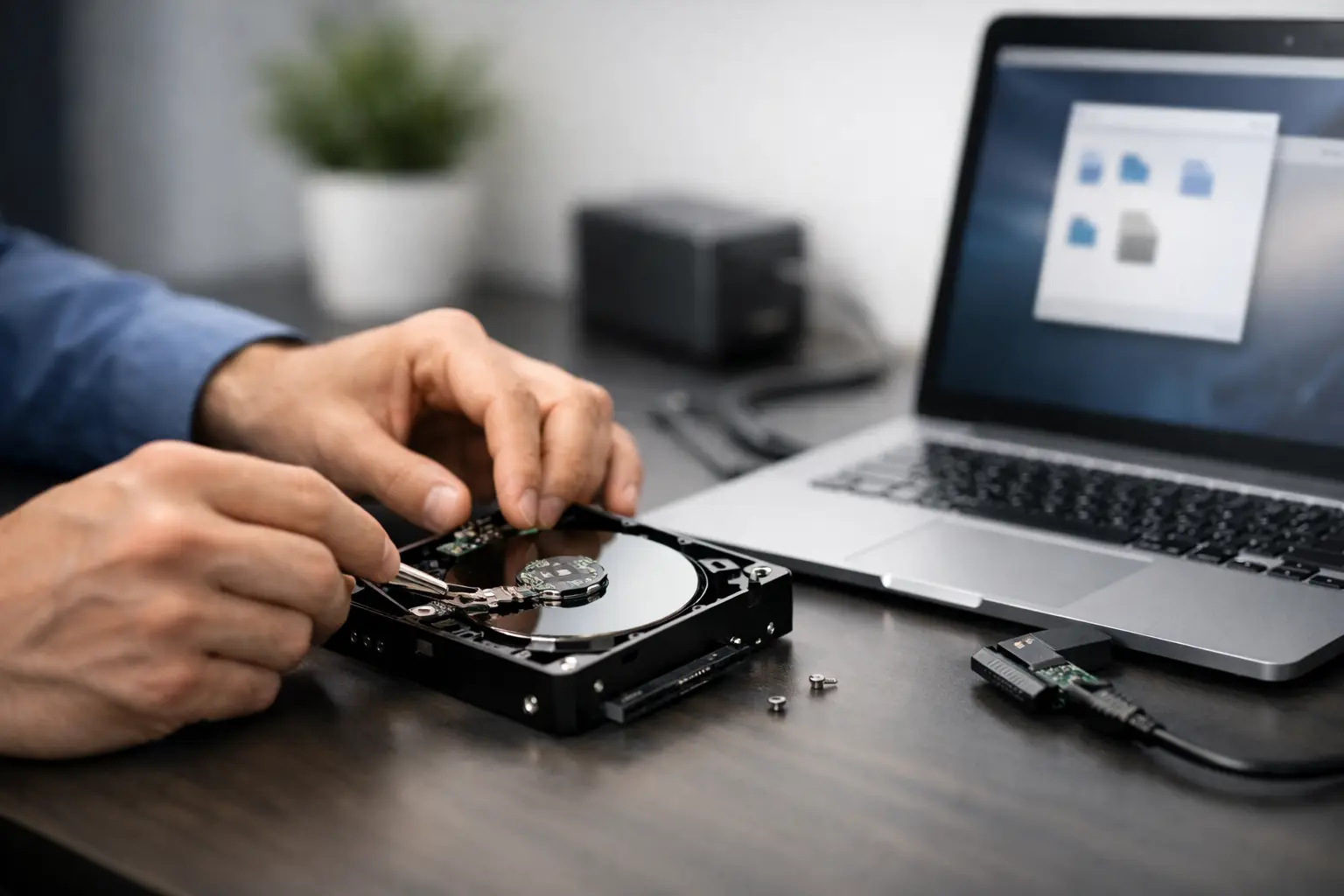
That sinking feeling usually starts with a small sign - the external drive stops showing up, makes an odd clicking sound, or asks to be formatted even though it was working yesterday. If you need to retrieve files from dead external drive storage, the first few decisions matter more than most people realise. The wrong move can turn a recoverable fault into permanent data loss.
External drives fail for different reasons, and the best response depends on what has actually gone wrong. Some faults are minor, such as a damaged cable or power issue. Others involve logical corruption, failed electronics, or physical internal damage. Treating every dead drive the same is where people often lose their best chance of getting data back.
What a "dead" external drive actually means
A dead external drive is not always completely dead. In many cases, the files still exist, but the device cannot present them properly to your computer. That distinction is critical, because it changes whether a DIY approach is reasonable or whether specialist recovery is the safer option.
If the drive powers on but is not recognised, the issue may be with the enclosure, USB bridge board, file system corruption, or firmware. If it makes repeated clicking, grinding, beeping, or spin-up and spin-down noises, that points more towards internal mechanical failure. If it has been dropped, exposed to moisture, or suddenly disappeared during file transfer, physical damage becomes much more likely.
Solid state external drives can fail differently. They may show no warning sounds at all, yet become inaccessible because of controller failure, power faults, or degraded NAND flash memory. With SSDs, repeated power cycling and random DIY fixes can make recovery harder, not easier.
First steps before you try to retrieve files from dead external drive media
The safest first step is to stop using the drive immediately. Do not keep unplugging and reconnecting it to see if it "comes good". Do not run repair tools straight away. Do not accept prompts to format the device. Those actions can write new data or metadata to the drive and complicate recovery.
Start with the simplest checks around the drive rather than on the drive. Try a different USB port, a different cable, and if relevant a different power supply. Some desktop external drives require stable external power, and a faulty adaptor can make a healthy drive appear dead. If the drive is in an enclosure, the enclosure itself may be the problem rather than the storage media inside it.
Then listen carefully. A normal spinning hard drive will usually power up smoothly with a soft whir. Repeated clicking, buzzing, or failure to spin is a warning sign. At that point, continued testing is risky. If the data matters, stop there.
When DIY checks are reasonable
There are situations where basic troubleshooting makes sense. If the drive is silent but the activity light is inconsistent, a cable or enclosure fault is plausible. If the drive appears in Disk Management or your operating system's disk utility but not in File Explorer or Finder, the problem may be logical rather than physical.
In those cases, a non-destructive assessment can help. A technician would typically check whether the device is being detected at hardware level, whether the partition structure is intact, and whether sectors can be read consistently. The key word is non-destructive. Recovery should begin with preserving what can still be read, not forcing the drive to behave normally again.
For home users, the trouble is that many common "fixes" are designed to make a drive usable, not to preserve evidence of your files. Running CHKDSK, first aid tools, partition repair utilities, or formatting prompts may alter the file system. That can reduce the chance of a clean recovery later, especially if the drive is already unstable.
Signs you should stop and seek professional help
Some symptoms are clear red flags. Clicking noises are high on the list. So is a drive that was dropped while operating, a drive that overheats unusually fast, or one that disappears and reconnects repeatedly during access. If the files are business-critical, legally important, or personally irreplaceable, the threshold for professional help should be much lower.
A specialist recovery process is different from standard IT troubleshooting. The goal is not to repair the device for ongoing use. The goal is to access and extract the data with as little additional stress on the media as possible. That may involve controlled hardware work, firmware access, imaging unstable sectors, or chip-level procedures depending on the device type.
This is especially relevant for Australian businesses using external drives as informal backups. Many people only discover how much sits on one portable drive when it fails - client records, Xero exports, design projects, family photos, archived emails, even surveillance footage. In those cases, experimentation can become expensive very quickly.
Why failed external drives are often more complicated than they look
An external drive is not just a hard drive in a box. Many units include a USB interface board that translates communication between the drive and your computer. If that board fails, the internal storage may still be readable, but not through the original connection. Some models also use hardware encryption through the enclosure, which means removing the drive improperly can create a new problem even if the underlying disk still works.
That is why online advice can be hit and miss. One person's successful enclosure swap may be completely wrong for another model. Some brands integrate encryption or custom firmware behaviour that changes the recovery path. Others are straightforward enough for safe bench testing. It depends on the make, model, symptoms, and value of the data.
SSD-based external drives add another layer. They do not have moving parts, but they are not automatically easier to recover. In some cases, once a controller fails or flash translation data is affected, access becomes highly specialised. Fast failure with no warning is common, which catches users off guard.
The safest recovery approach
The safest approach is to think in this order: preserve, assess, recover. Not repair, test, and hope.
Preserve means limiting further damage. Keep the drive powered off unless you are carrying out a controlled assessment. Do not open the casing of the internal drive itself. Do not place it in the freezer, tap it, or follow internet folklore. Those methods still circulate online, but they create contamination and mechanical risk without addressing the real fault.
Assess means identifying whether the issue is connection-related, logical, electronic, firmware-based, or physical. That diagnosis shapes the next step. Recover means extracting the data to stable media, verifying file integrity where possible, and only then deciding whether the failed device has any further value. In most cases, a failed external drive should not be trusted again for storage, even if some access is temporarily restored.
What to expect from professional recovery
A proper recovery service usually begins with an evaluation. The device is assessed for failure type, recoverability, and likely work required. For physically failed hard drives, this may involve controlled internal work in a clean environment. For logical corruption, the process may focus on sector imaging and file reconstruction. For SSDs and flash-based devices, recovery may involve controller-level diagnostics or advanced data extraction methods.
Turnaround times vary. A lightly corrupted drive may be processed relatively quickly, while severe media damage can take longer. Cost also varies because the tools, labour, and technical risk differ widely between fault types. A drive with a failed USB port is a very different job from one with platter damage after impact.
For customers in Canberra and across Australia, service quality matters as much as technical ability. You want clear handling procedures, privacy protection, realistic advice, and a provider that understands the difference between an inconvenience and a business interruption. RecoveryGeeks works with those higher-stakes cases every day, which is why careful assessment comes before guesswork.
Can you always retrieve files from dead external drive devices?
No, and any honest recovery specialist should say so. Some drives are fully recoverable. Some are partially recoverable. Some have damage severe enough that only fragments can be extracted, and a small number are beyond recovery altogether.
The main variables are the type of failure, whether the drive has suffered further damage from repeated use or DIY attempts, and how the data was stored. Encrypted drives, overwritten sectors, extensive head damage, or degraded flash memory can all reduce what is possible. Even then, partial recovery can still be valuable if it brings back the most important documents, photos, projects, or records.
What improves your chances is acting early and avoiding destructive steps. The sooner the fault is assessed properly, the more options tend to remain on the table.
If your external drive has suddenly gone silent, started clicking, or vanished with important files still on it, resist the urge to keep trying random fixes. A calm, methodical response gives your data the best chance - and when the content matters, getting expert eyes on the problem early is often the smartest move.
