











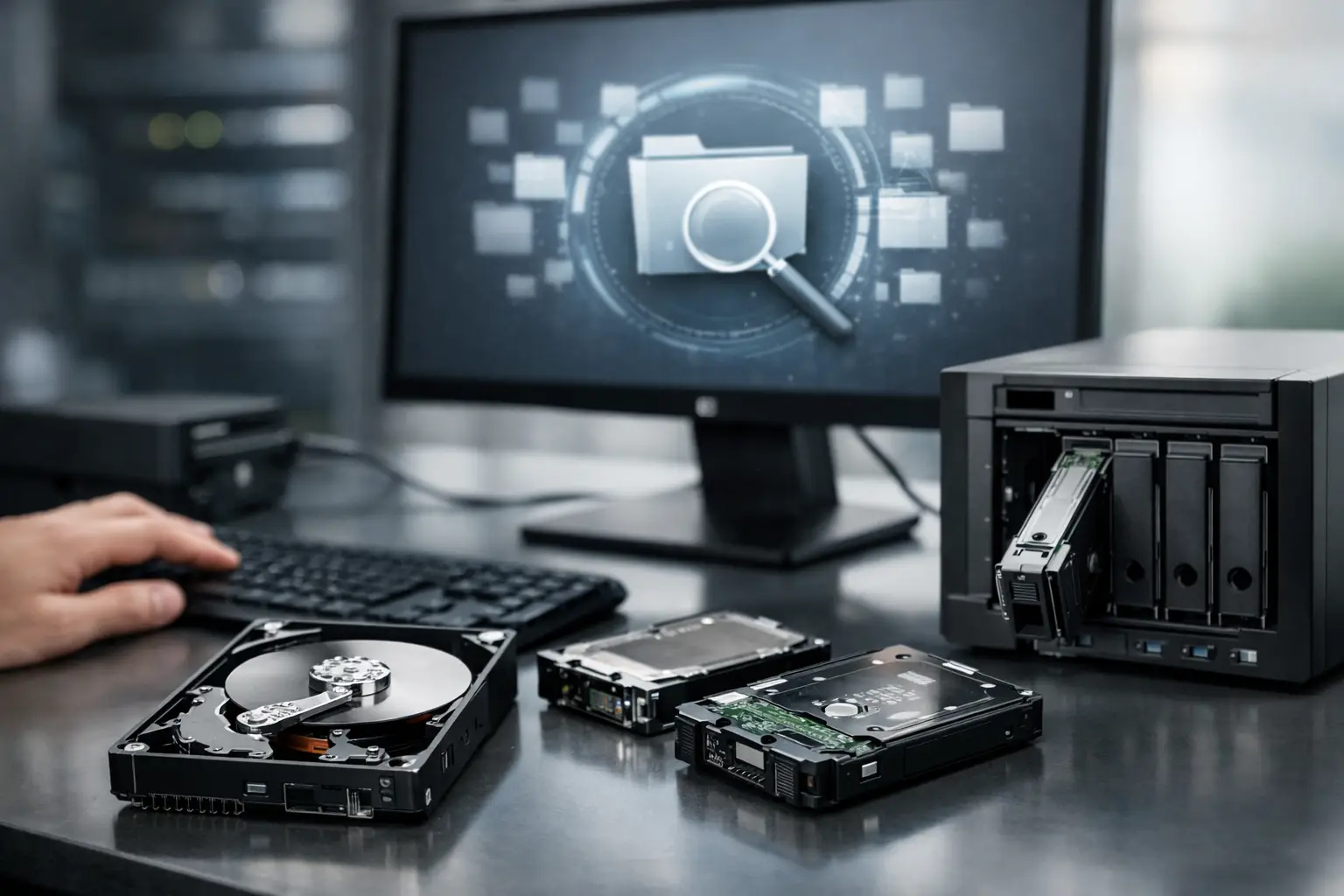
A RAID goes down and the first mistake usually happens in the next ten minutes. Someone rebuilds the array too quickly, swaps drives without recording the order, or runs repair tools across the wrong volume. If you need to restore files after RAID failure, the safest path is to slow down, preserve the current state, and work from evidence rather than assumptions.
RAID failures are stressful because they often sit at the centre of business operations. Shared folders, accounting records, project files, surveillance footage, creative assets, and virtual machines can all vanish at once. For home users and small businesses alike, the question is not just whether the files still exist, but whether the array metadata, file system, and underlying disks are still consistent enough to recover cleanly.
What RAID failure actually means
RAID failure is not one single event. In some cases, a single drive drops out of a RAID 5 or RAID 6 set and the array stays online in degraded mode. In others, the controller fails, the NAS firmware corrupts the configuration, multiple disks develop bad sectors, or a rebuild starts from an already unstable disk and pushes the array over the edge.
That distinction matters because the right recovery approach depends on the type of failure. A logical issue, such as damaged metadata or an accidentally deleted volume, calls for a different process from a physical failure involving clicking drives, seized motors, or heavy media degradation. The more precisely you identify the failure, the better your chances of recovering data without making it worse.
First steps to restore files after RAID failure
If the array has become inaccessible, power it down if you suspect hardware trouble. That includes unusual noises, repeated dropouts, a failed rebuild, or signs that more than one drive may be unstable. Continuing to boot and retry the array can increase wear on weak disks and overwrite valuable recovery information.
Before doing anything else, document the setup. Record the RAID level, the make and model of the enclosure or controller, the disk order from left to right, the capacity of each drive, and any warning messages shown before failure. Take photos if needed. This information often becomes critical when reconstructing the array outside the original hardware.
If the problem appears logical rather than physical, avoid writing to the array. Do not initialise replacement disks inside the original set, do not create a new array with the same drives, and do not allow an operating system to run automatic repair utilities without understanding the risk. Many recovery jobs become harder because a well-meaning repair step changed the metadata or overwrote parts of the file system.
Why DIY RAID recovery sometimes works - and often fails
There are cases where software-based recovery is possible. If all member disks are readable and the issue is limited to corrupted configuration data, a specialist can often image each disk, determine the correct stripe size, parity rotation, disk order, and offset, then virtually rebuild the array and extract files.
The problem is that RAID systems are unforgiving of guesswork. An array can look close to correct while still being wrong. A single disk out of order or an incorrect stripe parameter may produce folder structures that appear valid but contain damaged files, broken databases, or unusable media. That is why successful RAID recovery is less about pressing a button and more about careful interpretation of how the array was built.
DIY attempts are riskiest when there are signs of physical disk trouble. RAID does not eliminate hardware failure - it spreads data across multiple drives, which means a recovery attempt may depend on the weakest member disk behaving just long enough to read critical sectors. If one or more drives are failing mechanically or electrically, repeated scans can close the recovery window.
Common RAID failure scenarios
Single drive failure in a redundant RAID
With RAID 1, RAID 5, RAID 6, or RAID 10, a single failed drive does not always mean lost data. If the array is still healthy enough to access, the priority is to secure a verified copy of important data before attempting a rebuild. Rebuilds are not a backup strategy. They place sustained load across every remaining disk, and that is exactly when latent problems often surface.
Multiple drive failure
This is where recovery becomes more complex. RAID 5 can usually tolerate one drive failure, not two. RAID 6 allows more room, but not unlimited room. Once multiple members fail or develop unreadable sectors, recovery may require disk imaging, sector-by-sector analysis, and reconstruction using parity and partial data.
Controller or NAS failure
Sometimes the disks are fine but the controller board, NAS unit, or firmware is not. In that case, the data may still be recoverable if the array parameters can be identified and the member disks are imaged safely. Replacing hardware blindly can be risky because a different controller or firmware version may interpret metadata differently.
Failed rebuild
A rebuild that stops partway is a warning sign. It often means one of the surviving disks was already unstable. Restarting the rebuild repeatedly can worsen damage and reduce the chance of a clean recovery. At that point, preservation and imaging are more valuable than persistence.
The safest recovery process
The professional approach usually begins with non-destructive imaging. Each RAID member disk is cloned sector by sector to preserve its current state. Working from images rather than original drives reduces the risk of further wear and allows multiple reconstruction attempts without touching the source media.
Once imaging is complete, the next step is virtual reconstruction. This means identifying the original RAID layout, including stripe size, parity pattern, disk sequence, offsets, and any proprietary metadata used by the controller or NAS platform. Only after that does file system analysis begin.
From there, technicians assess whether the file system itself is intact or damaged. A healthy file system may allow straightforward extraction. A damaged one may require deeper parsing to restore directory structures, filenames, and fragments of large files. Databases, virtual machine disks, and mail stores often need extra care because even small inconsistencies can render them unusable.
When you should stop and get specialist help
If the RAID contains business data, irreplaceable family photos, legal records, client files, or production assets, caution is usually the smarter decision. The same applies if more than one disk has failed, the enclosure reports a missing or foreign configuration, the drives are making unusual sounds, or previous recovery attempts have already changed the array state.
This is where specialist RAID recovery matters. A lab equipped to handle physical drive issues, unstable sectors, controller problems, and array reconstruction can often recover data from cases that standard software cannot. For Canberra organisations and customers across Australia, that technical depth is often the difference between partial salvage and meaningful recovery.
Can you fully restore files after RAID failure?
Sometimes yes, sometimes only partly. The outcome depends on the RAID level, the number of failed disks, whether overwriting has occurred, the extent of physical damage, and whether the file system remained consistent. A clean controller failure with healthy disks may lead to near-complete recovery. A multi-disk failure during rebuild with heavy bad sectors may result in partial file recovery only.
That uncertainty is worth stating plainly because RAID is often misunderstood. It improves availability, not immunity. It can keep systems running through some faults, but it does not replace backup copies, off-site retention, or snapshot strategy. If the array is your only copy, recovery becomes a high-stakes technical exercise rather than a routine restore.
How to reduce the damage before recovery starts
The best immediate decision is often the simplest one - stop using the system. Do not copy fresh data onto the array, do not force a rebuild unless you are certain of the drive health, and do not reshuffle disks without documenting their order. If you are dealing with a business-critical NAS or server, isolate the system and preserve the evidence before the problem changes again.
It also helps to gather context for the recovery team. Knowing whether the failure followed a power event, firmware update, accidental reconfiguration, or gradual drive degradation can speed up diagnosis. Screenshots of RAID alerts, SMART warnings, and system logs can be just as useful as the disks themselves.
RecoveryGeeks works with failed drives, NAS units, and RAID systems where data access has become urgent, unclear, or technically risky. In these situations, a measured response is not overcautious - it is often what protects the best chance of getting your files back.
If you are facing RAID failure right now, treat the array as fragile evidence, not a system to keep experimenting with. The fewer changes you make from this point, the more options remain open for a successful recovery.
