











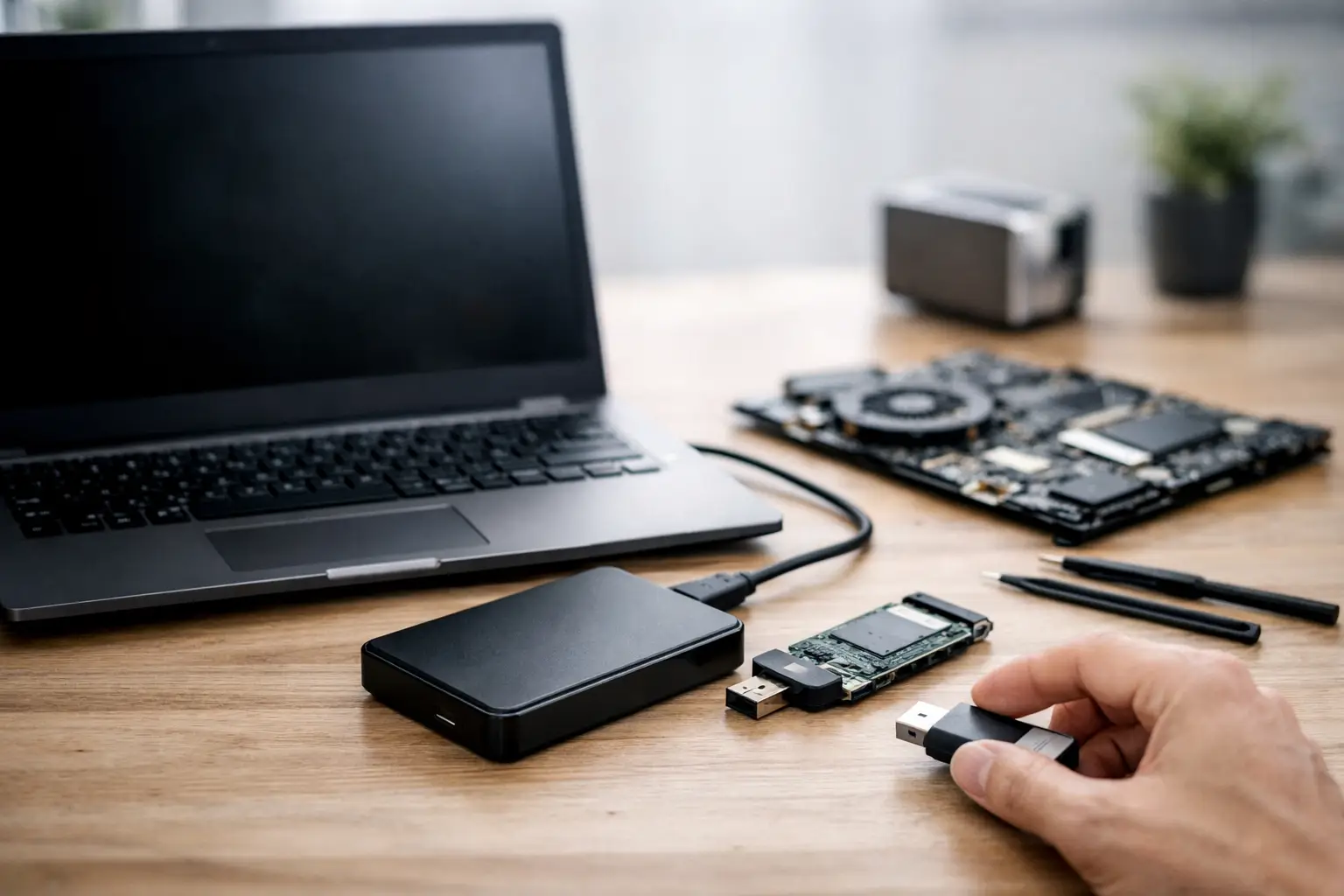
A laptop that will not power on tends to trigger the same reaction every time - concern about the files before the hardware itself. For most people, the real loss is not the machine. It is the family photos, business documents, project files, accounting records, emails, or media libraries stored on it. If you need to recover files from dead laptop hardware, the right first steps can make a major difference to the outcome.
The key point is simple: a dead laptop does not always mean dead data. In many cases, the issue is power delivery, the screen, the motherboard, or another component that stops the laptop from starting normally while the internal drive still holds accessible data. In other cases, the storage device itself has failed, and that changes the recovery approach completely.
What a dead laptop actually means
"Dead" is a broad term, and it matters because different faults carry different recovery risks. Some laptops show no lights, no fan movement, and no display at all. Others appear to start but never boot into the operating system. Some have obvious physical damage after a drop, liquid spill, or electrical event. From a data recovery perspective, these are very different situations.
If the laptop itself has failed but the hard drive or SSD is still healthy, file recovery may be relatively straightforward. If the storage device has electrical, firmware, or internal media damage, recovery becomes more specialised. That is where people often run into trouble by assuming every non-working laptop can be treated the same way.
First steps before you try to recover files from dead laptop hardware
Start conservatively. Do not keep pressing the power button repeatedly, and do not continue charging a laptop that has shown signs of burning smell, heat damage, or liquid exposure. Repeated power attempts can make an unstable drive worse, particularly with traditional hard drives.
Check the obvious external causes first. Test a known working charger, inspect the charging port, and if the model allows it, disconnect peripherals such as USB devices, docks, SD cards, and external monitors. In some cases the laptop is not dead at all - it is simply not displaying an image, or it is stuck on startup while an attached device interferes with boot.
Listen carefully as well. A spinning hard drive making clicking, beeping, grinding, or repeated spin-up sounds is a warning sign. If you hear any of those noises, stop trying to start the laptop. Mechanical drives can suffer further damage each time they are powered.
When the storage drive may still be fine
A common scenario is a motherboard or power fault where the internal drive remains intact. If that is the case, data recovery may involve removing the drive and connecting it to another system with the correct adaptor or enclosure. For older laptops with standard 2.5-inch SATA hard drives or SSDs, this is often technically possible. For newer machines, especially ultra-thin laptops and some Apple devices, the storage may be soldered, encrypted, or integrated in ways that make DIY access harder.
This is where people need to be realistic about their skill level. Physically removing a drive from a laptop is not always a simple panel-and-screws job anymore. Some devices require full disassembly, delicate cable handling, specialist screw types, or heat-assisted opening procedures. One slipped tool can turn a recoverable case into board damage.
If the laptop suffered impact or liquid damage, opening it without proper handling can also create extra risk. Corrosion can continue after the incident, and powering a damaged board before cleaning and assessment may cause shorting.
Hard drive recovery and SSD recovery are not the same
If your dead laptop uses a traditional hard drive, failure symptoms often include unusual sounds, very slow detection, or complete non-detection. These drives store data magnetically on moving platters, so internal mechanical issues are a major concern. The wrong recovery attempt, especially running software scans on an unstable drive, can worsen platter or head damage.
If your laptop uses an SSD, the risk profile is different. SSDs have no moving parts, but they can fail suddenly due to controller faults, firmware issues, electrical damage, or degraded memory cells. SSDs also behave differently under stress. A drive that appears intermittently may drop offline without warning, and continued power cycles can reduce the chance of stable access. On top of that, encryption and TRIM behaviour can complicate recovery.
That difference matters because advice that works for one storage type may be wrong for the other. There is no single universal method to recover files from dead laptop devices.
When DIY recovery makes sense
There are cases where a careful DIY attempt is reasonable. If the laptop clearly has a screen fault, battery issue, or charging problem, and you can safely remove a healthy-looking SATA drive without forcing anything, connecting it as a secondary drive to another computer may allow file copying. The same applies if you are comfortable using a USB enclosure and the drive is detected normally.
But the drive must be treated gently. If it connects, copy the most important files first rather than browsing around casually. Do not install recovery software onto the affected drive. Do not run repair utilities that write changes unless you fully understand the consequences. And if the drive disappears, stalls, or makes noise, stop immediately.
DIY makes less sense when the laptop uses proprietary storage, BitLocker or FileVault encryption, has suffered liquid or impact damage, or the data is business-critical. In those cases, the cost of a mistake is usually far higher than the cost of getting a proper assessment.
Signs you need professional help
Professional recovery is the safer path when the laptop shows no life after electrical damage, the drive is not detected, there are unusual drive noises, the system was dropped, or there is any sign of water or corrosion. The same applies when the data has legal, financial, operational, or sentimental value that you cannot replace.
A specialist approach is not just about tools. It is about diagnosis. Before any extraction starts, the priority is identifying whether the fault sits with the laptop, the storage medium, the file system, or encryption. That determines whether the case needs board-level work, controlled imaging, firmware repair, donor parts, or logical reconstruction.
For business users, downtime adds another layer. A failed laptop may hold local files that never made it to the server, accounting records needed for BAS, architectural drawings, case files, or photo and video assets tied to client deadlines. In those situations, speed matters, but so does process. Rushed DIY work can remove the fastest path to a clean recovery.
Common mistakes that reduce recovery chances
The biggest mistake is continuing to power the laptop on and off in the hope it will suddenly behave. That can stress damaged drives and unstable electronics. The second is using general repair advice found online without confirming it matches the actual fault.
Another common problem is trying random software before the drive’s condition is known. Recovery software can help in logical data loss cases, but it is not a cure-all for hardware failure. If the storage device has physical or electrical issues, software may do nothing apart from forcing more reads from a failing medium.
People also underestimate encryption. Many modern laptops protect data by default. Even if the drive is removed successfully, files may remain inaccessible without the right credentials or recovery keys. That does not mean recovery is impossible, but it does mean the process must account for security architecture from the start.
What to expect from a professional assessment
A proper recovery assessment usually starts with identifying the laptop model, storage type, fault history, and the events leading up to failure. Was there a spill? A drop? A surge? Did it become slow before dying, or stop abruptly? Those details help narrow the likely cause.
From there, the device or extracted storage is tested in a controlled way. The goal is to preserve the best possible recovery path, not simply to make the laptop boot at any cost. In many cases, recovering the data is the priority and repairing the laptop is secondary.
For Canberra customers and clients across Australia, specialist services such as RecoveryGeeks are built around that distinction. The aim is not generic computer repair. It is expert professional data recovery with methods suited to hard drives, SSDs, Apple devices, and more complex storage failures.
The right mindset when your laptop dies
If you need to recover files from dead laptop hardware, think preservation first and convenience second. A failed laptop can still yield a full or partial recovery, but the path depends on what has actually failed and how the device is handled after the event.
Act early, stop risky guesswork, and match the response to the value of the data. If the files matter, treat the laptop like evidence rather than a weekend repair project. That one decision often does more for recovery success than any software tool ever will.
