











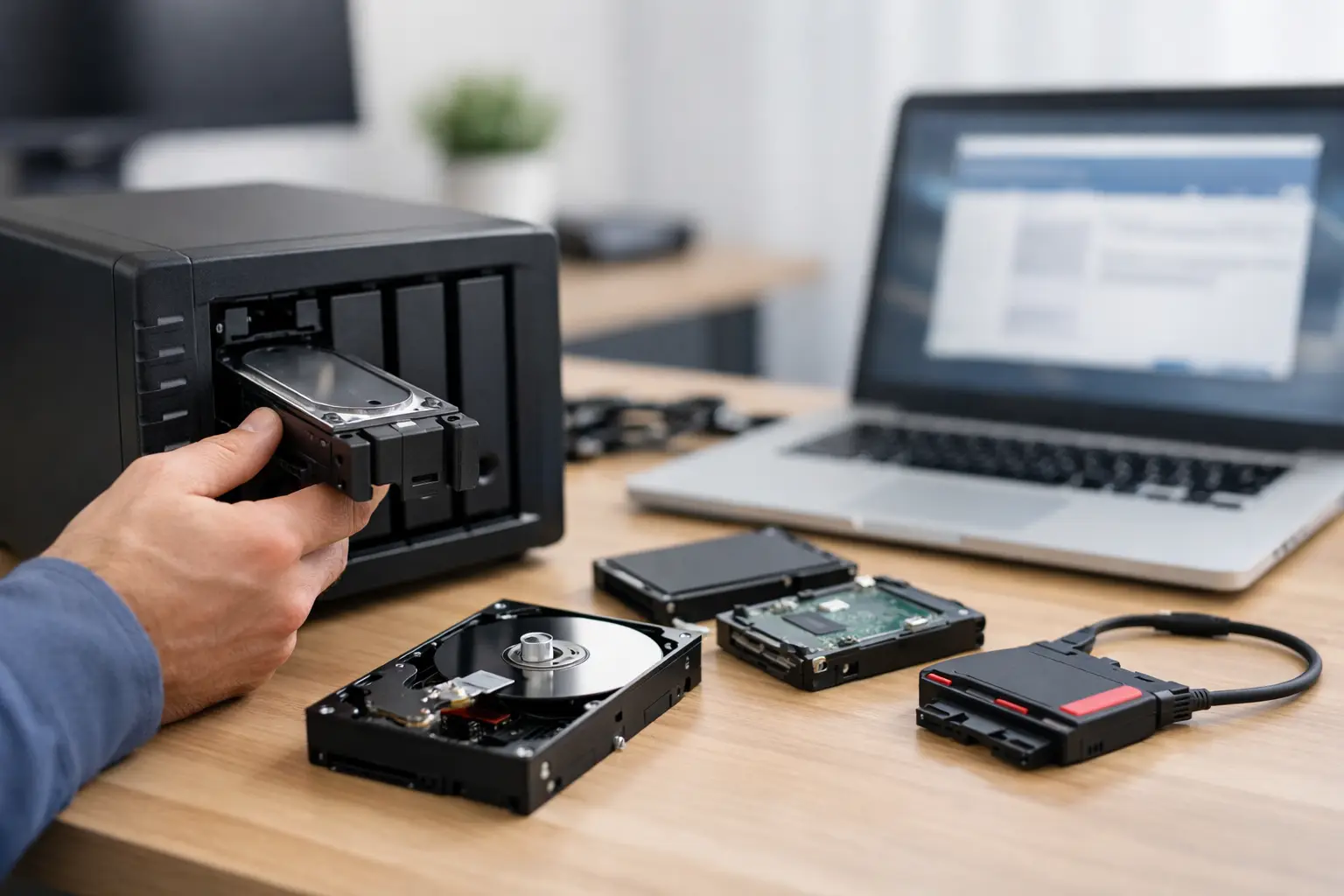
When a NAS stops responding, the real problem usually is not the box itself - it is the business files, project archives, family photos, or backups you suddenly cannot reach. If you need to recover data from unresponsive NAS storage, the first few decisions matter more than most people realise. A rushed reboot, rebuild, or firmware update can turn a recoverable issue into a much more complex one.
A NAS can become unresponsive for several reasons. Sometimes the unit still powers on but disappears from the network. Sometimes it shows degraded storage, endless boot behaviour, volume errors, or a failed RAID. In other cases, the drives are healthy enough individually, but the file system, RAID metadata, controller, or enclosure has failed. That is why NAS recovery is rarely as simple as plugging the disks into another machine and copying the data off.
What an unresponsive NAS usually means
An unresponsive NAS is a symptom, not a diagnosis. For home users, it may look like a shared folder that no longer appears on the network. For a small business, it can mean users lose access to accounting records, design files, surveillance footage, or client documents all at once.
The root cause can sit in several places. The NAS operating system may be corrupted. One or more drives may have developed bad sectors. The RAID may be degraded or out of sync. A failed power supply can interrupt writes and damage metadata. Network faults can also make a working NAS appear offline, which is inconvenient but far less serious than genuine storage failure.
The key point is this: not every unresponsive NAS has lost data, but every unnecessary action increases risk.
Before you try to recover data from unresponsive NAS devices
The safest first step is to stop using the unit. Do not keep attempting writes, do not initialise replacement drives, and do not approve any prompt that mentions formatting, rebuilding, or resetting unless you are certain of the storage state.
If the NAS is still powered on and clicking, beeping unusually, or repeatedly trying to boot, turn it off properly if possible and leave it off. Continued operation can worsen platter damage in mechanical drives and can also push a marginal RAID further out of alignment.
Take note of what changed before the failure. Power outage, firmware update, overheating, accidental shutdown, dropped enclosure, failed drive warning, or strange noises are all useful clues. Also document the drive order if your NAS has multiple bays. That small detail can be critical in RAID recovery work.
If your data is business-critical, this is usually the point where caution should outweigh experimentation.
Common causes of NAS failure
Drive failure inside the array
This is one of the most common scenarios. A single failed disk in RAID 1, RAID 5, RAID 6, or RAID 10 may not cause total data loss on its own, but if another drive has silent errors or the array was already degraded, access can disappear quickly. Rebuild attempts on unstable drives can make recovery harder.
Corrupted RAID metadata
A NAS relies on metadata to understand drive order, stripe size, parity rotation, and volume structure. If that information is damaged, the disks may still contain the data but the system no longer knows how to assemble it correctly.
File system corruption
Even with an intact RAID, the volume can become inaccessible if the file system is damaged after an improper shutdown, firmware issue, or write interruption. This often presents as a mounted volume that cannot be opened or a storage pool marked as failed.
NAS enclosure or controller failure
Sometimes the disks are the least damaged part of the setup. A failed motherboard, power circuit, backplane, or controller can leave a healthy set of drives trapped in a dead enclosure. This is why replacing parts casually or moving disks into a different NAS model can be risky.
User action during troubleshooting
This is uncomfortable but common. Factory resets, drive swaps, incorrect rebuilds, and initialisation prompts can overwrite key metadata. Many recoveries become more difficult because the original failure was followed by well-intentioned but destructive troubleshooting.
Can you recover data from unresponsive NAS yourself?
Sometimes, yes - but only within narrow limits.
If the issue is clearly network-related, such as a changed IP address, faulty switch port, or permission problem, your data may be perfectly safe. Likewise, if the NAS has a duplicated backup elsewhere, restoring from backup may be far faster than attempting storage-level repair.
Where people get into trouble is assuming that all NAS faults are logical and reversible. If there are signs of multiple drive issues, RAID degradation, unusual sounds, missing volumes, or repeated boot failure, DIY work can make things worse. Consumer recovery software often does not handle proprietary NAS layouts, encrypted volumes, hybrid RAID configurations, or partially damaged arrays particularly well.
A good rule is simple. If the data matters more than the hardware, treat the hardware as evidence, not as a test bench.
Safe first checks you can make
There are a few non-invasive checks that are reasonable before escalating.
Confirm whether the NAS is actually offline or merely unreachable over the network. Check cabling, router or switch status, and whether the device appears in your network client list. If available, review management interface alerts without making repair changes.
Listen for physical warning signs. Repeated clicking, spin-up and spin-down cycles, or a burning smell point to hardware trouble. Check whether the unit reports a degraded array, missing disk, or failed pool, but avoid pressing repair options unless you understand the exact state of the array.
If the NAS supports snapshots or cloud sync and those systems are still visible, record what is available. Do not assume backup jobs completed successfully right before the failure.
Why NAS and RAID recovery is different
To recover data from unresponsive NAS storage properly, the recovery process often needs to happen outside the original enclosure. That can involve imaging each drive sector by sector, identifying weak disks, reconstructing the RAID parameters, repairing or working around damaged metadata, and extracting files to stable destination storage.
This is not standard desktop recovery. NAS systems commonly use RAID variants, Linux-based file systems, virtual volumes, encryption, and vendor-specific partition layouts. A successful result depends on preserving the original data pattern across all member disks. Even a single mistaken write can complicate reconstruction.
For business users, there is another layer. You may not just need files back. You may need folder structures, permissions, project consistency, database integrity, and minimal downtime. Recovery is not only about whether data exists, but whether it comes back in a usable state.
When professional recovery is the safer option
Professional help is usually the better path if the NAS has multiple drives, a degraded or failed RAID, physical disk symptoms, inaccessible volumes after a power event, or previous unsuccessful rebuild attempts. The same applies if the device contains irreplaceable personal data or operational business records.
A specialist will typically assess both the drives and the logical structure. In many cases, the first priority is to stabilise the source media by creating forensic-grade images rather than working directly on original disks. From there, the RAID can be virtually reconstructed and the file system analysed with far less risk.
This approach is particularly valuable when there are mixed failure modes, such as one physically weak drive and broader metadata corruption across the array. That combination is common in real-world NAS failures and rarely responds well to trial-and-error fixes.
For Canberra organisations and customers across Australia, working with a specialist service such as RecoveryGeeks can make the process clearer and more controlled, especially when the data has immediate operational value.
How to reduce the chance of this happening again
Once recovery is complete, the next step is not simply replacing the NAS and hoping for the best. A NAS improves availability, but it is not a backup on its own. RAID helps systems stay online during some failures, yet it does not protect against deletion, corruption, malware, fire, theft, or controller problems.
A practical setup usually includes versioned backups, offsite copies, and regular checks that backups can actually be restored. Drive health alerts should be enabled and reviewed. Firmware updates should be planned, not rushed through during production hours. If the NAS holds critical business data, a documented replacement and recovery plan is worth having before the next outage.
Even small operators benefit from this discipline. The difference between a stressful storage incident and a manageable one often comes down to preparation, not luck.
When your NAS goes quiet, resist the urge to keep pushing buttons until something changes. The safest move is usually to preserve the current state, identify the likely failure type, and choose a recovery path that protects the data first. That approach gives you the best chance of getting important files back intact, rather than adding a second problem to the first.
