











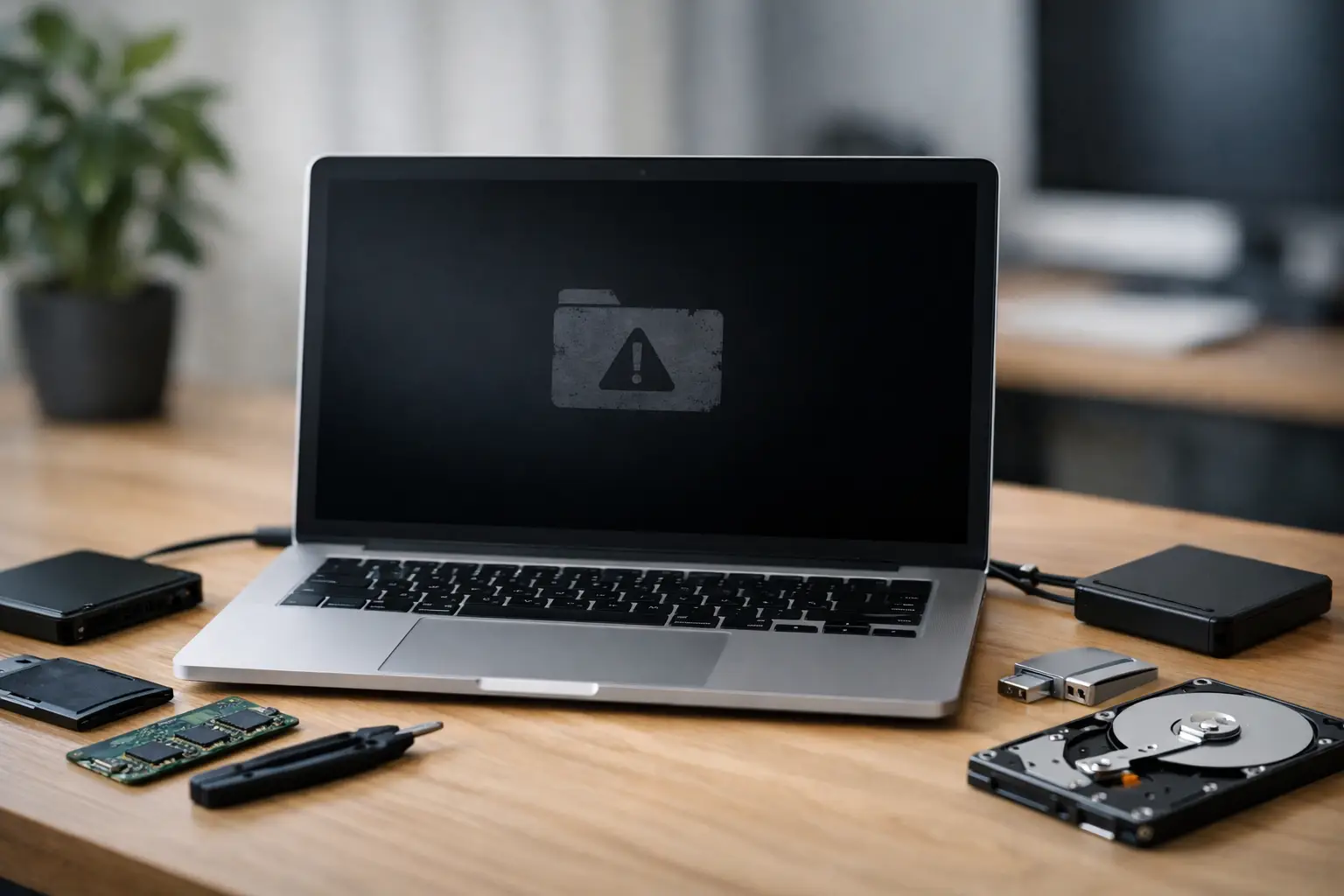
A MacBook that will not start properly can turn from annoyance to emergency in a matter of minutes. If you need to recover data from failed MacBook hardware, the steps you take in the first hour can make a real difference to the outcome. The right move depends on whether the fault is with macOS, the logic board, the SSD, or physical damage from a drop, spill, or power event.
When a failed MacBook is still recoverable
Not every dead MacBook has lost its data. In many cases, the files are still present, but the machine cannot access them because a supporting component has failed. That distinction matters. A screen fault, battery issue, damaged charging circuit, or macOS boot problem can make a MacBook seem completely dead even when the internal storage is intact.
The challenge is that modern MacBooks are not designed for straightforward DIY access. Older models sometimes allow the drive to be removed and connected elsewhere. Newer MacBooks, especially those with soldered SSD storage and Apple silicon, are a different story. In those machines, storage is often tied closely to the logic board and security architecture, which means recovery is more technical and the margin for error is much smaller.
First steps to recover data from failed MacBook safely
Before trying anything else, stop using the device if it has shown signs of physical or electrical failure. That includes clicking, burning smells, liquid exposure, intermittent shutdowns, or repeated boot loops. Continuing to power it on can push a recoverable fault into a more serious one.
If the MacBook simply will not boot into macOS, but there are no signs of physical damage, there are a few low-risk checks that may help clarify the issue. Try a known-good charger and cable. Disconnect peripherals. If the device powers on, see whether it reaches macOS Recovery, Disk Utility, or Safe Mode. These options can indicate whether the problem is software-related rather than a storage failure.
Be cautious with tools that offer to repair, reinstall, erase, or reformat the internal drive. If the data matters, your first goal is preservation, not getting the MacBook working again at any cost. A reinstall or erase may solve the boot issue while making file recovery much harder.
Signs the problem may be software-related
If the MacBook shows the Apple logo, enters recovery utilities, or is visible to another Mac in a transfer or diagnostic mode, the storage may still be accessible. Corrupted updates, failed macOS upgrades, damaged file systems, and login issues can all look like major failure when the underlying data is still present.
This is often the best-case scenario. Recovery may involve creating a copy of the data before attempting operating system repairs. Even then, there is a trade-off. If the SSD is unstable, repeated scanning or file copying can cause further degradation. The safer path is often to image the drive first and work from the image rather than the original storage.
Signs the problem may be hardware-related
A MacBook that is completely unresponsive, stuck in a cycle of restarting, affected by liquid, or no longer detected by diagnostic tools may have a hardware fault. On newer devices, logic board damage can prevent access to storage even when the SSD itself has not failed independently.
This is where many people get caught out. They assume the data is gone because the laptop is dead. In practice, the issue may be board-level and recoverable with specialist work. Equally, a device that briefly powers on is not necessarily safe to keep testing. Intermittent faults can worsen quickly.
Why DIY recovery is limited on newer MacBooks
MacBooks have changed significantly over the years. Older Intel-based models with removable drives offered more recovery options. In some cases, the SSD or hard drive could be removed, placed in an enclosure, and accessed from another machine.
That approach often does not apply to newer MacBooks. Many use soldered storage, Apple T2 security chips, or Apple silicon architectures where data access depends on the board, the controller, and the encryption environment all working together. If the logic board fails, you may need component-level repair purely to get temporary access to the data.
There is also the issue of FileVault and Apple security design. Encryption protects your data from unauthorised access, which is good for privacy, but it also means recovery attempts need to preserve key relationships and avoid damage to the underlying storage structures. That is not an area for guesswork.
What not to do if your MacBook has failed
The most common recovery mistakes are made with good intentions. People keep trying to turn the machine on, run repair utilities over and over, reinstall macOS, or take the device to a general repair shop that focuses on getting laptops working rather than preserving data.
Liquid-damaged devices are a particular risk. If a MacBook has been exposed to water, coffee, or another spill, do not charge it, dry it with heat, or assume that because it started once it is now fine. Corrosion can continue after the initial incident, and each power cycle increases the chance of secondary damage.
Physical opening is another area where caution matters. On modern Apple devices, disconnecting or handling internal components without the right process can create extra faults. If the storage is soldered, there is no simple drive removal option anyway.
When professional Mac data recovery is the better option
If the files are important and the MacBook shows signs of hardware failure, professional assessment is usually the safest move. The same applies if the device has suffered impact damage, liquid exposure, an electrical event, or failed updates followed by inaccessible data.
Professional recovery work is not just about running software. On failed MacBooks, it may involve board-level diagnostics, stabilising power issues, dealing with damaged NAND storage, preserving encrypted data structures, or creating sector-level images from unstable media. The aim is to recover the data with the least possible stress on the original device.
For business users, photographers, designers, and anyone with irreplaceable work or personal archives, that difference is significant. A laptop repair outcome and a data recovery outcome are not always the same thing. Sometimes the machine never returns to service, but the data does.
How the recovery process usually works
A proper MacBook recovery process starts with identifying the point of failure. Is the issue operating system corruption, storage degradation, logic board damage, or a combination of faults? From there, the priority is to secure access to the data without triggering more damage.
If the storage can still be read safely, technicians will often create a full image before performing logical reconstruction or file extraction. If the board is preventing access, targeted repair work may be needed first. On encrypted systems, maintaining the integrity of the authentication and storage environment is critical.
Turnaround depends on the fault. A simple logical issue may be resolved relatively quickly. Board-level or storage-level failures, especially after liquid damage, usually take longer. The honest answer is that it depends on the model, the extent of damage, and whether prior DIY attempts have complicated the case.
Choosing help to recover data from failed MacBook devices
If you are looking for help, choose a provider that deals specifically with Apple recovery and failed storage systems, not just general laptop repairs. Ask whether they handle soldered SSDs, board-level faults, encrypted Mac volumes, and liquid-damaged devices. Those details matter more than broad claims about fixing computers.
For Canberra customers and organisations across Australia, specialist services like RecoveryGeeks are set up for exactly these higher-stakes cases. What matters most is technical capability, clear handling procedures, and an approach that treats the data as the priority from the start.
Price is naturally part of the decision, but it should be weighed against the value of the data and the risk of making recovery harder through trial and error. If the MacBook contains current business files, family photos, legal records, creative projects, or research data, the cheapest first step is rarely the cheapest final outcome.
A practical rule to remember
If your MacBook has failed but the data still matters, resist the urge to fix the laptop before protecting the files. The device can often wait. The data may not. A careful early decision usually gives you the best chance of getting it back.
