











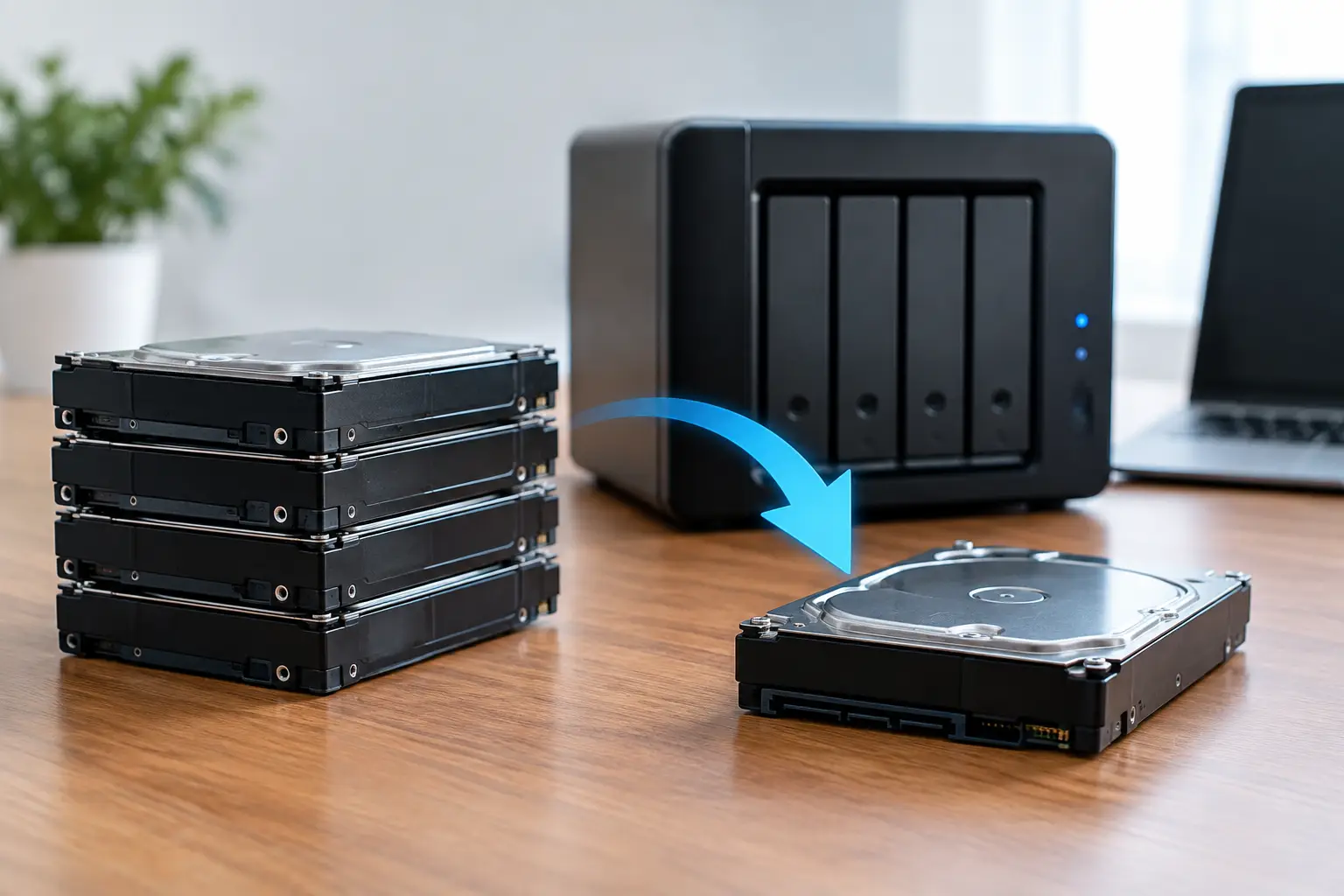
A RAID rebuild comparison is not simply about which array rebuilds fastest. When business files, project archives, client records or family photos are sitting on a degraded RAID, the meaningful comparison is between fault tolerance, rebuild exposure and the condition of every remaining drive. Starting a rebuild without checking those factors can turn a single-drive failure into a far more difficult recovery situation.
RAID is designed to keep systems operating through certain hardware failures. It is not a backup, and it is not a guarantee that data will remain accessible after another disk begins to fail. The larger the drives, the older the array and the more heavily it has been used, the more careful the decision needs to be.
RAID Rebuild Comparison by RAID Level
Different RAID configurations handle failed disks in very different ways. Knowing the level is the first step before replacing a drive, clicking a rebuild option or moving disks between devices.
RAID 0: no rebuild protection
RAID 0 stripes data across two or more drives for performance. It offers no redundancy. If one disk fails, the array cannot rebuild because portions of every file are missing. Recovery may still be possible, but it requires careful analysis of the surviving disks, the failed disk and the original stripe settings.
This is why RAID 0 should never be treated as a protected storage arrangement. It can deliver speed, but every disk added to the set increases the potential points of failure.
RAID 1: usually the simplest rebuild
RAID 1 mirrors data across two drives. When one drive fails and the other member is healthy, a replacement drive can be populated from the surviving mirror. This is generally the most straightforward rebuild process.
However, “straightforward” does not mean risk-free. If the remaining drive has read errors, firmware issues or physical wear, the sustained reading required during a rebuild can expose those problems. A mirror can also faithfully duplicate accidental deletion, file corruption and malware. It protects against a disk failure, not every form of data loss.
RAID 5: useful capacity, higher rebuild pressure
RAID 5 distributes data and parity across at least three disks. It can withstand one drive failure, making it a common choice for older NAS systems and small business servers. After a failed disk is replaced, the controller or NAS reconstructs missing data from parity information held across the remaining disks.
The concern with RAID 5 is that all surviving drives are read extensively during the rebuild. If a second drive fails or encounters unrecoverable read errors before the rebuild completes, the array may go offline. Large-capacity disks can make this process take many hours or even days, depending on the hardware, array activity and disk health.
RAID 6: more protection, but not immunity
RAID 6 uses dual parity and can tolerate two disk failures. In a direct RAID rebuild comparison, it offers a greater safety margin than RAID 5, particularly where arrays use large drives or run continuously.
That added protection comes with trade-offs. RAID 6 requires more disk capacity for parity and may have lower write performance than RAID 5. It also does not eliminate the risk of data corruption, controller faults, incorrect disk order or multiple drives developing issues at once. A rebuild should still be approached carefully, especially if the array has already reported errors on more than one disk.
RAID 10: strong rebuild characteristics, specific limits
RAID 10 combines mirroring and striping. It can often rebuild more quickly than parity-based arrays because data is copied from the matching mirror rather than recalculated across every disk. It also delivers good performance for many business workloads.
Its limitation is how failures are distributed. RAID 10 may survive multiple drive failures if they occur in different mirror pairs, but it can fail if both drives in one mirror pair are lost. Disk position and pair membership matter, so do not assume an array is safe just because several drives are still spinning.
Why rebuild times matter less than drive condition
A quoted rebuild time can be useful for planning downtime, but it should not be the deciding factor. A healthy four-disk RAID 5 array with modest capacity may rebuild without incident. An older array containing high-capacity drives, previous error alerts and a degraded filesystem presents a very different risk profile.
During a rebuild, the system performs sustained reads from the remaining disks and writes to the replacement disk. This workload can reveal weak sectors, unstable heads, electronic faults or communication errors that were not obvious during normal operation. Rebuilds also compete with regular workloads. A busy file server, media store or virtual machine host may take much longer to complete than expected.
Controller behaviour matters too. A hardware RAID controller may automatically begin rebuilding when a new disk is installed. Some NAS units offer a manual option, while software RAID behaves according to its own operating system and configuration. Automatic rebuilds are convenient when the array is healthy and correctly identified, but they can be a poor choice where the cause of failure is uncertain.
Rebuild or recover first?
The safest option depends on what has happened to the array. If only one disk has failed, the remaining members are healthy, there are no unusual noises or error messages, and a verified backup exists, a normal rebuild may be reasonable. Even then, confirm the RAID level, exact replacement drive requirements and the failed disk location before proceeding.
Professional assessment is usually the better path when the array has multiple failed drives, has dropped offline, reports degraded volumes after a rebuild attempt, or contains data that cannot be replaced. The same applies when disks are clicking, repeatedly disconnecting, reporting SMART warnings or showing inconsistent capacities. Continuing to power-cycle a failing array can make recovery harder.
A particularly common mistake is replacing more than one drive at a time. On a RAID 5 or RAID 6 system, it can be tempting to swap every older disk while the enclosure is open. That changes too many variables at once and can obscure the original disk order. Preserve each removed drive, label its bay position and avoid initialising or formatting anything until the array state is understood.
What to check before starting a RAID rebuild
Before authorising any rebuild, record the configuration. Note the RAID level, NAS or controller model, number of disks, drive bay order, disk capacities and any error messages. Take photos of the drive positions if needed. This information can be critical if the array later needs specialist recovery.
Check whether the replacement disk is suitable. It should meet the system’s compatibility requirements and be at least as large as the drive it replaces. A nominally identical capacity can still be slightly smaller at the sector level, particularly across different models or manufacturers. Enterprise and NAS-rated drives may be appropriate for systems that run continuously, but compatibility with the enclosure or controller remains important.
If the array is still accessible, make a verified backup of the most critical data before rebuilding. Copying data to a separate device may be more valuable than restoring the array to full redundancy immediately. Do not rely on another volume within the same RAID enclosure as the only destination.
Avoid these actions if the data is valuable: formatting the volume, accepting an initialise prompt, changing RAID settings, rearranging drives, or repeatedly attempting rebuilds after errors. Each action can overwrite metadata or alter the information needed to reconstruct the array accurately.
When a failed rebuild needs specialist attention
A rebuild that stops, reaches an error state or completes with missing folders should not be treated as a routine IT inconvenience. It may indicate read failures on another member disk, damaged RAID metadata, filesystem corruption or a controller issue. Restarting the process without diagnosis can place more pressure on already unstable drives.
For business systems, pause non-essential activity and preserve the current state of the disks. For home and creative users, resist the urge to test every disk through a desktop computer or different enclosure. RAID members contain interdependent data and metadata. Reading or writing to an individual disk as though it were a normal standalone drive can create further confusion.
RecoveryGeeks provides expert professional data recovery for RAID and NAS systems where a rebuild is unsafe, has failed or data remains inaccessible after the array comes back online. The objective is to assess the media and reconstruct the data as carefully as the condition of the array allows.
A RAID rebuild is most successful when it is treated as a controlled maintenance task, not an emergency button. If the array behaviour is unusual or the files are irreplaceable, preserve the disks, document the configuration and seek advice before the next rebuild attempt changes the recovery options.
