











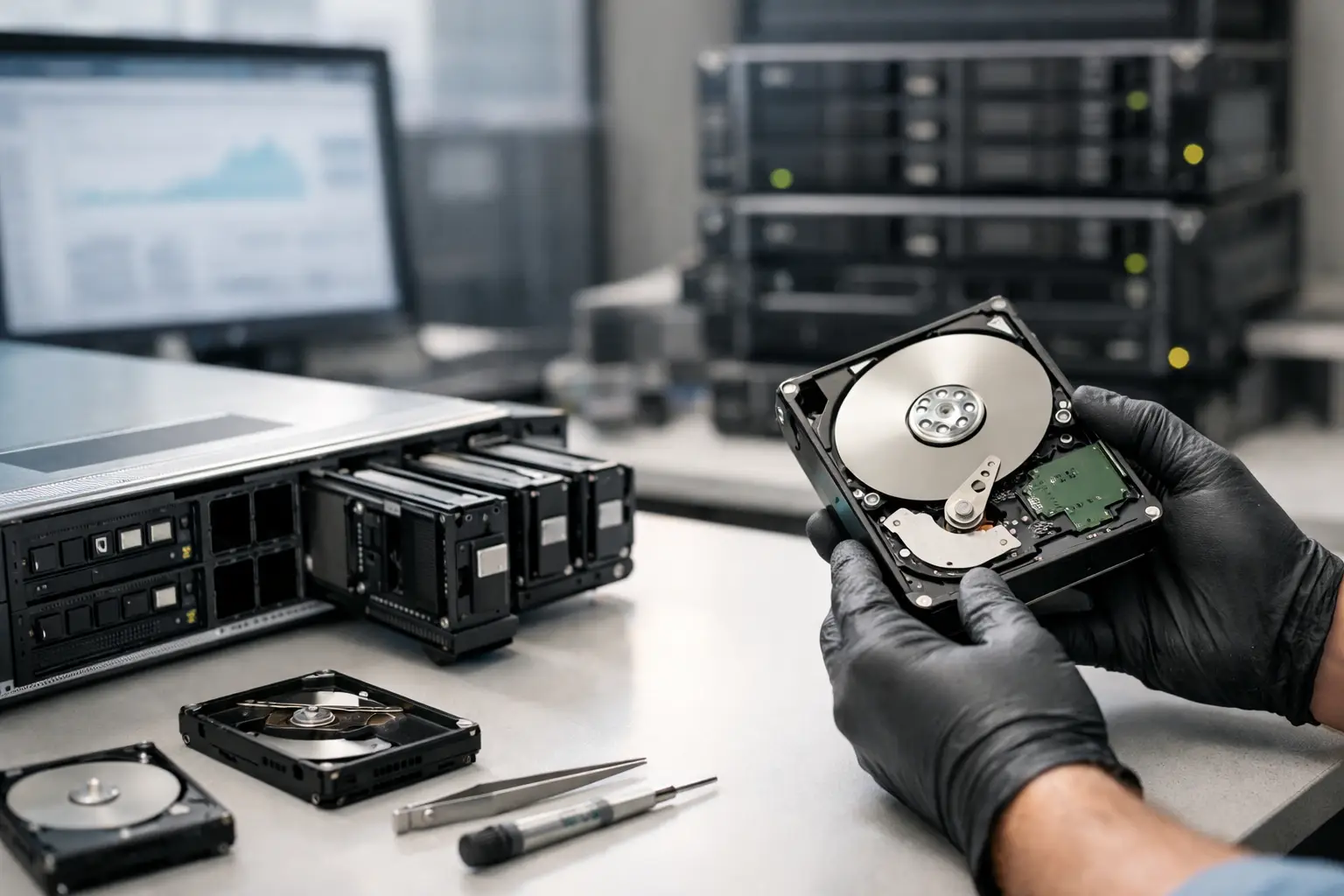
When a RAID goes down, the damage is rarely limited to one drive. It can mean missing client files, stalled operations, failed backups, or a NAS that suddenly stops mounting at the worst possible time. RAID data recovery is not just about pulling files off a damaged disk. It is about rebuilding the logic of a storage system without making the original fault worse.
For businesses, creative teams, and home users with serious data on a NAS or server, the first few decisions matter more than most people realise. A rushed rebuild, an automatic repair utility, or replacing the wrong drive can turn a recoverable job into a far more complex one. That is why RAID failures need a measured response backed by proper diagnosis.
Why RAID data recovery is more complex than standard recovery
A single hard drive has one file system to assess and one physical device to stabilise. A RAID setup adds layers of complexity. Data is often striped across multiple disks, parity may be distributed, and the array depends on a specific configuration to present a complete volume. If one part of that structure changes, access to the entire dataset can be lost.
The challenge is not only physical failure. RAID systems also fail at the controller, firmware, file system, and configuration level. In practice, this means the disks may still contain the data, but not in a form the system can read cleanly anymore. Recovery then becomes a process of identifying the original RAID parameters, checking disk health, imaging drives safely, and reconstructing the array in a controlled environment.
This is also why RAID is not a backup. Redundancy helps with uptime in some failure scenarios, but it does not protect against deletion, corruption, multiple disk failures, power events, controller faults, or accidental reconfiguration.
What causes RAID failure
Most RAID loss cases fall into a few common categories, but the details matter. A degraded RAID 5 after one drive failure is very different from a RAID 0 with two unstable disks, or a NAS where the drives are healthy but the enclosure firmware has corrupted metadata.
Physical disk failure is one obvious cause. Mechanical hard drives can develop bad sectors, seized heads, motor issues, or read instability. SSD-based arrays can suffer controller faults, firmware issues, or flash degradation. In these cases, every power cycle can add risk.
Then there are logical and configuration faults. An array may be rebuilt with the wrong disk order, initialised by mistake, reformatted, or partially overwritten during troubleshooting. Some systems drop drives from an array after a power loss or firmware update even when the disks themselves are still readable.
Human error is common too. Swapping bay positions, forcing a rebuild too early, or attempting recovery software directly on live member disks can all complicate the job. Many arrays arrive for professional recovery after a failed DIY attempt, and that extra layer of change often increases both time and difficulty.
Signs you may need professional RAID recovery
Some failures are obvious. The server does not boot, the volume is offline, or the NAS reports the pool as crashed. Others are less direct. Performance may collapse, files may open corrupted, or the system may repeatedly mark one or more drives as failed.
You should be cautious if you notice clicking drives, repeated dropouts, RAID rebuilding that never completes, SMART errors across multiple disks, or prompts to initialise or format the array. Those messages can appear even when recoverable data is still present.
A critical warning sign is uncertainty. If you do not know the original RAID level, disk order, stripe size, or whether the issue is physical or logical, guessing is risky. RAID systems are unforgiving when the wrong action is taken on the wrong set of disks.
What not to do after a RAID failure
The safest first step is usually to stop using the system. Continued operation can trigger background writes, parity updates, or further degradation. If a drive is physically failing, keeping the array online may reduce the chance of a clean recovery image.
Do not reinitialise the array. Do not accept automatic repair prompts. Do not run file system repair tools unless you are certain the array structure is stable and fully understood. Utilities designed to fix corruption can rewrite metadata and make later reconstruction harder.
Be especially careful with rebuilds. Rebuilding is appropriate only when the failed component has been identified correctly and the remaining member disks are healthy enough to support the process. If another disk has unreadable sectors or intermittent faults, a rebuild can push the array past the point of practical recovery.
If the data matters, label the drives in their current order and power the unit down properly if possible. That preserves evidence of the original configuration and reduces the chance of accidental changes.
How professional RAID data recovery is approached
Good RAID recovery starts with analysis, not assumptions. Each member disk is assessed for physical health, read stability, and metadata integrity. Where needed, the drives are imaged sector by sector to capture the best possible working copies before any reconstruction work begins.
From there, the array parameters are mapped. This includes RAID level, disk sequence, stripe size, parity rotation, offsets, file system type, and any NAS-specific or controller-specific metadata. With enterprise arrays and some NAS devices, vendor behaviour matters. Different platforms store array information differently, and that affects how the reconstruction is handled.
If one or more disks have physical issues, recovery may involve controlled cleanroom work, firmware correction, or stabilising damaged hardware enough to obtain a readable image. If the drives are physically sound but the array has been misconfigured, the work is more about logic reconstruction and file system repair.
This is where specialist handling makes a real difference. The aim is not to get the RAID running again on the original hardware. The aim is to recover the data safely, with as little additional risk as possible.
RAID level changes the recovery strategy
Not all RAID failures behave the same way. RAID 0 offers performance but no redundancy, so even a single failed drive can affect the entire volume. Recovery can still be possible, but success depends heavily on the condition of all member disks and the ability to reconstruct the stripe correctly.
RAID 1 is more straightforward in some cases because data is mirrored, but that does not guarantee an easy result. If the mirror has gone out of sync, the file systems differ, or one member has developing errors, the best source must be identified carefully.
RAID 5 and RAID 6 are common in business and NAS environments, but they can be especially risky after a prolonged degraded state. A second failure during rebuild is a classic disaster scenario. RAID 10 and hybrid or proprietary NAS layouts introduce their own logic issues, particularly when there has been partial replacement, expansion, or migration.
The lesson is simple. The label on the array does not tell the whole story. The actual recovery path depends on the fault, the device type, and what happened after the first signs of trouble.
NAS, servers, and business downtime
Many Australian businesses now encounter RAID issues through NAS appliances rather than traditional rack servers. Synology, QNAP, and other systems make shared storage easier to deploy, but they do not remove the underlying complexity. When a NAS volume fails, the issue may involve Linux-based file systems, storage pools, snapshots, encrypted volumes, or proprietary management layers on top of the RAID itself.
That matters because time pressure often leads businesses to chase the fastest apparent fix. If payroll files, project assets, legal documents, or surveillance footage are inaccessible, there is a strong temptation to rebuild first and ask questions later. In reality, the right response depends on whether the priority is restoring service quickly, preserving forensic integrity, or recovering irreplaceable data.
For many organisations, especially smaller teams without in-house storage specialists, a proper assessment saves time overall. It reduces trial-and-error and gives a clearer idea of whether the issue is physical damage, logical corruption, or failed array management.
Choosing help when the data matters
RAID recovery is one of those areas where general IT support and specialist data recovery do different jobs. IT teams are focused on getting systems back online. Recovery specialists are focused on extracting data from damaged, unstable, or misconfigured storage without causing more loss. Sometimes those goals align neatly. Sometimes they do not.
If the array contains critical business data, family archives, photography work, or records that cannot be recreated, ask how the diagnosis is performed, whether member drives are imaged before reconstruction, and how failed disks are handled. A dependable provider should be able to explain the process clearly, including the risks and likely trade-offs.
For customers in Canberra and across Australia, that combination of technical capability and practical guidance is what turns a stressful storage failure into a controlled recovery job. RecoveryGeeks works in exactly that space, where the stakes are high and the right next step matters.
If your RAID has failed, the best move is usually the calm one: stop, preserve the current state, and get the problem assessed before the system writes one more block in the wrong place.
