











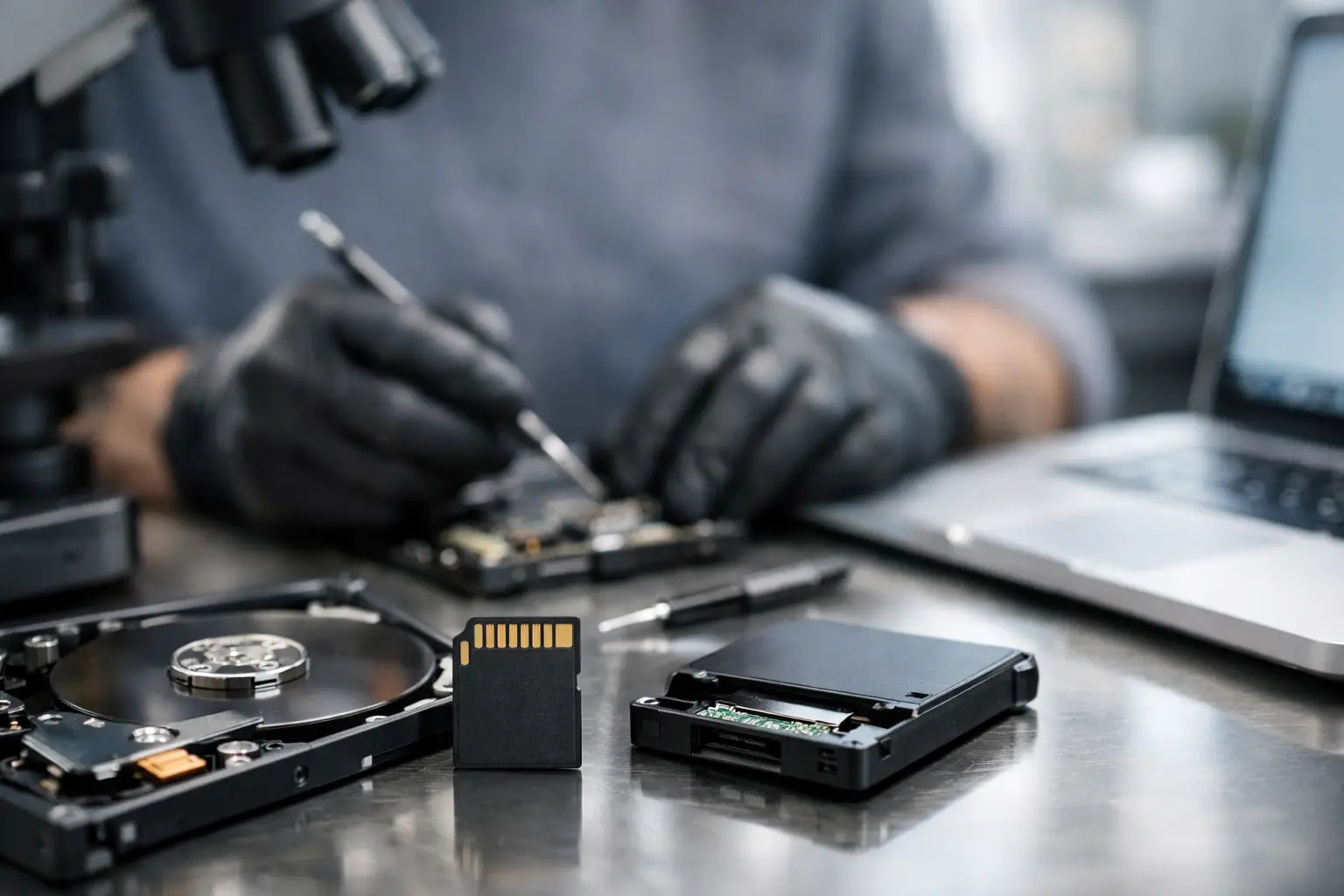
A wedding shoot finishes, the files look fine on the camera, and then the SD card stops mounting when you get back to the studio. That is usually the moment people start searching for a professional data recovery service SD card specialists can handle properly - because the difference between recoverable data and permanent loss often comes down to what happens next.
SD cards fail in ways that look simple from the outside but are often technically complex underneath. A card might appear blank, ask to be formatted, show corrupted file names, transfer only part of the content, or stop being detected altogether. For home users, that can mean lost family photos or videos. For photographers, surveyors, drone operators, and businesses, it can mean missed deadlines, client exposure, and real financial impact.
When a professional data recovery service for SD card problems makes sense
Not every SD card issue needs a laboratory-level recovery process. If a file was deleted recently and the card is otherwise healthy, recovery may be straightforward. But once the card has controller faults, NAND memory damage, file system corruption, power interruption damage, or physical wear, generic recovery apps are often not enough.
This is where people lose time by trying three or four software tools in a row, reinserting the card into different readers, or formatting it because the device suggests it. Those steps can make the recovery job harder. In some cases, they overwrite file system structures or create fresh write activity on already unstable memory.
A professional service is usually the right move when the card contains important data, the card is no longer detected reliably, the files are corrupted after transfer, or earlier recovery attempts have failed. It is also the better option when there is no second chance to recreate the content, such as commercial shoots, legal evidence, field inspections, or family milestones.
Why SD cards fail
SD cards are small, portable, and convenient, but they are not immune to failure. Their size makes them easy to carry and easy to damage. Their flash memory also behaves differently from mechanical storage.
Some failures are logical. The card is physically intact, but the file system is damaged, the partition table is unreadable, or the data structure has been disrupted by abrupt removal, battery loss, or interrupted writes. These cases can sometimes look less serious than they are, especially when the card still appears in a device but won’t open properly.
Other failures are physical or electronic. The card may have worn NAND cells, a failed controller, damaged contact pins, heat exposure, moisture damage, or internal board failure. A camera, drone, mobile, or card reader may simply stop recognising it. If the device intermittently detects the card, that does not always mean it is healthy. Intermittent access can be a sign of degradation.
The type of card matters too. Standard SD, microSD, SDHC, and SDXC cards all present different recovery scenarios depending on their controller design, capacity, usage pattern, and failure mode. Cards used in continuous recording environments, such as dash cams or security devices, often wear differently from cards used in still photography.
What to avoid after SD card data loss
The first rule is simple - stop using the card. Do not keep taking photos, recording video, or moving files on and off it to see what still works. Flash storage can overwrite deleted or damaged areas quickly, and once that happens, recovery options shrink.
Avoid formatting the card, even if your camera or computer prompts you to do it. A format does not fix the underlying issue in the way most people expect. It often changes the data layout and can complicate later recovery work.
It is also wise to avoid DIY repair methods found in forums or random videos. Cleaning contacts gently may be reasonable if there is obvious surface grime, but bending, heating, freezing, taping, or repeatedly forcing a damaged card into readers is more likely to cause harm than help.
If the card contains business-critical or irreplaceable data, the safest path is to preserve its current state and have it assessed by specialists.
How professional SD card recovery actually works
A proper professional data recovery service SD card workflow starts with diagnosis. The goal is not to guess, but to determine whether the problem is logical, electronic, firmware-related, or physical. That distinction shapes the recovery path.
For logical issues, specialists may create a controlled sector-level image of the card and work from that copy rather than the original media. This protects the source and allows file system reconstruction, deleted file analysis, and targeted extraction of recoverable content.
For more serious failures, recovery can involve specialist hardware tools designed to communicate with unstable or partially failed flash media. In controller-related cases, the process may require low-level access methods, chip-off techniques, or reconstruction of the memory layout where standard readers cannot access the data at all.
This is why SD card recovery is not just a matter of plugging the card into better software. Flash memory recovery often depends on understanding controller behaviour, wear levelling, bad block handling, and proprietary data arrangement. Those technical details matter, especially when the files are valuable and the card is severely compromised.
The trade-off between software recovery and expert recovery
There are situations where software recovery is a reasonable first step, but only if the card is healthy, fully detected, and the data is not mission-critical. If you deleted a folder yesterday and immediately stopped using the card, software may help.
But there is a trade-off. The more valuable the data, the lower the tolerance for trial and error. Software tools can scan, preview, and sometimes recover files, but they cannot repair failing hardware. They also cannot guarantee that fragmented video, RAW image sequences, or corrupted file systems will be reconstructed correctly.
Professionals are usually brought in when certainty matters more than experimentation. For photographers and businesses, that often makes sense from the start. Saving a few dollars on a DIY attempt is not much of a win if the result is permanent loss of a client job, project archive, or compliance record.
Choosing the right professional data recovery service for SD card issues
Not all recovery providers handle flash media with the same depth. SD cards, microSD cards, USB flash drives, SSDs, and mobile storage share some characteristics, but they do not fail in identical ways. It helps to choose a service that clearly works across multiple storage technologies and can explain its process in practical terms.
Look for technical credibility, privacy handling, clear assessment steps, and realistic advice rather than blanket promises. A dependable provider should be able to talk through likely causes, recovery risks, and what depends on the card’s condition. Fast turnaround may matter, but accuracy and media handling standards matter more when the files are critical.
For Canberra customers and organisations elsewhere in Australia, specialist support can be especially useful when the card belongs to a wider business workflow. An SD card failure may be the visible problem, but the real issue is project interruption, missing evidence, delayed delivery, or lost creative output. RecoveryGeeks works in that broader recovery environment, where the device is only part of the story.
Common situations where expert help is worth it
The pattern is usually familiar. A camera says the card needs formatting. A drone records footage that will not open. A microSD from an Android mobile shows folders but no usable files. A card from a dash cam has the exact clip needed after an incident, yet the video is broken or unreadable.
In each case, the technical cause may differ. The practical question is the same - can the data still be recovered, and what is the safest way to proceed? Expert handling is worth it when the answer needs to be based on evidence rather than guesswork.
That applies just as much to home users as it does to businesses. Personal memories are often just as irreplaceable as commercial data, and the recovery approach should reflect that.
What to do now if your SD card has failed
Set the card aside and do not write anything further to it. If it is physically damaged, keep it protected and avoid repeated insertion attempts. Make a note of what happened just before the issue started, whether that was an interrupted transfer, battery failure, water exposure, device crash, or sudden error message.
That information helps shape the assessment and may shorten the path to recovery. More importantly, it reduces the chance of avoidable damage from rushed troubleshooting.
When an SD card fails, the smallest storage devices can create the biggest problems. The smart move is not to force a fix. It is to treat the card carefully, get a proper assessment, and give the data its best chance of coming back intact.
