











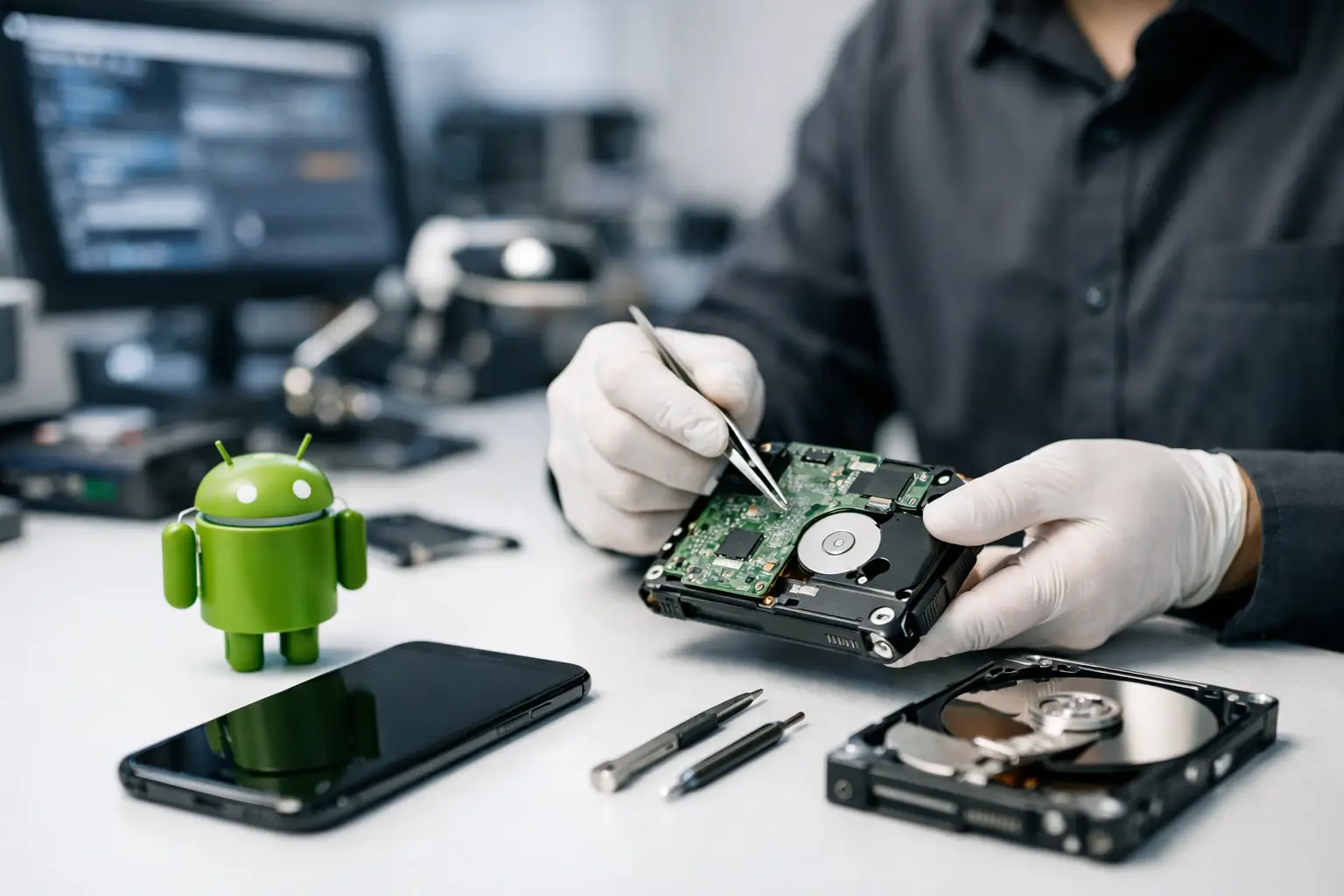
A cracked screen is annoying. An Android phone that suddenly stops showing family photos, business files, messages, or app data is a different problem altogether. When the data matters, a professional data recovery service Android users can rely on is not just about convenience - it is about protecting information that may not exist anywhere else.
Android data loss is rarely as simple as pressing restore. Some cases involve accidental deletion, but many are tied to physical damage, failed updates, water exposure, dead motherboards, encryption issues, or storage faults inside the device. The right recovery approach depends on what failed, how the phone stores data, and whether the handset is still powering on.
When a professional data recovery service for Android is the right choice
There is a big difference between a routine software issue and a genuine recovery case. If your files are already backed up to Google Photos, Google Drive, or another cloud platform, recovery may be straightforward. If the data was never backed up and the phone is no longer accessible, the job quickly becomes technical.
Professional recovery is usually worth considering when the device is physically damaged, stuck in a boot loop, showing storage errors, or completely unresponsive. It is also the safer option when the phone contains business records, legal documents, client communications, or irreplaceable personal media. In those situations, repeated DIY attempts can reduce the chance of a clean recovery.
Android devices vary widely across brands and models, and that matters. Samsung, Google Pixel, Oppo, Motorola and other manufacturers use different hardware layouts, security controls and firmware behaviours. A method that works on one handset may be useless on another.
What data can usually be recovered from Android phones
The answer depends on the state of the phone and whether the data has been overwritten. In many successful cases, recovered content includes photos, videos, contacts, SMS messages, documents, notes, WhatsApp data, and app-generated files. In business contexts, this may also include exported reports, PDF records, field images, and locally stored project information.
That said, there are trade-offs. Modern Android phones are heavily encrypted, and that is good for privacy. It can also make recovery harder if the handset cannot boot far enough to authenticate access. If the storage chip has failed outright or critical encryption keys are inaccessible, recovery may be limited or impossible. A reputable service should be upfront about that.
Deleted files versus inaccessible files
Deleted-file recovery and inaccessible-device recovery are not the same job. When files are deleted, success depends on whether the storage space has been reused. The more you keep using the phone after deletion, the greater the risk that the missing data has been overwritten.
When a phone is inaccessible because of damage or hardware failure, the focus shifts. The goal is often to restore enough function to access the encrypted data or to work directly with the storage system using specialist tools and controlled procedures. That requires technical experience, especially on newer devices.
Why Android recovery is more complicated than most people expect
People often assume a mobile phone works like a USB drive. It does not. Android recovery can involve secure boot processes, file-based encryption, damaged power circuits, failing NAND storage, and software corruption all at once. Even replacing a broken screen is not always enough if the handset also has board-level damage.
Water damage is a common example. A phone may appear fine for a day or two and then fail as corrosion spreads across internal components. Charging it, heating it, or leaving it switched on can make the damage worse. In these cases, the job is less about repair for continued use and more about stabilising the device long enough to recover data safely.
The same applies to phones dropped on hard surfaces. The visible crack is not always the main issue. Internal faults can affect storage communication, power delivery, or the CPU pathway needed to unlock encrypted data.
What to do before you hand over the phone
If the data matters, stop using the device as soon as possible. Do not keep rebooting it to see if it comes good. Do not install recovery apps. Do not factory reset it. Those steps can complicate the problem, especially if the issue involves encryption or deteriorating storage.
If the phone has been exposed to water, switch it off and keep it off. Do not charge it. Ignore the rice trick - it does not remove corrosion or moisture trapped under chips and shields. If the screen is broken but the device still responds, avoid entering repeated passcodes or connecting it to unfamiliar software.
It also helps to gather useful details before speaking with a specialist. Knowing the phone model, what happened before the failure, whether the handset still vibrates or charges, and whether backups exist can speed up assessment. If the data is business-critical, mention any deadlines at the start.
How a professional Android recovery process usually works
A proper service starts with assessment, not guesswork. The first step is identifying whether the problem is logical, electrical, mechanical, or storage-related. That diagnosis shapes the recovery path.
In a software or logical case, the work may involve controlled access to the file system, extraction of recoverable data, and verification of file integrity. In a hardware case, the phone may need board-level attention to restore temporary functionality. The aim is not cosmetic repair. It is secure data extraction.
For some devices, this means repairing a fault on the mainboard so the handset can boot and decrypt its own storage. In others, the specialist may work with storage components directly. The exact method depends on the handset architecture and the nature of the damage.
Why clean handling and privacy matter
Phones often contain more sensitive information than laptops. Personal photos, banking screenshots, business emails, authentication apps, client messages and identity documents can all sit on one device. That makes privacy and process just as important as technical skill.
A dependable provider should handle devices in a controlled way, explain the likely outcomes, and avoid making blanket promises. Not every case is recoverable, and honest assessment is part of a professional service. For Canberra customers and clients across Australia, that level of clarity matters when the phone contains information you cannot afford to lose.
Choosing the right professional data recovery service Android users can trust
Not every repair shop is a recovery lab, and that distinction matters. Screen replacement and battery swaps are routine mobile repairs. Data recovery from failed Android devices is specialist work.
Look for a provider with experience across multiple storage and device categories, not just phones. Recovery expertise tends to be stronger where the business already handles SSDs, hard drives, RAID systems, cameras and Apple devices, because the underlying work demands disciplined diagnostics, media handling and data extraction methods. RecoveryGeeks fits that specialist model, which is exactly what many Android cases require.
It is also worth asking practical questions. Has the service handled your phone brand before? Do they deal with water-damaged or dead devices, not just deleted files? Can they explain the difference between a repair outcome and a recovery outcome? Clear answers are usually a good sign.
Cost, timing and expectations
People want a fixed answer on price and turnaround, but Android recovery is case by case. A simple logical extraction may be relatively quick. A physically damaged phone with board faults and encryption barriers can take much longer. The urgency of the data, parts availability, and the phone model all affect timing.
Cost also reflects complexity. If your phone only needs a straightforward access method, the work is different from a recovery involving electrical diagnostics and microscopic repair. The cheapest option is rarely the safest when the phone contains irreplaceable data.
The sensible expectation is this: a specialist should be able to tell you what has likely happened, what the realistic recovery path looks like, and where the risks are. That is far more useful than hearing unrealistic guarantees.
The hardest part of Android data loss is often the first few hours, when people panic and try everything. That is usually when recoverable cases become harder than they needed to be. If the files are important, treat the phone like evidence, not like a device to experiment on. Getting the right advice early can make the difference between a partial result and getting back the data that actually matters.
