











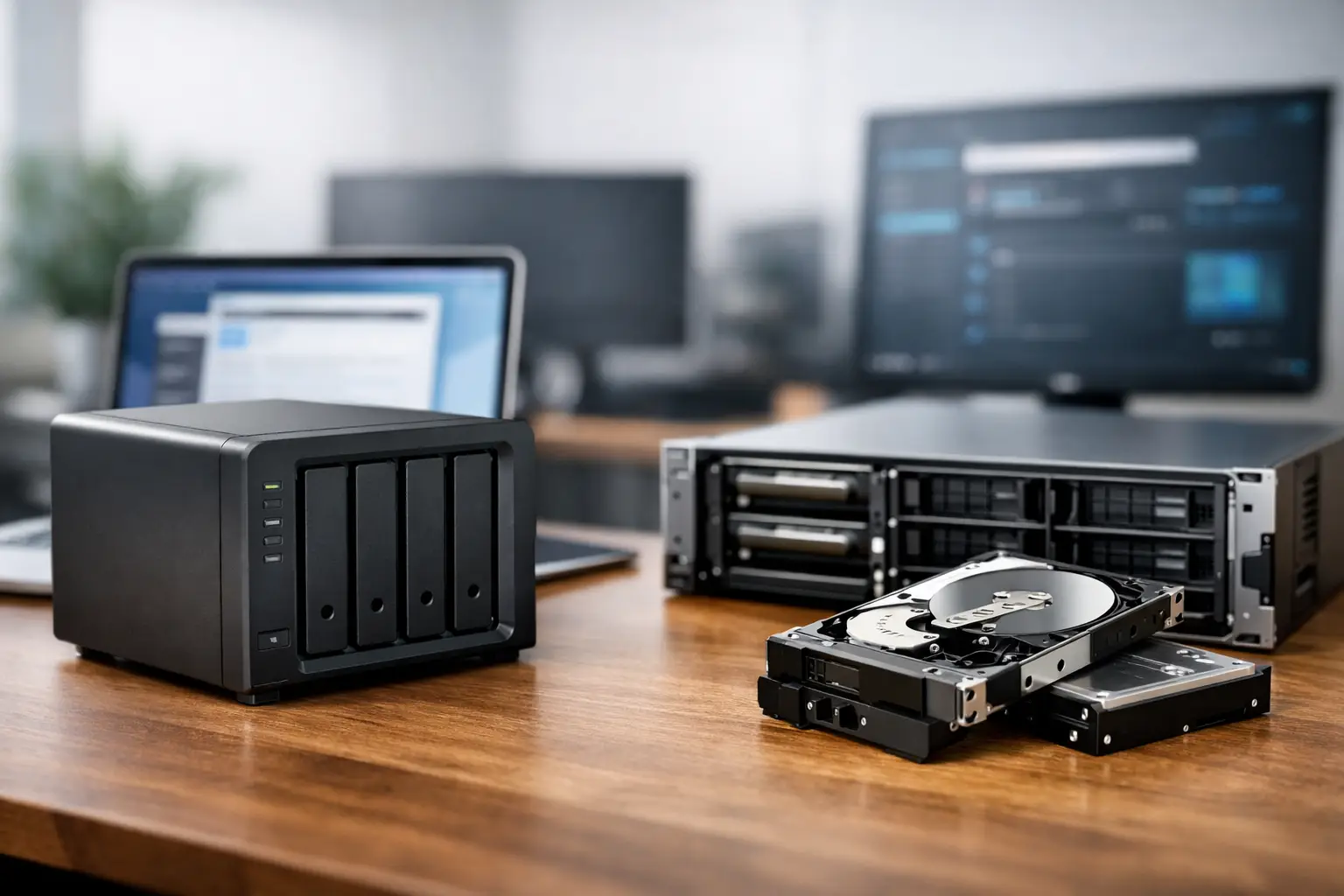
A NAS that suddenly disappears from the network and a RAID array that goes offline can look like the same emergency: the files are inaccessible and work stops. But NAS recovery vs RAID recovery is not a simple choice between two services. NAS describes the storage appliance and its network-based operating environment. RAID describes the way disks are arranged to provide capacity, speed or fault tolerance. One failed NAS may contain a RAID array, while a RAID failure may occur in a server with no NAS appliance involved at all.
Understanding that distinction helps you make safer decisions in the first hours after data loss. It also helps a recovery specialist identify whether the priority is repairing a device fault, reconstructing an array, extracting data from healthy disks, or addressing several issues at once.
What NAS recovery involves
Network-attached storage, or NAS, is a dedicated device that makes files available across a local network and, in many cases, remotely. Small businesses commonly use NAS units for shared documents, accounting data, project folders, backups and surveillance footage. Home users may rely on them for photographs, videos and media libraries.
NAS recovery focuses on the complete appliance environment. That can include its hard drives or SSDs, enclosure, power supply, network connection, operating system, file-sharing services, configuration database and user permissions. A NAS can appear unavailable even when its disks and underlying data remain intact.
For example, a failed power supply, damaged NAS operating system, corrupted firmware update or network configuration problem may prevent access without meaning the disk array itself has failed. Conversely, the NAS may boot normally but report a degraded volume because one or more member drives have failed.
The recovery process begins by establishing what has actually failed. If the appliance is unstable, repeatedly rebooting it or attempting updates can turn a contained problem into a more complex one. A professional assessment may involve stabilising the hardware, imaging individual drives where needed, reading system metadata and determining how the volume was configured before attempting file extraction.
Common NAS failure scenarios
NAS incidents often involve more than a single fault. A power event can damage both the enclosure and one disk. A user may accidentally delete a shared folder, then discover that snapshots or backups are unavailable. Ransomware can encrypt files on mapped network shares while leaving the NAS hardware healthy.
Other common scenarios include a NAS volume showing as uninitialised, a storage pool becoming degraded, a unit that will not power on, or a device that asks to format disks after an operating system issue. Formatting, reinitialising or creating a new volume should not be treated as a routine fix when important data is still required.
What RAID recovery involves
RAID, short for Redundant Array of Independent Disks, combines multiple disks into one logical storage system. Depending on the RAID level, the system may use mirroring, striping, parity information or a combination of these methods. RAID can be found inside NAS units, business servers, direct-attached storage enclosures and workstation systems.
RAID recovery is centred on reconstructing the logical array accurately enough to access the file system and recover the required data. This can require identifying disk order, stripe size, parity rotation, RAID level, controller behaviour, partition layout and file-system details. Those parameters are not safely guessed when the data matters.
A RAID array can fail after multiple drives develop read errors, a controller fails, a rebuild is interrupted, the wrong disk is replaced, or a human action overwrites configuration metadata. Even drives that seem healthy may contain essential parts of the array. Removing, swapping or formatting disks without a documented plan can make reconstruction harder.
RAID redundancy is not a backup
A frequent misconception is that RAID prevents data loss. It does not. RAID may keep a system operating after a single drive fails, depending on its configuration, but it does not protect against accidental deletion, malware, fire, theft, power damage, file-system corruption or multiple disk failures.
It also has limits during a rebuild. Rebuilding puts sustained pressure on the remaining disks, particularly in older arrays. If another drive fails or produces unreadable sectors at that point, the array may no longer be accessible. The safest response is not always to force the rebuild to continue.
NAS recovery vs RAID recovery: the practical difference
The key difference is scope. NAS recovery starts with a storage appliance and considers every layer that makes network data available. RAID recovery starts with the array architecture and focuses on rebuilding the logical relationship between disks.
In practice, the two frequently overlap. A four-bay NAS configured as RAID 5 may require RAID reconstruction after two drives fail. In that case, recovering the NAS data means recovering its RAID array. But a single-drive NAS with a corrupted operating system may need NAS-specific work without any RAID reconstruction. Likewise, a RAID 10 array in a Windows server requires RAID recovery even though there is no NAS involved.
This distinction matters because the wrong repair path can overwrite evidence needed for recovery. A NAS manufacturer’s troubleshooting guide may recommend creating a new volume or reinstalling software. A RAID controller may offer to initialise foreign disks or rebuild an array. Those actions can be appropriate for systems with verified backups, but they are high-risk when the original data is the priority.
Signs you need specialist assessment
Some warnings call for a careful assessment before further troubleshooting. These include clicking, grinding or repeatedly spinning hard drives; a RAID volume reported as failed after a rebuild attempt; a NAS asking to initialise disks; missing shared folders; drives shown in the wrong order; or a system that has suffered water, fire or electrical damage.
It is also wise to pause if the data is business-critical and the cause is unclear. Trying several internet fixes in sequence can change system state, write new metadata or place extra strain on failing media. The more complex the configuration, the more valuable a methodical first assessment becomes.
If the issue is only network access and the NAS interface confirms that the volume is healthy, the solution may be straightforward. Check cables, switches, IP addressing and user permissions. If the unit is reporting degraded, crashed, uninitialised or missing volumes, avoid treating it as a normal network fault.
What to do when NAS or RAID data becomes inaccessible
First, stop non-essential use. Do not keep rebooting a NAS that hangs during startup, and do not run repeated rebuilds on a degraded RAID. Record any error messages, drive bay positions, indicator lights, recent power events and changes made just before the failure. Photographs of drive positions can be especially useful where several identical disks are installed.
Keep the disks labelled by their original bay. Do not mix them up, replace multiple drives at once or use an operating system prompt to format them. If a drive is making unusual mechanical noises, power it down rather than repeatedly attempting to read it.
Where a current, tested backup exists, restoration may be the fastest option. Confirm that the backup contains the required folders and versions before making changes to the original hardware. If there is no usable backup, or if the data is high stakes, preserve the system in its current state and seek specialist advice.
How a professional recovery approach reduces risk
Professional NAS and RAID recovery is generally based on preserving original evidence, not experimenting on live production disks. This may involve creating sector-level copies of unstable drives, analysing array metadata, reconstructing the configuration in a controlled environment and validating recovered files before delivery.
The best method depends on the failure. A deleted shared folder presents a different challenge from a failed RAID controller. A ransomware incident may require separate handling from physical drive damage. There is no responsible one-size-fits-all procedure, particularly when proprietary NAS file systems, encryption or virtual machine data are involved.
For Canberra organisations and customers across Australia, RecoveryGeeks can assess NAS and RAID storage failures with the device-specific care that complex data loss requires. The useful next step is often the simplest one: preserve the disks, document what happened and get an expert opinion before a recoverable problem becomes permanent.
