











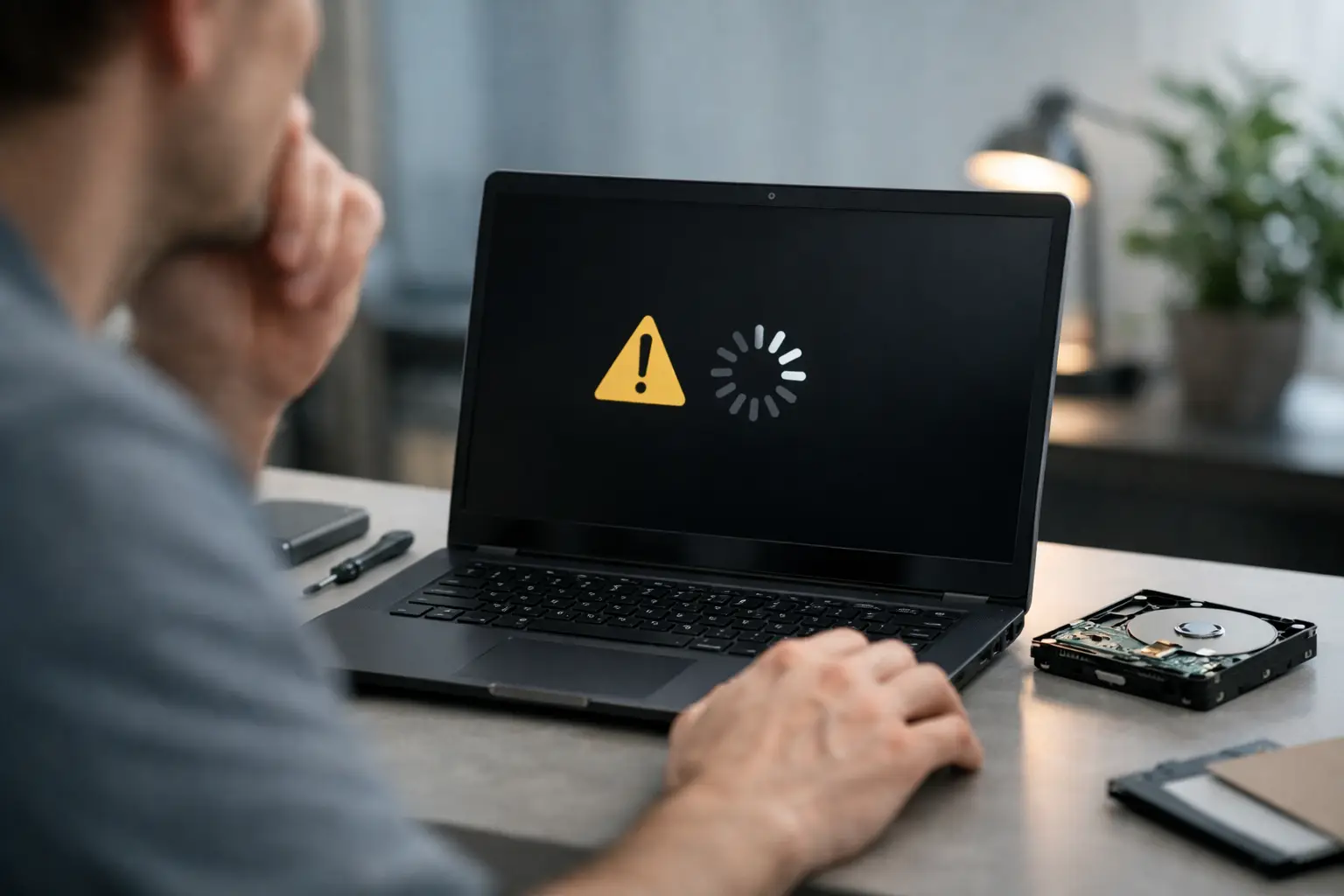
A laptop that suddenly refuses to start creates two problems at once. First, the device is unusable. Second, and usually more urgent, you are left wondering whether your files are still there. That is where laptop not booting recovery becomes less about getting Windows or macOS running again and more about protecting the data before the situation gets worse.
For many people, the instinct is to keep trying. Restart it again. Plug in a different charger. Run startup repair. Open the laptop. Install recovery software. Sometimes that works, but sometimes repeated attempts turn a recoverable issue into a more serious data loss event. The right response depends on what has actually failed.
What laptop not booting recovery really means
When people search for laptop not booting recovery, they are often talking about two different jobs. One is system recovery - getting the operating system to load again. The other is data recovery - retrieving documents, photos, emails, project files, or business data from a laptop that will not boot.
Those two goals overlap, but they are not the same. A laptop can fail to boot because of corrupted system files, a damaged SSD, a failing hard drive, motherboard issues, liquid damage, a broken file system, or encryption problems. In some cases, repairing the machine is straightforward. In others, every repair attempt risks overwriting, corrupting, or complicating access to the data.
If the files matter more than the laptop itself, the safest approach is to treat the device as a data recovery case first and a repair case second.
Start by identifying the kind of boot failure
A laptop that shows no power at all is a different problem from one that powers on but never reaches the login screen. That distinction matters.
If there are no lights, no fan movement, and no display response, the issue may be with power delivery, the battery, the charging circuit, or the motherboard. Your storage device may still be completely intact, but inaccessible through normal use.
If the laptop powers on and shows a manufacturer logo, spinning dots, recovery screen, blue screen, or error message, that usually points to a boot path problem. The system is trying to load, but something is interrupting the process. That could still be caused by storage failure, but it can also come from operating system corruption or update issues.
If you hear clicking, repeated beeping, grinding, or unusual pauses, take that seriously. Mechanical hard drives can deteriorate quickly once failure starts. Continued power cycling may reduce the chance of a clean recovery.
What not to do when a laptop will not boot
This is the part many people skip, and it often makes the biggest difference.
Do not keep restarting the laptop over and over if it is making unusual noises or freezing during startup. Do not run disk repair tools unless you are prepared for the possibility that they will alter the file system. Do not reinstall the operating system onto the same internal drive if the data has not been secured. And do not open the storage device itself under any circumstances.
Even well-meaning troubleshooting can create problems. Startup repair tools may rewrite system structures. Reinstalling an operating system can overwrite user data. Recovery software installed onto the affected drive can reduce what remains recoverable. With SSDs, delay can also matter because internal processes such as TRIM may permanently clear deleted or damaged file references.
If the laptop contains business files, legal records, client documents, family photos, or anything time-sensitive, caution is worth more than speed.
Safe first steps for laptop not booting recovery
There are a few low-risk checks you can make before deciding whether you need professional help.
Confirm the charger and power source are working. If the laptop has a removable battery, test with and without it. Disconnect non-essential peripherals such as USB drives, docking stations, printers, and external monitors. Sometimes a boot sequence stalls because of an attached device rather than the laptop itself.
If the laptop reaches BIOS or UEFI settings, check whether the internal drive is being detected. If the drive is missing, that often points to a hardware issue with the SSD, HDD, connector, or board. If the drive is visible but the system will not load, the problem may be logical rather than purely physical.
At this stage, avoid making changes unless you know exactly what they do. Detection is useful information. Repair attempts are a different step.
When DIY recovery may be reasonable
There are cases where a careful user or IT team can attempt data access without creating major risk.
If the drive is healthy, recognised properly, and the boot issue appears to be operating system corruption, removing the internal drive and connecting it as a secondary device to another machine can work. This is often effective with laptops that have minor software damage but an otherwise functional storage device.
That said, it depends on the device. Some newer laptops use soldered storage, integrated security chips, or encryption tied to the original hardware and user credentials. In those cases, simply removing the drive may not provide access. Apple devices and some business laptops can be particularly sensitive here.
If BitLocker, FileVault, or another encryption layer is active, you may need the recovery key or original login credentials. Without them, the data can remain inaccessible even if the storage hardware is physically readable.
Signs you should stop and seek professional recovery
A non-booting laptop moves into specialist territory when there are hardware symptoms, urgent data needs, or signs of media instability.
Stop DIY attempts if the laptop has suffered liquid damage, impact damage, power surge issues, burnt smells, repeated clicking, or if the storage device disappears intermittently. The same applies if the laptop contains business-critical information, creative project files, surveillance footage, or irreplaceable personal data.
Professional recovery is also the sensible path when the laptop uses a failed SSD, RAID-style configuration, proprietary storage, or encrypted hardware. These are not ideal conditions for trial-and-error repairs.
At RecoveryGeeks, cases like these are approached as data preservation problems first. That means assessing the storage condition, stabilising access where possible, and avoiding unnecessary write activity before extraction begins.
Why failed SSDs and hard drives behave differently
Not all laptop boot failures carry the same risk.
Traditional hard drives often show warning signs such as clicking, slow access, or bad sectors before complete failure. They can degrade gradually, but they are also vulnerable to mechanical damage from continued use.
SSDs are different. They are faster and have no moving parts, but when they fail, they can fail abruptly. A laptop may work one day and vanish from BIOS the next. Firmware faults, controller failure, electrical damage, and degraded NAND can all prevent booting. SSD recovery also has less room for casual experimentation because internal processes can affect recoverability quickly.
That is why the same advice does not apply to every device. A startup repair that is merely unhelpful on one laptop could be destructive on another.
Business laptops need a different response
For home users, the main concern is often photos, university work, tax records, or emails. For businesses, a non-booting laptop can affect operations well beyond one person. It may hold local accounting files, project data, client records, CAD drawings, video assets, or field documentation that has not yet synced elsewhere.
In those situations, the cost of downtime is only part of the issue. The larger concern is maintaining data integrity and handling the device in a way that supports privacy, confidentiality, and a proper recovery chain. That is especially relevant for medical, legal, engineering, and creative sectors where local storage is still common.
A quick repair-shop approach aimed only at getting the laptop to turn on is not always enough. If the data matters, the process needs to be led by recovery priorities, not just hardware repair convenience.
Can a laptop be repaired and the data recovered?
Sometimes yes, but not always in one step.
If the fault is minor, such as bootloader corruption or a damaged operating system update, the laptop may be repaired and the files preserved. If the fault is on the storage device itself, the better path is often to recover the data first, then deal with device replacement or rebuild afterwards.
That order matters. Once the files are secured, there is far more freedom to repair, reformat, replace components, or reinstall the operating system without risking the contents.
When a laptop will not boot, the calmest response is usually the best one. The more valuable the data, the less sense it makes to guess. Protect the device, avoid unnecessary changes, and treat recovery as a technical job that deserves the right handling from the start.
