











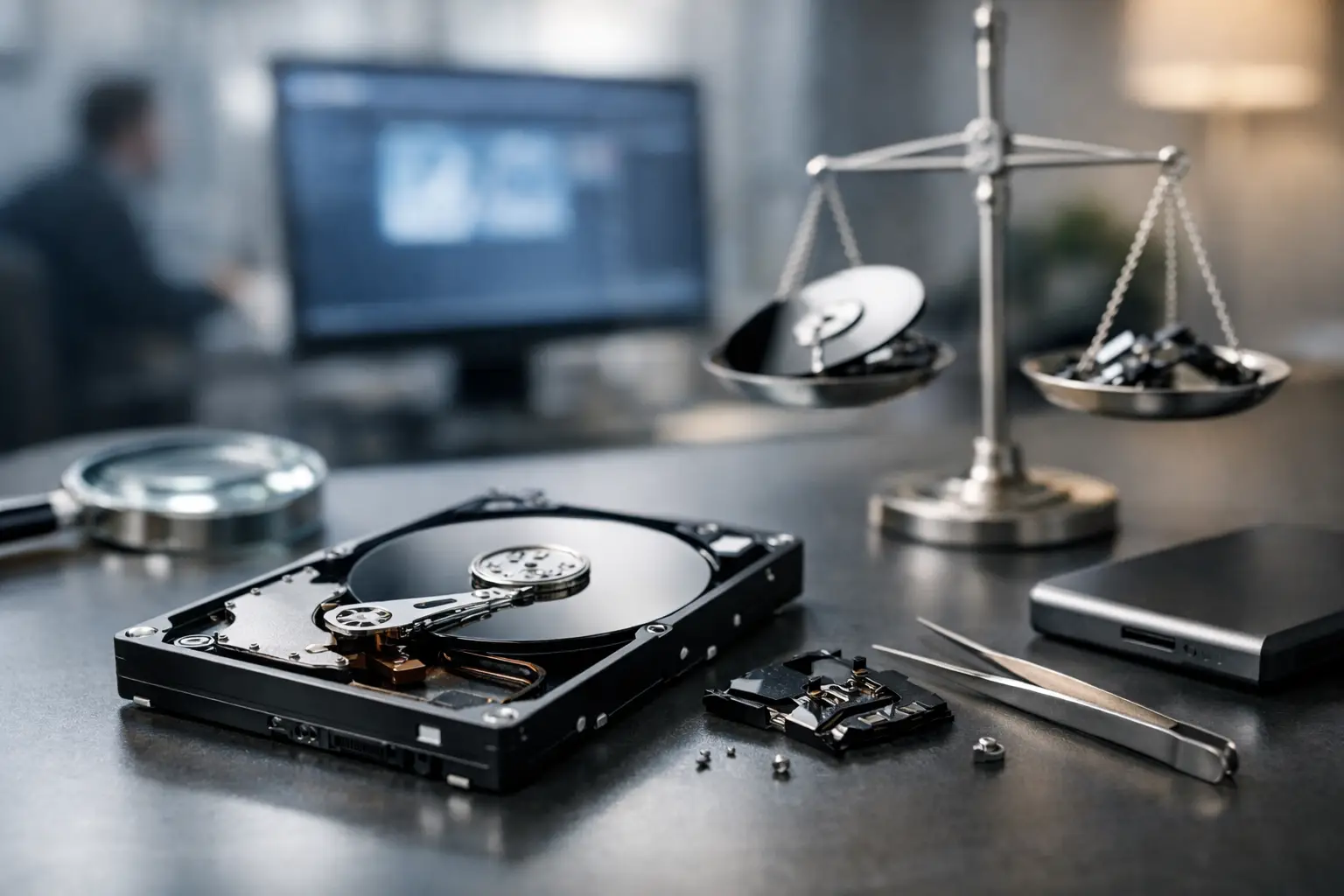
A drive can disappear without warning: one moment the files are there, and the next the computer asks to format the device, the NAS will not mount, or a camera card shows as empty. In that moment, the question is understandably urgent: is recovery guaranteed? The direct answer is no. No ethical data recovery provider can guarantee an outcome before examining the device and understanding the failure.
That does not mean the data is necessarily gone. Many apparently catastrophic failures are recoverable, particularly when the device is powered down promptly and handled correctly. The likelihood of success depends on what happened to the storage media, what has occurred since the loss, and whether the data remains physically or logically accessible.
Is Recovery Guaranteed? Why the Honest Answer Is No
Data recovery is an investigative technical process, not a standard repair. A hard drive may have damaged heads, failed electronics, corrupt firmware or scratched platters. An SSD can suffer controller faults, encryption complications or internal data-management processes that remove deleted blocks. A RAID or NAS issue may involve multiple disks, an incorrect configuration, a failed controller and incomplete parity information at the same time.
Each situation has different risks. A deleted folder on a healthy external hard drive may be relatively straightforward if the drive has not been used afterwards. A drive that has been dropped while spinning could have physical media damage that limits what can be read. A water-damaged mobile or camera card may be recoverable, but corrosion can continue to affect components if it is not dealt with appropriately.
The word guaranteed also matters because data has value beyond the device itself. For a photographer, it may be an unrepeated event. For a Canberra business, it may be financial records, project files or operational systems. For a family, it may be years of photos. A specialist should be clear about the uncertainty, explain the likely path forward and avoid promising results that the condition of the media cannot support.
What Determines the Chance of Data Recovery?
The most significant factor is the type of failure. Logical data loss occurs when files are deleted, a partition is lost, a file system is corrupted or a device is accidentally formatted. The hardware may still be healthy, and the underlying data can sometimes remain on the storage media.
Physical failure is different. Clicking hard drives, drives that will not spin, damaged USB connectors, failed SSD controllers and media affected by impact or liquid need a controlled recovery approach. Continuing to power a physically failing device can make the situation worse, especially if it is repeatedly trying and failing to read damaged areas.
Time and device use also matter. When a file is deleted, the operating system may only remove its reference rather than erase every part of it immediately. However, any new data written to the device can overwrite the space where that file was stored. Installing recovery software onto the affected drive, saving recovered files back to it or continuing normal work can reduce the prospect of a successful recovery.
With SSDs, the picture can be more complex. Features such as TRIM are designed to improve performance and manage storage blocks. After deletion or formatting, TRIM can make data unavailable far more quickly than it would be on a conventional hard drive. Encryption, common on modern Apple devices and business systems, can also mean that retrieving raw data is not useful without the required encryption information.
The original storage arrangement is particularly relevant for RAID and NAS systems. RAID is designed for availability, not as a replacement for backup. A single disk failure in a correctly configured redundant array may be manageable, but rebuilding with the wrong disk order, replacing more drives than necessary or allowing a degraded array to keep operating can complicate recovery. Multiple-drive failures require careful assessment of every member disk and the array configuration before reconstruction is attempted.
The Condition of the Device Changes the Approach
A device that is detected normally but has missing files calls for a different approach from one that is not recognised at all. Likewise, a camera SD card that asks to be formatted should not be treated the same way as a hard drive making scraping or clicking sounds.
Professional recovery may involve creating a stable image of the media, repairing or bypassing failed components, extracting data through specialised hardware or reconstructing damaged file systems and RAID structures. The right method depends on evidence found during assessment. Guesswork, particularly on the original media, can permanently alter that evidence.
Actions That Can Improve the Recovery Prospect
The best first action is usually to stop using the affected device. Disconnect an external drive safely if possible. Turn off a computer if an internal hard drive is clicking, disappearing or causing repeated freezes. Do not keep restarting it in the hope that it will suddenly become stable.
Avoid formatting the device, even if the computer suggests it. Do not initialise a disk that appears as unallocated, run repair utilities against a drive with suspected physical faults, or install software onto the same disk that holds the missing data. These actions can write new information and make a recovery task materially harder.
For a RAID or NAS system, label the drives by bay position before removing anything. Do not mix them up, start a rebuild unless you are certain of the fault, or reconfigure the array to see if it comes back. If the data is business-critical, preserving the existing state is more valuable than a rushed attempt to restore access.
If a device has been exposed to water, do not power it on to test it. Do not use heat to dry it. For physically damaged phones, camera cards and drives, secure the device and seek specialist advice as soon as practical. The goal is to prevent additional electrical or mechanical damage.
When DIY Recovery Is Reasonable, and When It Is Not
DIY recovery has a place in low-risk situations. If a healthy drive has had a small number of files deleted and there is no sign of hardware failure, a carefully performed recovery attempt may be reasonable. Ideally, work from a copy or image of the device and save any recovered material to a separate drive.
The trade-off is that DIY tools cannot repair a mechanically damaged hard drive or reliably resolve every firmware, controller and encryption problem. They may also put the device under sustained reading pressure. A drive that is slow, clicking, not detected, has been dropped, smells burnt or repeatedly disconnects should not be treated as a software problem.
Specialist assessment is also the sensible option where the stakes are high: business records, legal documents, creative work, irreplaceable photos, RAID arrays and devices that contain the only copy of critical data. RecoveryGeeks works across hard drives, SSDs, NAS and RAID systems, Apple devices, cameras and other storage media, so the recovery method can be matched to the device rather than forcing every problem into the same process.
Recovery Success Is Not the Same as Complete Recovery
A useful distinction is between recovering some data and recovering every required file in perfect condition. It may be possible to recover a large portion of a drive while some files remain corrupted, fragmented or absent. Video files, databases and large creative project files can be especially vulnerable if sections of their data have been overwritten or sit in damaged areas of the media.
For businesses, the most valuable outcome may be a current database, accounting folder or project directory rather than every historical file. For a photographer, complete recovery of a particular shoot may matter more than the total number of files retrieved. A proper assessment should focus on the data that matters most, not just a headline percentage.
The Best Time to Protect Recoverability Is Now
When data disappears, certainty is rarely available at the start. What you can control is the next decision: stop using the device, avoid writes and rebuild attempts, and preserve its condition for assessment. A guarantee may not be possible, but prompt, careful action gives important data its best available chance of coming back.
