











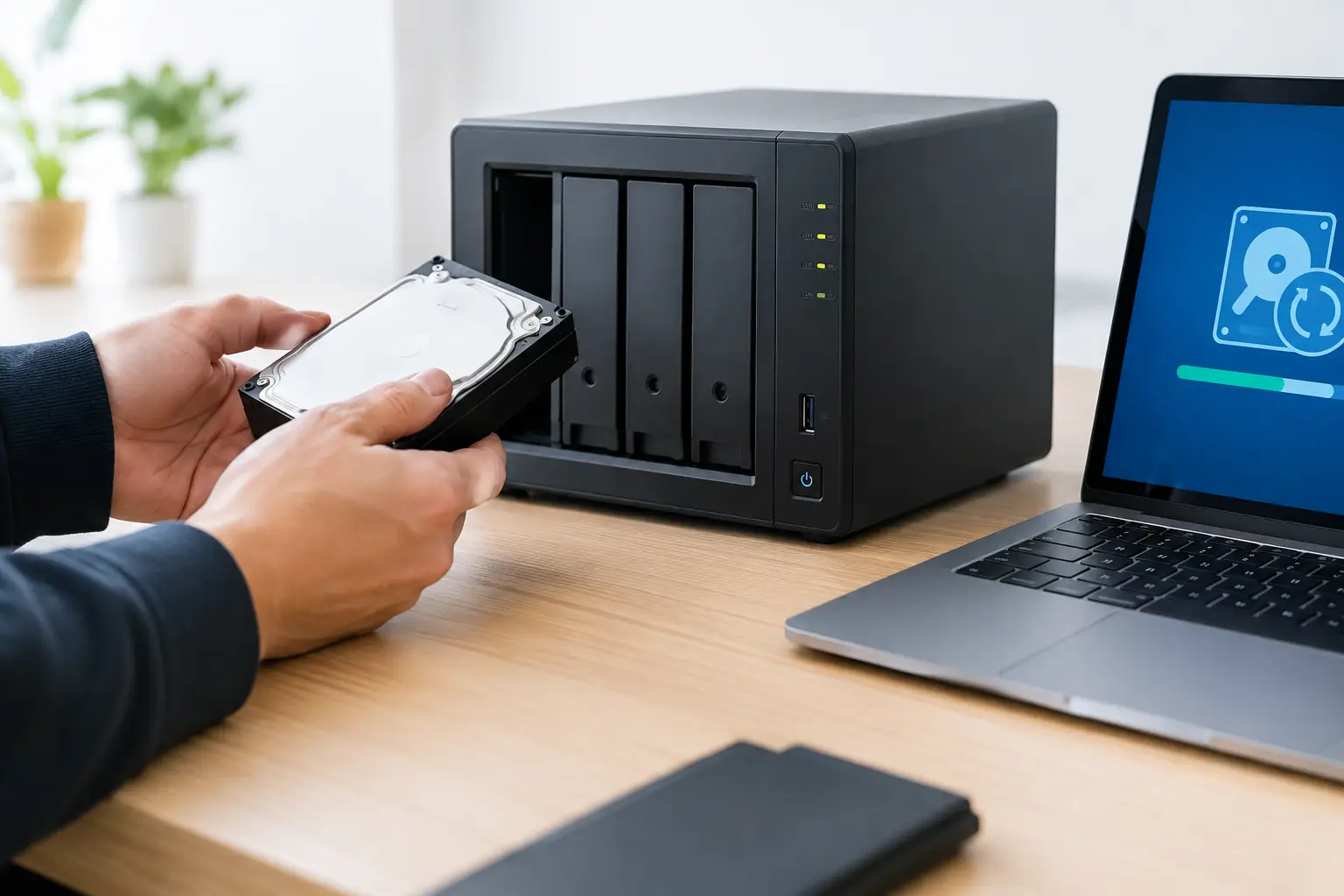
A NAS that suddenly disappears from the network or refuses to open shared folders can stop a household or business in its tracks. Knowing how to recover inaccessible NAS data starts with one priority: preserve the storage system as it is. A hurried reboot, drive swap or rebuild can turn a recoverable fault into permanent data loss.
Network-attached storage systems are more complicated than a single external drive. They commonly combine several disks, a RAID configuration, a dedicated operating system, network settings and one or more file systems. The point of failure matters. A network issue may leave the data untouched, while multiple disk failures or damaged RAID metadata require a far more cautious response.
First, establish what “inaccessible” means
Before attempting a fix, identify exactly what has changed. Can the NAS be seen in its manufacturer management application or through its usual network address? Does the administration page load but shared folders fail to open? Are the drives reporting warnings, or is the unit completely unresponsive?
If users can reach the NAS but cannot access certain folders, the cause may be changed permissions, a corrupted share configuration or a file system issue. If the device cannot be found on the network, check whether other devices can use the same switch or router port. A loose cable, failed network port, DHCP address change or router issue can look like a NAS failure.
A completely dead unit is different again. No lights, no fan activity or repeated power cycling can indicate a failed power supply, enclosure fault or internal hardware problem. The disks may still contain intact data, but they should not be removed and treated as ordinary standalone drives without understanding the RAID layout.
How to recover inaccessible NAS storage without making it worse
Begin with non-invasive checks. Confirm the power cable, power board, Ethernet cable and network port are working. If possible, test with a known-good Ethernet cable and a different router or switch port. Record every status light, error message, beep pattern and the order in which any disk warning appeared. These details can be valuable if specialist recovery is needed.
If the NAS administration interface is available, check its storage manager or event log before changing anything. Look for failed disks, degraded arrays, read errors, file system warnings and capacity issues. A NAS that is completely full may behave unpredictably, particularly when it has no space for system services or snapshots.
Do not assume a single red drive light means the disk is the only problem. In a RAID system, a disk may be marked failed because of a bad connection, enclosure issue or communication error. Equally, a disk that appears healthy may contain unreadable sectors that make the array unstable under load.
Avoid these common actions while the cause is unknown:
- Initialising, formatting or creating a new storage pool
- Accepting a rebuild prompt before confirming which drive has failed
- Updating NAS firmware while disks or volumes are unstable
- Repeatedly restarting a clicking, beeping or unresponsive unit
Each action writes to disks or changes configuration data. RAID rebuilds are especially risky because they place sustained load on the remaining drives. If another older drive has weak sectors, the rebuild can fail partway through and reduce the chance of a clean recovery.
Check whether the RAID is degraded or offline
Most multi-bay NAS units use RAID to keep data available after a drive failure. RAID is not a backup, and it does not guarantee that files remain accessible. It only provides a level of redundancy for specific failure scenarios.
With RAID 1, data is mirrored across two drives. One failed drive can often be replaced, but the surviving drive still needs to be read reliably. RAID 5 can generally tolerate one drive failure, while RAID 6 can tolerate two. However, the practical outcome depends on the array’s health, the disk order, controller behaviour and whether the RAID metadata remains consistent.
A degraded array may still mount and allow data to be copied. If it does, prioritise critical data first and copy it to separate storage. Do not attempt to move or reorganise files on the NAS while it is degraded. Copying is safer than editing, but even read activity can stress failing drives, so assess the situation carefully.
If the volume is offline, reports as uninitialised, or asks to be formatted, stop there. Those messages do not necessarily mean the data has gone. They often mean the NAS cannot interpret the array or file system correctly. The disks may require sector-level imaging and reconstruction in their original RAID order.
Do not rearrange or replace disks blindly
Drive position is essential in many NAS and RAID recoveries. Label every disk with its bay number before removing it, even if the trays are already numbered. Take photographs of the NAS front panel and disk positions. Keep disks in a safe, dry place and avoid stacking them directly on one another.
Do not put the drives into another NAS and allow it to initialise, migrate or repair the storage automatically. Some systems can import an existing array safely, but only when the hardware, firmware and configuration are compatible. If the array has already suffered corruption or disk errors, an automatic repair process can overwrite information needed to reconstruct it.
It is also risky to connect individual NAS drives to a computer and assume they will appear as normal folders. Many NAS systems use Linux-based file systems and partition layouts that Windows or macOS will not read natively. More importantly, each disk may only hold part of the data. The full volume exists across the RAID set, not on one drive alone.
Consider the likely fault before choosing a recovery path
A network configuration issue can often be resolved without touching the disks. Check the router’s connected-device list, confirm the NAS IP address has not changed, and try accessing the device by that address. For business environments, check VLAN settings, DNS records, firewall changes and recent switch maintenance with the responsible IT team.
If the NAS is online but files are missing, consider whether a user account, sync application, ransomware event or accidental deletion is involved. Check snapshots and recycle-bin features only if the NAS is stable and those features were enabled beforehand. Do not install recovery software directly onto the NAS, as it may write to the same volume you are trying to protect.
When a NAS reports multiple failed drives, makes unusual mechanical noises, drops disks intermittently or will not mount its volume, professional assessment is usually the safer option. This is particularly true for RAID 5, RAID 6, RAID 10 and proprietary hybrid RAID arrangements. Recovery may require controlled cloning of unstable disks, correction of RAID parameters and extraction of data to separate storage.
When to seek professional NAS data recovery
Specialist help is appropriate when the data is business-critical, irreplaceable, encrypted, or needed urgently. It is also sensible when there has been more than one drive failure, accidental reinitialisation, liquid exposure, power damage, ransomware, physical disk noise or a failed rebuild.
A professional recovery process focuses first on preserving original media. Rather than working directly on the only copy of the disks, technicians can assess disk health, create safe working images where possible, identify RAID order and configuration, then reconstruct the volume in a controlled environment. The exact approach depends on the NAS brand, disk condition, RAID type, encryption settings and the nature of the failure.
For Canberra organisations and customers across Australia, RecoveryGeeks can assess inaccessible NAS and RAID storage where standard troubleshooting is no longer safe. Providing the NAS model, number of disks, RAID type if known, symptoms, error messages and recent events helps establish the right recovery path quickly.
Protect the recovered data before returning to normal use
Once data is accessible again, copy it to independent storage before relying on the NAS. Verify that key folders, databases, creative projects and photos open correctly. Do not treat a successfully mounted volume as proof that every file is intact.
Then review the backup arrangement. A useful approach keeps more than one copy, on separate storage, with at least one copy protected from the same local event such as theft, power damage, fire or ransomware. For businesses, include backup testing and restore checks in regular IT maintenance. A backup that has never been restored is an assumption, not a recovery plan.
The calmest response to an inaccessible NAS is usually the most effective one: stop unnecessary writes, document what happened, and choose a repair or recovery path that protects the data before it tries to restore convenience.
