











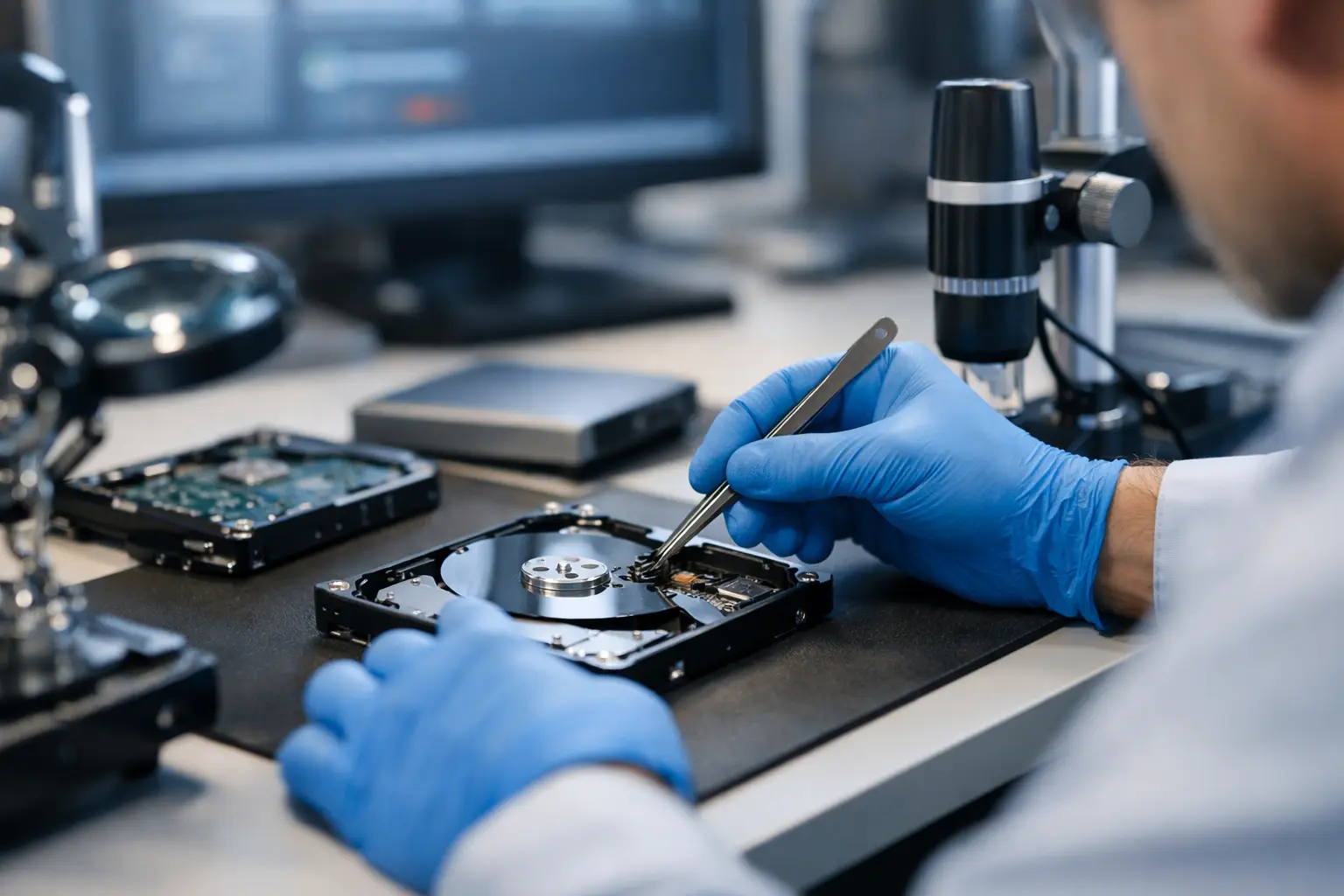
When a hard drive starts clicking, an SSD vanishes from the system, or a RAID goes offline without warning, the biggest mistake is usually the first one made after the failure. People restart the device, run free repair tools, swap parts, or keep trying to force access. If you are asking how do professional data recovery services work, the short answer is this: they reduce risk first, then recover data using controlled diagnostics, specialist tools, and device-specific repair methods.
That process is very different from general IT support. Standard troubleshooting aims to make a device work again. Professional data recovery aims to retrieve the data, even when the storage media itself is failing, damaged, corrupted, or physically compromised. Those are not always the same goal, and treating them as if they are can make recovery harder.
How do professional data recovery services work in practice?
A proper recovery job usually begins with assessment, not repair. The device is examined to identify the type of failure and the safest path forward. Broadly, failures fall into logical issues, electronic faults, firmware problems, physical damage, and media degradation. Each one changes what can be done next.
If the problem is logical, the storage hardware may still be functioning but the file system, partition structure, or data records have been damaged. This can happen after accidental deletion, formatting, corruption, malware, or an interrupted update. In those cases, recovery specialists often work from a sector-level image and reconstruct data without writing anything back to the original device.
If the issue is physical, the approach becomes far more controlled. Traditional hard drives may suffer head crashes, seized motors, damaged platters, or failed printed circuit boards. SSDs bring a different set of challenges, including controller faults, degraded NAND, power-related failure, and complex data translation. Phones, cameras, NAS units, and RAID arrays all have their own failure patterns too.
That is why professional recovery is not one generic process. It depends on what failed, how badly it failed, and whether the data itself has also been damaged.
The first stage is diagnosis and risk control
The initial inspection is about determining whether the device should be powered at all, and if so, for how long. With a failing hard drive, every spin-up can matter. If read heads are unstable or the media surface is deteriorating, repeated attempts can reduce the recoverable data set.
Specialists check signs such as unusual noises, power behaviour, firmware response, detection status, error patterns, and device history. For a business NAS or RAID, they also review the original configuration - disk order, RAID level, stripe size, controller behaviour, rebuild history, and whether any disks were replaced. For mobile phones or Apple devices, they may need to establish whether the issue is storage-related, board-level, software-based, or linked to encryption.
This stage matters because good recovery is often about restraint. The wrong action at the start can turn a recoverable case into a partial recovery or, in some cases, no recovery at all.
Imaging comes before file recovery
Once the device condition is understood, the next goal is usually to capture a stable copy of the data at the lowest possible level. Rather than browsing files directly on the original device, professionals create a forensic-style sector image or clone where possible.
That image is important for two reasons. First, it reduces further stress on the source media. Second, it gives technicians a safer working copy for reconstruction, file carving, and logical repair. If a drive is unstable, the imaging process may be selective. Priority areas can be targeted first, and damaged sectors may be handled with controlled retries rather than brute-force reading.
This is one reason home software often fails where a lab succeeds. Consumer tools generally assume the hardware is healthy enough to stay online. On a failing device, those assumptions are risky.
Physical recovery work is highly specialised
When the problem is mechanical or electronic, recovery may require hardware intervention before imaging can even begin. With a hard disk drive, that could mean replacing failed components with compatible donor parts, stabilising firmware access, or dealing with head assembly issues in a controlled environment.
This is where professional facilities and experience matter. Opening a hard drive outside the right conditions exposes internal components to contamination. Even tiny particles can interfere with head movement and platter reading. More importantly, replacing parts is not like swapping a battery in a remote. Compatibility can depend on model family, firmware version, microcode behaviour, and manufacturing variations.
SSDs are different again. There are no spinning platters, but that does not make them easier. Many SSD recoveries involve controller issues, corrupted translation layers, bad blocks, firmware failure, or degraded memory chips. In some cases, specialists must reconstruct how the controller originally mapped data across NAND. Encryption and wear-levelling add another layer of complexity.
For flash media such as SD cards, USB drives, and some cameras, recovery can involve chip-level work if the controller has failed. For phones and tablets, board-level faults may need to be resolved first so the device can initialise storage and permit extraction.
RAID and NAS recoveries need system knowledge, not just disk access
Business clients often assume a RAID protects them from data loss. It helps with availability, but it is not a backup. RAID can still fail through multiple disk faults, accidental reconfiguration, controller damage, file system corruption, failed rebuilds, or user error.
Professional RAID and NAS recovery starts by preserving the current state of each member disk. That matters because a well-intentioned rebuild can overwrite critical parity or metadata. Once each disk is imaged, the virtual array can be reconstructed in a controlled environment. Technicians map the RAID layout, validate parity behaviour, identify missing or stale members, and then rebuild the storage structure logically to access the file system.
This is one area where specialist experience is especially valuable. Two failed systems can look similar from the outside but require very different reconstruction paths. A small mistake in member order or stripe parameters can produce plausible-looking but corrupted output.
File extraction is only part of the job
After the data is accessible, the next step is verifying what has actually been recovered. A good service does not just hand back a pile of unnamed files and call it done. Recovered data is typically checked for file integrity, structure, and usability.
That can mean confirming whether business documents open correctly, whether photo libraries still contain original metadata, whether project files are intact, or whether mailbox and database structures are consistent. If there are gaps caused by unrecoverable sectors or overwritten content, that should be explained clearly.
This part often surprises customers. Recovery is not always all or nothing. Sometimes the result is complete. Sometimes it is partial but still highly valuable. A damaged drive might yield all family photos but miss a few video files. A failed office server might return the core financial records but not every temporary file. Clear expectations matter.
Why recovery outcomes vary
No credible specialist should promise a guaranteed result before diagnosis. Data loss cases vary too much. Success depends on the device type, the failure mode, whether new data has overwritten old data, the extent of physical damage, encryption status, and what happened after the incident.
Deleted files on a healthy drive may be straightforward if the space has not been reused. A dropped hard drive that was powered on after impact is more complicated. A water-damaged phone might be recoverable if corrosion is treated quickly. An SSD that has suffered severe controller failure and internal rubbish collection may be far less predictable.
That does not mean recovery is guesswork. It means honest recovery work is evidence-based. Diagnosis comes first, then the method, then the outcome.
What customers should do before sending a device in
If a device is making unusual noises, not detecting properly, asking to be formatted, or showing missing data, stop using it straight away. Do not install software onto it, do not reinitialise it, and do not keep rebooting to see if it comes good. With RAID and NAS systems, avoid rebuilds, firmware changes, and disk swaps unless you have a confirmed recovery plan.
For customers in Canberra and across Australia, the most useful first step is usually to preserve the device in its current state and get an expert assessment. That is especially true for business systems, damaged Apple devices, camera media, and any storage holding irreplaceable data.
RecoveryGeeks works in exactly these high-stakes situations, where the job is not simply fixing hardware but giving the data the best possible chance of coming back.
The real value of a professional recovery service is not the lab bench or the specialist software on its own. It is knowing when not to force a failing device, how to image unstable media safely, and how to rebuild data structures without making the loss worse. When the files matter, careful process beats hopeful tinkering every time.
