











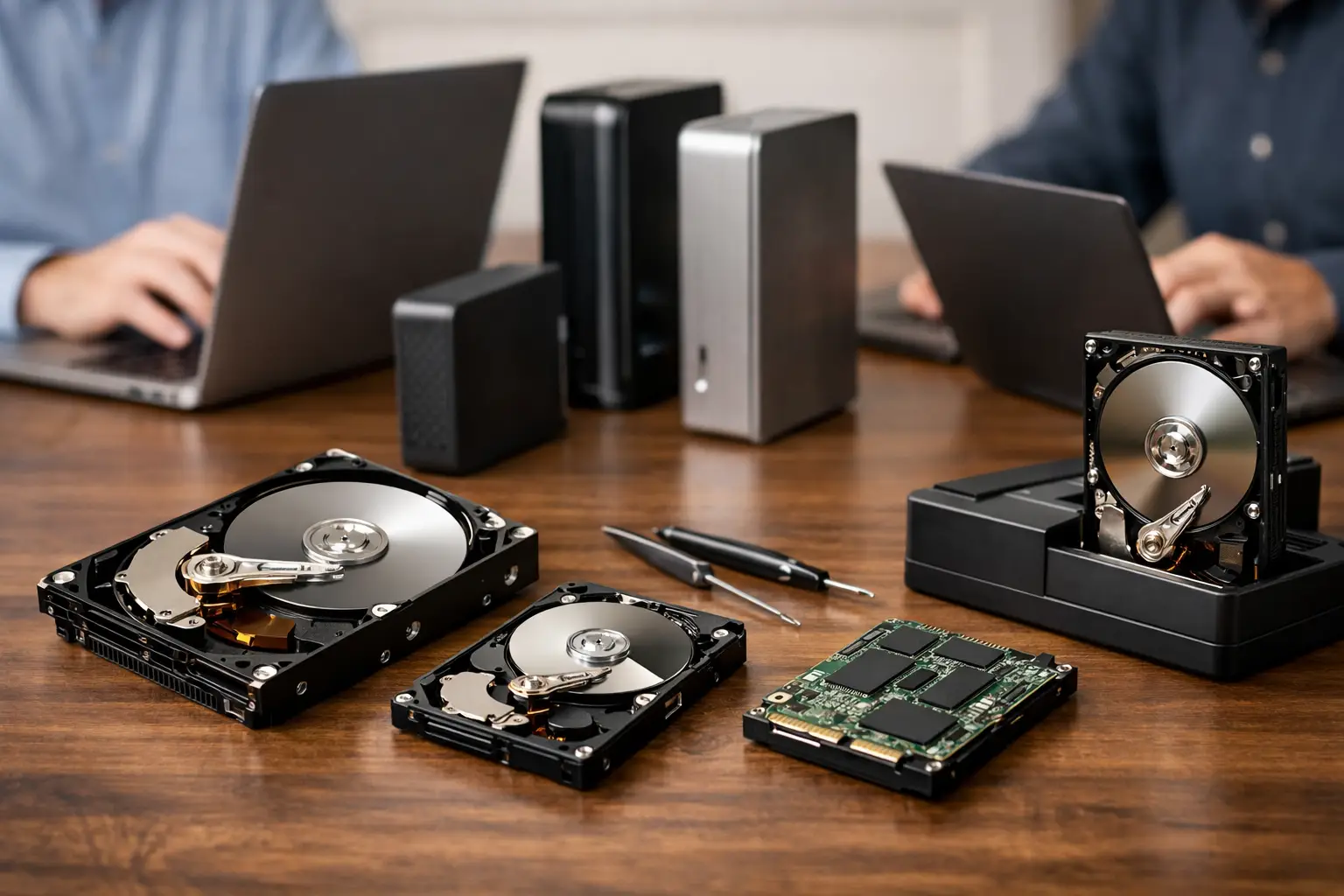
A hard drive that clicks, disappears from the computer, or suddenly asks to be formatted is not a routine IT problem. It may contain family photos, accounting records, design files, surveillance footage or the only copy of a business database. A proper hard drive recovery company comparison should therefore focus on technical capability and process, not simply the lowest advertised price or the nearest repair counter.
The right provider depends on what has failed, how valuable the data is and whether the drive has already been handled. A deleted folder on a healthy external drive is very different from a dropped portable drive with physical damage. Knowing how to compare providers helps you make a calm decision before further attempts reduce the chance of recovery.
What You Are Actually Comparing
Data recovery is not the same as computer repair. A repair business may be well placed to replace a hard drive, reinstall an operating system or copy files from a healthy device. Specialist recovery work is about accessing data from storage media that is damaged, corrupt, encrypted, degraded or no longer recognised.
For a conventional hard disk drive, the fault may involve failed read/write heads, damaged platters, degraded firmware, bad sectors, a seized motor or a failed controller board. Logical failures are different again. The drive may be physically functional, but its file system, partition table or folders may be damaged or deleted.
A useful comparison starts by asking whether each company handles the type of failure you have. Be wary of broad claims that do not explain the provider’s actual capability. A specialist should be able to discuss the difference between logical recovery and physical recovery, and explain why the process changes depending on the drive’s condition.
Hard Drive Recovery Company Comparison: The Key Criteria
Technical capability for physical failures
If a drive is clicking, grinding, beeping, spinning down repeatedly or not spinning at all, avoid plugging it in again. These symptoms can indicate mechanical or electronic failure. Continued power cycles may worsen damage and make successful recovery harder.
Compare whether a provider has appropriate controlled facilities for internal hard drive work. Opening a hard drive on a desk, in a home office or at a general repair shop exposes sensitive internal components to contaminants. A professional recovery process for physical failures should involve suitable clean handling procedures, specialist tools and donor-part compatibility knowledge.
Ask how the company approaches imaging. In many cases, the safest objective is not to make the original drive work normally again. It is to stabilise it long enough to create a sector-by-sector copy, then recover files from that copy. This reduces unnecessary stress on an already failing drive.
Experience with your drive and file system
Not all drives behave alike. Portable USB drives, desktop drives, laptop drives and enterprise hard drives can have different firmware, encryption and interface considerations. A drive removed from a NAS may also use Linux-based file systems or form part of a multi-disk array.
Look for evidence that the provider handles more than standard Windows desktop drives. This matters if your data sits on a Mac, an encrypted external drive, a camera card, a NAS unit or a RAID configuration. The broader the environment, the more important it is that the recovery team understands how the storage system was configured, rather than treating every job as a simple file copy.
For business systems, ask whether the company can assess RAID parameters, controller behaviour, disk order and virtual storage layers. Rebuilding a RAID incorrectly can overwrite useful information or produce incomplete data. The best option is often the provider that asks detailed questions before proposing a solution.
Diagnosis, evidence and realistic expectations
A reputable company should explain its assessment process in plain language. That includes what they will test, what information they expect to confirm, and when they can provide an estimate of recoverability. No provider can responsibly guarantee recovery before examining the device.
Be cautious of blanket promises such as “100 per cent recovery” or claims that every drive can be fixed. Severe platter damage, overwritten data, failed solid-state storage, encryption without the key and prolonged failed DIY attempts can all limit outcomes. Honest advice may sound less dramatic, but it is more useful when the data matters.
Ask what evidence you will receive before finalising the job. Depending on the case, this may be a file listing, folder structure, sample files or confirmation that specific high-priority documents are present. For photographers, the priority may be RAW files and catalogue data. For a business, it may be databases, MYOB files, project folders or email archives.
Pricing clarity and the meaning of “no data, no fee”
Recovery pricing varies because failures vary. A logical recovery from a healthy drive can require far less work than a physically damaged drive needing controlled internal handling, parts sourcing and careful imaging. Any comparison based on a single headline price is incomplete.
Request a clear explanation of assessment fees, recovery fees, urgent service options, replacement media charges and return shipping. Find out whether the quoted price is fixed after diagnosis or whether it can change as work progresses. If a company offers “no data, no fee”, clarify what counts as recovered data. Is it any file at all, a usable file set, or the files you nominate as essential?
The cheapest quote may be reasonable for a straightforward logical issue. It may not be the best choice where there is physical damage or irreplaceable data. Conversely, the highest quote is not automatically evidence of better capability. Transparency, a credible diagnosis and a defined scope of work are better indicators.
Security, privacy and chain of custody
A failed drive can hold far more than documents. It may contain client records, financial information, medical files, legal material, passwords or private photographs. For organisations, the recovery provider becomes part of the incident response process.
Ask how the device is received, labelled, stored and tracked. Confirm who can access recovered data, how long copies are retained, and how data is returned or securely removed after the job. Businesses should also establish whether they need a confidentiality agreement, a purchase order process or specific reporting for internal governance.
For Canberra clients and customers elsewhere in Australia, location is one factor, but secure handling matters just as much when a device is sent by courier. Package the drive carefully, avoid loose movement in the box and do not send it in an ordinary satchel without protective packing. Keep a record of the serial number and the courier tracking details.
Compare the Process, Not Just the Promise
A capable recovery company generally follows a measured sequence: protect the original device, assess the fault, stabilise or image the media where possible, reconstruct data, validate the result and return files on suitable media. The exact method will differ, but the provider should be comfortable explaining the next step without hiding behind vague technical language.
Pay attention to communication. When the data loss is stressful, you need direct answers about status, likely timeframes and decisions that may affect cost or recovery prospects. This is particularly important with urgent business outages. Fast service is valuable, but rushing a mechanically failing drive without a careful plan can be counterproductive.
RecoveryGeeks provides specialist professional data recovery for hard drives as well as SSDs, NAS and RAID systems, Apple devices, cameras and other storage media. For customers with mixed devices or more complex storage environments, that breadth can be more useful than a provider focused only on basic desktop drive issues.
Questions Worth Asking Before You Hand Over a Drive
Before choosing a provider, ask whether they can recover data from your drive model and failure type, whether the drive needs controlled internal work, how they determine a successful result, and how pricing is confirmed after assessment. Also ask how they protect confidential data and what form the recovered files will be returned in.
For a business drive, add questions about encrypted volumes, server operating systems, RAID layout and priority files. For a personal drive, identify the folders that matter most before the assessment starts. This gives the recovery team a practical way to validate the result and helps avoid confusion about what success looks like.
Do not rely on recovery software if the device is making unusual noises, disconnecting repeatedly, reporting read errors or disappearing from the system. Software can be appropriate for accidental deletion on a stable drive, but it cannot repair mechanical failure. Installing software or saving recovered files back to the affected drive can overwrite data that may otherwise have been recoverable.
Make the Next Decision the Safest One
When comparing recovery companies, choose the provider whose process matches the risk. A straightforward logical issue may call for a simple assessment and file recovery. A clicking drive, failed NAS disk or inaccessible business volume calls for specialist handling, clear communication and evidence-based expectations. Power the device down, keep it safe, and seek an assessment before another unsuccessful attempt turns a recoverable problem into permanent data loss.
