











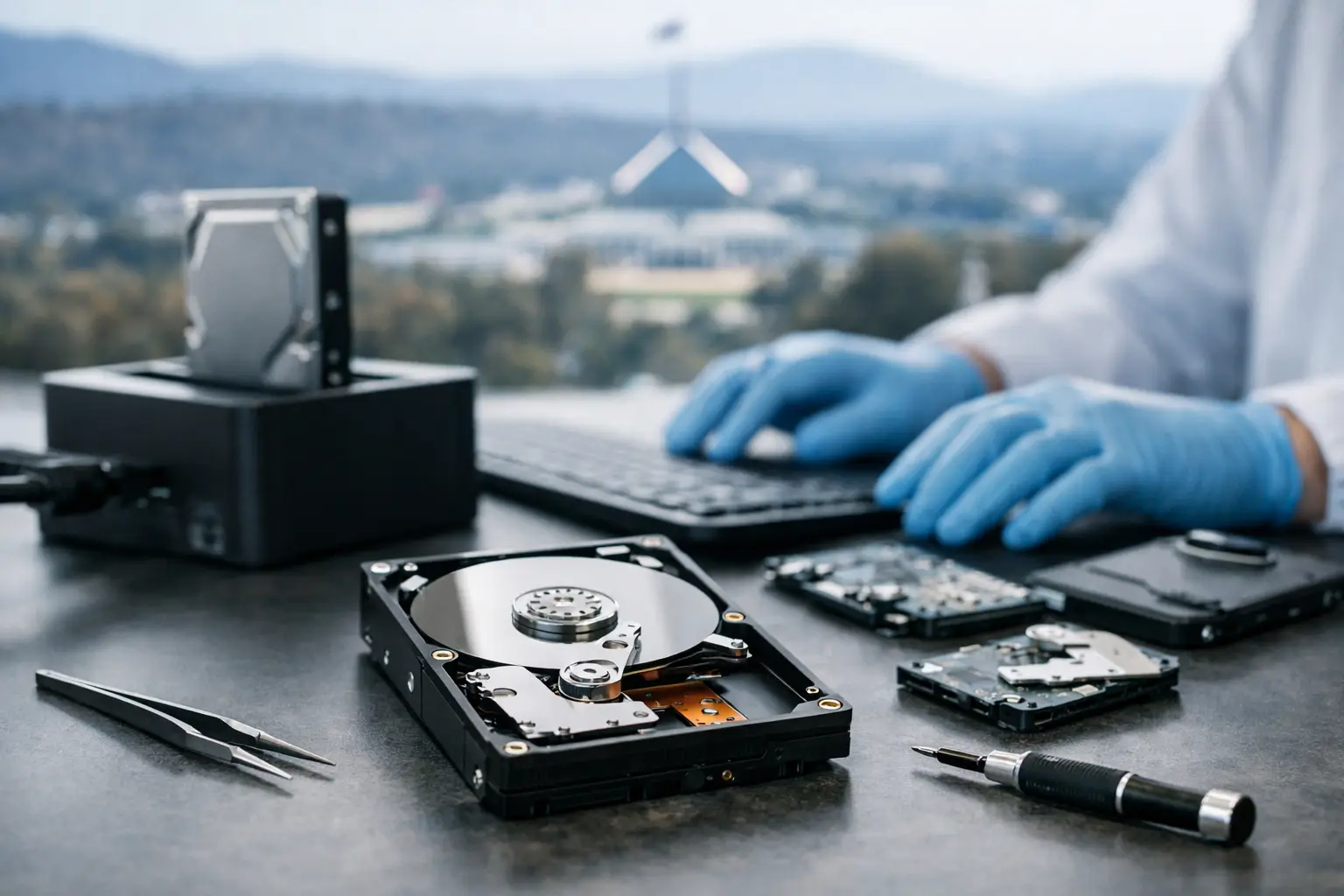
A hard drive usually gives you a warning before it fails completely. The laptop starts freezing when you open files. An external drive takes too long to mount. A desktop begins clicking, beeping, or dropping folders without explanation. When that happens, hard drive data recovery Canberra customers need is rarely about convenience. It is about business records, family photos, project files, research, and years of work that may suddenly be out of reach.
The first few hours after a failure matter more than most people realise. Well-meaning attempts to restart the drive, run software scans, or keep copying files can make recovery harder. In some cases, they can turn a recoverable problem into permanent data loss. The right response depends on what has actually gone wrong inside the drive and whether the issue is logical, electronic, mechanical, or physical.
Why hard drives fail in the first place
Traditional hard drives are still widely used because they offer strong capacity for the price. They are common in desktops, external backup drives, surveillance systems, servers, NAS units, and older laptops. But unlike solid-state storage, they rely on moving parts. That creates more ways for failure to occur.
A hard drive may fail because of bad sectors, corrupted file systems, damaged firmware, failed read-write heads, motor seizure, or printed circuit board faults. It may also be affected by power surges, accidental drops, liquid damage, overheating, or simply age and wear. In a business setting, repeated use in a RAID or NAS environment can add another layer of complexity if multiple drives begin reporting errors at once.
Not every failed drive is physically damaged. Sometimes the files are still there, but the operating system cannot read the structure that points to them. Other times, the drive electronics are not responding at all. That distinction matters because the safest recovery method depends entirely on the fault type.
Signs you may need professional hard drive data recovery in Canberra
Some warning signs are obvious. Clicking noises, grinding, or a drive that spins up and disappears are all serious indicators. So are burning smells, visible impact damage, or a drive that no longer powers on after a surge. These symptoms usually point to hardware-level faults, and continued use can increase the risk of platter damage.
Other cases are quieter but still urgent. Files may vanish, the computer may ask to format the drive, or folders may open with errors. You might also see unusually slow access, repeated file corruption, or messages showing the drive has become unreadable. These are often treated as software problems, but they can also signal early media failure.
If the data matters, the safest assumption is simple: stop using the device and get it assessed properly.
What not to do after a drive failure
The biggest mistake is continuing to power the drive on and off in the hope that it will suddenly behave. Each restart can put extra stress on failing components. If the heads are unstable or the platters are degraded, that repeated activity can reduce the amount of readable data left.
Another common mistake is installing DIY recovery software straight onto the same computer or drive involved in the loss. If the issue is only accidental deletion, software tools can sometimes help. But if the drive is unstable, every scan is more wear, more heat, and more risk. Software also cannot repair mechanical faults or safely handle a drive with damaged firmware.
Freezer tricks, online shortcuts, and random adapter swaps are also not a serious recovery plan. They may circulate in forums, but they are not controlled recovery methods. For high-value data, they are usually a gamble with poor odds.
How professional recovery actually works
Professional hard drive recovery is not one single process. It is a staged technical procedure that changes according to the device condition. The first step is proper diagnosis. That means identifying whether the fault is logical, electrical, firmware-related, or mechanical, and then selecting the least invasive path to the data.
If the drive has a logical issue, the work may involve rebuilding corrupted file structures, extracting accessible sectors, and reconstructing damaged partitions. If the issue is firmware-related, specialist tools may be needed to access service areas and stabilise communication with the drive. If the drive has a hardware fault, controlled repair work or component-level intervention may be required before imaging can begin.
For mechanically failed drives, recovery is often performed using clean room procedures or clean air environments designed to limit contamination while sensitive internal parts are handled. The goal is not to make the drive usable again for everyday storage. The goal is to recover the data by stabilising the drive long enough to image it safely.
That distinction matters. A recovered drive should not be trusted as an active storage device afterwards. Recovery is about extraction, not repair for continued use.
Hard drive data recovery Canberra businesses should take seriously
For Canberra businesses, drive failure can mean more than a missing folder. It can stop payroll, delay client work, lock down case files, interrupt creative production, or cut access to shared project data. When the failed drive is part of a NAS or RAID setup, the risk can spread across an entire team.
Business recovery work often requires a more disciplined chain of handling. There may be privacy obligations, urgent turnaround needs, or systems that depend on correct reconstruction of file paths and permissions. A single office hard drive can be straightforward. A failed array, encrypted drive, or multi-user storage environment is a different category altogether.
This is where specialist capability matters. A provider focused only on basic desktop issues may not be equipped for NAS, RAID, surveillance systems, or mixed-failure business environments. RecoveryGeeks works across these broader storage categories, which is important when the problem is not limited to a standard external drive on a home desk.
Why local relevance matters even with national service
Data recovery is a specialist field, but local confidence still matters. Canberra customers often want to know that the service understands urgency, can provide clear next steps, and is set up to handle both personal and business recovery cases without guesswork. That is especially true when the device contains sensitive material, irreplaceable family records, or operational business data.
A local service focus also helps when customers need practical support rather than generic advice. They want to know whether to stop using the drive, whether an appointment is needed, whether the issue sounds mechanical, and what the likely pathway looks like from assessment through to recovery.
The technical work may be highly specialised, but the customer need is straightforward. They need clarity, competence, and a realistic answer.
Cost, urgency, and the recovery trade-off
People often ask whether data recovery is worth it. The honest answer is that it depends on the value of the data, the type of fault, and the level of labour required. Recovering accidentally deleted files from a healthy drive is usually a very different job from recovering a dropped drive with head damage.
Urgent work can also affect the process. Some clients can wait for standard handling. Others need faster action because of legal deadlines, business continuity, media production, or critical records. Speed matters, but controlled process matters more. Rushing the wrong way can reduce the recovery result.
The most useful question is not simply, “What does recovery cost?” It is, “What is lost if the data never comes back?” For some people it is archived footage or family photos. For others it is accounting records, design assets, research data, or years of operational history.
Choosing the right recovery service
A credible recovery service should be able to explain the likely fault category, outline the handling process, and deal with more than one device type. Hard drives remain a major part of data loss work, but many customers today also rely on SSDs, Apple devices, cameras, NAS units, and RAID systems. A broad technical scope usually signals real specialist depth rather than a one-size-fits-all approach.
Privacy also matters. Failed drives often contain personal documents, commercial contracts, financial records, legal files, and private media. Customers need confidence that their data will be treated securely and handled by specialists who understand the sensitivity involved.
When a drive fails, calm decisions make a real difference. Stop using it, avoid DIY experiments, and get the device assessed before more damage is done. The sooner the fault is identified, the better the chance of recovering what matters most.
If you are facing data loss, the best next step is not guesswork. It is getting an expert view while the drive still has the strongest chance of giving your data back.
