











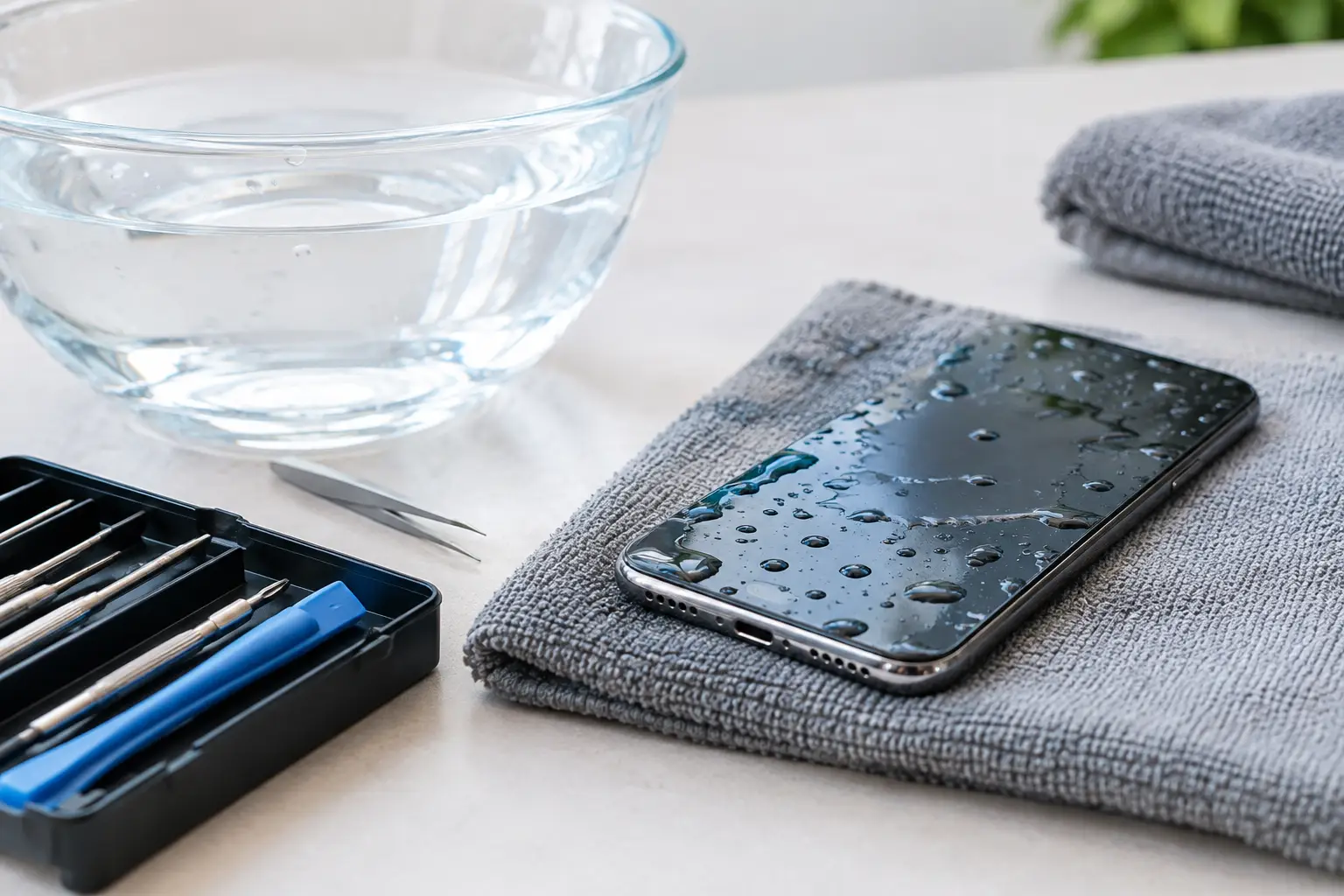
A phone dropped in the sink, caught in the rain or left in a damp bag can go from working normally to completely unresponsive in seconds. This guide to water damaged phone recovery focuses on the decisions that protect your data in those first critical hours. The priority is not getting the screen to light up straight away. It is preventing further electrical damage and preserving the best possible chance of recovering photos, messages, documents and app data.
Water damage is rarely limited to the visible surface. Moisture can enter charging ports, speaker grilles, microphone openings, buttons and SIM trays, then travel across internal components. Even a phone that appears to have dried out may develop corrosion later, particularly where minerals or contaminants are left behind.
What to do immediately after a phone gets wet
Remove the phone from the water and switch it off as soon as possible. If it is already off, leave it off. Do not press buttons repeatedly to test it, and do not connect a charger. Electricity and moisture are a damaging combination, especially around the charging circuit and mainboard.
Take off the case, remove any connected cable or accessory, and take out the SIM card tray if your model allows it. Gently blot the exterior with a clean, lint-free cloth. Keep the phone upright where practical, with the charging port facing down, so trapped liquid has an opportunity to drain rather than move further inside.
The first response should be simple:
- Turn the device off and keep it powered off.
- Disconnect chargers, headphones and other accessories.
- Remove the case and SIM tray, then blot visible moisture.
- Keep the phone in a dry, ventilated place while arranging assessment.
If the phone was exposed to saltwater, pool water, soft drink, coffee, seawater or dirty water, act promptly. These liquids leave conductive or corrosive residue behind. A phone dropped in clean tap water can still fail, but contaminated liquid usually creates a more urgent recovery situation.
What not to do with a water damaged mobile
Avoid the common home remedies. Do not put the phone in rice. Rice does not remove residue from the internal circuitry, does not reliably draw moisture out of sealed components and can leave dust in ports. More importantly, it may delay proper treatment while corrosion continues.
Do not use a hair dryer, place the phone in an oven, leave it on a heater or expose it to direct high heat. Heat can warp seals, damage the display, affect battery components and force moisture into areas it had not yet reached. Compressed air is also risky because it can drive water deeper into the device.
Trying to charge a wet phone is one of the most costly mistakes. Modern mobiles may display a liquid-detection warning and refuse to charge, which is a useful safety feature. Bypassing that warning or attempting wireless charging can still create risk if moisture has reached internal components.
It is also tempting to turn the device on briefly to check whether your photos are still there. Resist that urge. If the phone powers up after exposure, back-up options may be available, but a device with any visible moisture, charging issue, screen fault, unusual heat or intermittent behaviour should not be repeatedly powered on and off.
Why water damage threatens data, not just the phone
A damaged screen or charging port can make a phone unusable without necessarily affecting stored data. The more serious problem is corrosion on the mainboard, storage chip or the fine connectors that allow the device to boot and communicate. Corrosion can progress after the device feels dry, causing a delayed failure days or weeks later.
On many modern Apple and Android devices, data is encrypted and tied to the phone's original hardware. That means recovery is often not a matter of removing a memory chip and reading it in another device. In practical terms, the recovery process may depend on stabilising the original board long enough for the phone to start, accept the correct passcode and transfer the data.
This is why the condition of the device matters. A phone that was switched off quickly and has not been charged may have a far better recovery outlook than one that has been repeatedly tested, heated or connected to power after exposure.
Guide to water damaged phone recovery: assess the situation
Start by considering what data is actually at risk. If your photos, contacts and files were already backed up to a cloud account, the main concern may be replacing or repairing the handset. Check this from another device where possible, rather than trying to log in through the wet phone.
If the information exists only on the phone, treat it as a data recovery job. This is particularly relevant for recent family photos, business contacts, authenticator apps, client messages, notes, recordings, field images and files that have not synchronised. Do not factory reset the phone, use repair software, install update tools or accept prompts that could erase data.
The likely outcome depends on several factors: the liquid involved, how long the phone was submerged, whether it was powered at the time, how quickly power was disconnected and the model of phone. Water resistance ratings may reduce the chance of immediate damage, but they are not a guarantee. Worn seals, impact damage and normal ageing can all reduce protection.
A phone that still works normally may be able to complete a full back-up once it is professionally assessed and declared safe to operate. A phone that will not power on, has a flickering display or is not recognised by a computer should be left off. Continuing to troubleshoot can turn a recoverable issue into a more complex one.
When professional recovery is the sensible option
Professional help is appropriate when the data has real value, the phone has been exposed to contaminated liquid, or the device is dead or unstable after getting wet. A specialist can assess corrosion, inspect internal damage and determine whether controlled repair work can make the handset accessible long enough to recover the data.
There is a difference between general phone repair and data-focused recovery. A standard repair may prioritise restoring everyday use, sometimes by replacing parts or recommending a reset. Data recovery work prioritises preserving the existing storage and avoiding actions that could compromise encrypted information or overwrite files.
For critical cases, keep the phone switched off, do not attempt further charging and provide a clear account of what happened. Useful details include the type of liquid, the time of exposure, whether the phone was on, and every action taken afterwards. This helps the technician choose the safest assessment path.
RecoveryGeeks provides specialist professional data recovery support for water-damaged Apple devices, mobiles and other digital storage media, including cases where valuable personal or business files cannot be accessed through normal repair methods.
Protecting your next phone from data loss
Water damage is a strong reminder that a working phone is not the same thing as a protected back-up. Enable automatic photo back-up, confirm that contacts and documents are synchronising, and periodically check that the back-up is complete. For business users, make sure critical authentication methods and client records are not dependent on a single mobile.
A waterproof pouch is worthwhile around pools, boats, worksites and wet-weather travel, but regular back-up remains the more reliable protection. If your mobile does get wet, calm, limited action is better than improvised fixes. Switch it off, keep power away from it, and seek specialist advice before a temporary fault becomes permanent data loss.
