











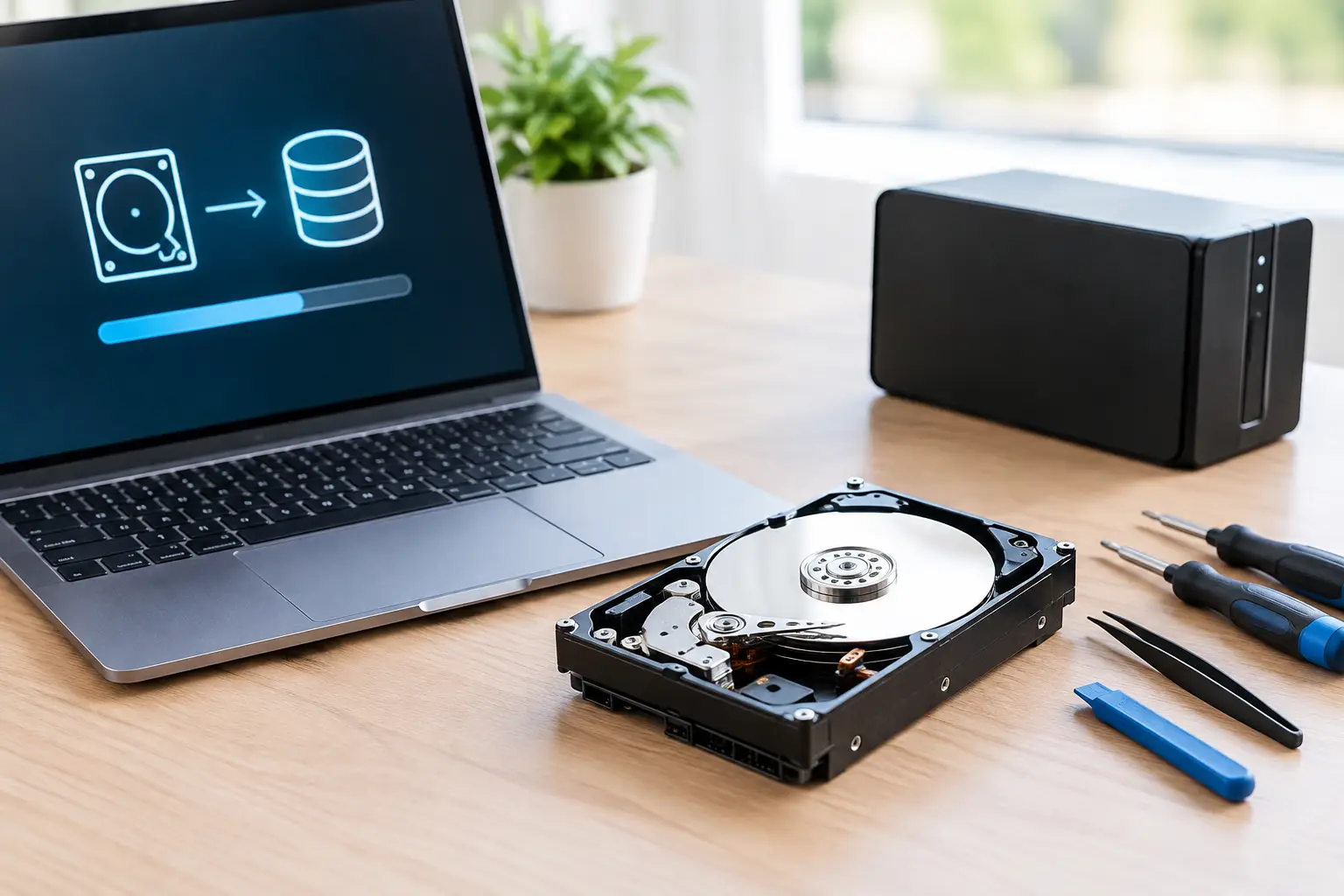
A drive that will not mount, a mobile that will not start, or a RAID array reporting faults creates an immediate temptation: get it repaired and get back to work. But in data recovery versus repair, the order matters. A successful repair can make a device usable again, yet the steps used to repair it may overwrite, alter or further damage the very data you need.
For family photos, client files, accounting records, production footage or business systems, the first question should not be “How do I fix the device?” It should be “Is the data still accessible, and how can it be protected before any repair work begins?”
Data recovery and repair solve different problems
Data recovery is the process of retrieving files from storage media that is deleted, corrupted, inaccessible or physically damaged. The goal is the information itself: documents, databases, photos, videos, emails, project folders or system data. A recovered drive is not necessarily fit for reliable future use.
Repair aims to restore the device or system to working condition. This may involve replacing a component, reinstalling an operating system, rebuilding a storage array, updating firmware, fixing a power issue or reformatting a volume. The goal is operational hardware or software.
Sometimes the same fault needs both services. A laptop may need a new SSD after its original one fails, for example. However, the recovery should generally happen first if the original SSD contains data that has not been backed up. Once the information is safely recovered to separate media, repair or replacement can proceed without placing it at further risk.
This distinction is especially relevant because many modern devices are designed to be replaced rather than repaired at component level. A new drive, phone or computer may solve the hardware problem quickly, but it will not bring back files that were stored only on the old device.
Why repair can put recoverable data at risk
Repair is not inherently dangerous. The risk comes from applying a repair method before the condition of the data and storage media is understood.
A common example is a computer that displays a message asking to initialise, format or repair a disk. Accepting the prompt may make the disk appear usable, but it can change file system structures that a recovery process relies on. Similarly, reinstalling an operating system may overwrite user folders or recovery metadata.
Physical faults require even more care. A hard drive that clicks, spins down repeatedly or is no longer detected may have mechanical, electronic or firmware damage. Repeatedly powering it on, swapping parts without proper matching, or running consumer recovery software can turn a recoverable fault into a more complex one.
Solid-state drives present a different challenge. SSDs often use TRIM, wear levelling and controller-level processes that can permanently remove deleted data quickly. A failed SSD should not be repeatedly restarted, updated or reset in the hope that it will return to normal. The right response depends on the drive’s symptoms, encryption status and how the failure occurred.
For mobiles, cameras and Apple devices, a factory reset or software restore may be presented as a standard troubleshooting step. It can also remove locally stored material. Where photos, messages, notes or app data are critical, establish whether a backup exists before authorising a reset or repair.
When repair should come first
There are situations where a straightforward repair is reasonable before specialist recovery work. If the data is confirmed in a current backup, repairing or replacing the device is usually the most efficient option. The backup should be checked, not simply assumed to exist.
A device may also have an issue unrelated to its storage. A damaged screen, flat battery, faulty charging port or failed power supply can prevent access to otherwise healthy data. A careful repair that restores power or display functionality may be all that is required.
The deciding factor is whether the repair is non-destructive and whether the original data remains protected. Replacing a laptop screen is very different from reinstalling its operating system. Replacing a NAS power supply is different from rebuilding its RAID configuration. In both cases, technicians should avoid actions that initialise, erase, reconfigure or overwrite storage until the data position is clear.
When data recovery should come first
Recovery should take priority whenever the device shows signs of storage failure, files have disappeared, a volume is inaccessible, or repair instructions involve formatting, resetting or rebuilding data structures.
This is particularly important for the following situations:
- A hard drive clicks, beeps, is unusually slow or is not detected consistently.
- An SSD, external drive or USB device asks to be formatted before it can be opened.
- A NAS or RAID system has multiple failed drives, degraded volumes or an unsuccessful rebuild.
- A camera card has been formatted, reports errors or contains important images that cannot be viewed.
- A mobile, tablet or Apple device contains essential data with no verified backup.
- Business folders, databases or virtual machines are encrypted, corrupted or no longer accessible.
With RAID and NAS systems, the pressure to restore service quickly can lead to costly mistakes. Replacing drives in the wrong order, initiating a rebuild with an unstable member disk, or changing controller settings can alter the array’s metadata. A RAID is designed for availability, not as a substitute for backup, and it can still require specialist data recovery after multiple faults, accidental deletion, corruption or configuration errors.
Data recovery versus repair: a practical decision process
Start by stopping unnecessary use of the affected device. Do not save new files to it, install recovery tools onto it, or keep rebooting it to see if the problem disappears. If it is an external drive, disconnect it safely. If it is a RAID or NAS supporting business operations, record the error messages and drive positions before anyone changes the configuration.
Next, check for a genuine backup. Look beyond a synchronised folder or cloud shortcut. Confirm that the required versions of the files are present and can be opened. For a business system, confirm that the backup includes the relevant database, virtual machine, shared folders or application data, not just the operating system.
Then assess the symptoms. A missing file after accidental deletion is different from a drive making mechanical noises. A corrupted memory card is different from a phone with a cracked screen. The device type, failure mode, encryption and value of the data determine the safest path.
If the information is irreplaceable or operationally critical, avoid trial-and-error repairs. Professional assessment can identify whether the issue is logical, electronic, mechanical, firmware-related or configuration-related. That assessment guides the recovery method while preserving the best possible chance of retrieving the data.
What professional recovery changes
Specialist recovery work is not simply running software and copying files. It can involve stabilising a damaged device, working with a sector-level image rather than the original media, reconstructing file systems, repairing RAID parameters, addressing firmware issues or extracting data from damaged storage components.
The method should match the device and the failure. A mechanically failed hard drive needs a different approach from an encrypted Apple device, a formatted camera card or a multi-disk NAS volume. Treating them all as routine repairs can reduce the options available later.
RecoveryGeeks works across hard drives, SSDs, RAID and NAS systems, Apple devices, cameras and other digital storage media. For Canberra customers and clients across Australia, the priority is to assess the data loss event before destructive repair actions are taken.
Protect the data before restoring the device
A device can be repaired or replaced. The original copy of a wedding gallery, a decade of business records or the only version of a client project cannot always be recreated. That is why the safest decision is often to separate the two objectives: recover the data first, then decide whether the device is worth repairing.
If you are facing a failed or inaccessible device, pause before approving a format, reset, rebuild or operating-system reinstall. Preserving the current state of the storage media may be the most valuable action you take.
