











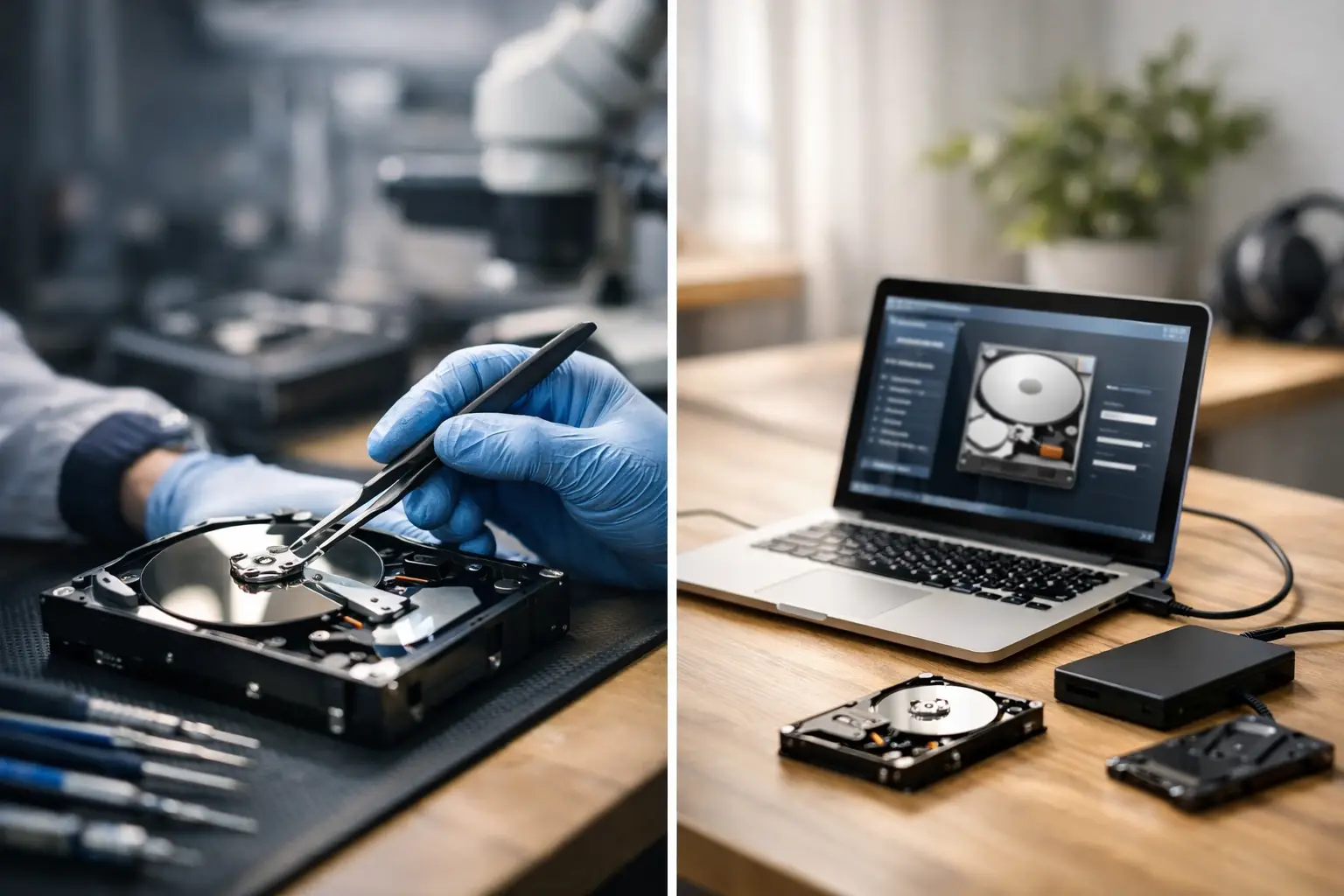
The worst data loss decisions usually happen in the first 30 minutes. A hard drive disappears from your desktop, an SSD stops mounting, or a NAS starts clicking and showing missing folders, and the first instinct is to try everything at once. That is exactly why the question of data recovery service vs software matters. The right choice can preserve your files. The wrong one can reduce recovery chances, sometimes permanently.
For some situations, recovery software is a sensible first step. For others, it is the fastest way to turn a recoverable problem into a more complex and expensive one. The difference comes down to what failed, how the device is behaving, and how valuable the data is.
Data recovery service vs software - what is the real difference?
Recovery software is designed to scan storage media for deleted, lost, or damaged file structures. It works best when the device is still physically healthy enough to be read, even if the file system is corrupted or files were removed by mistake. In practical terms, that might mean an external hard drive that still spins normally, a USB that appears in Disk Management, or an SD card that was accidentally formatted.
A professional data recovery service deals with a wider range of failure types. That includes physical damage, firmware problems, degraded RAID arrays, unstable SSDs, damaged Apple devices, failed controllers, liquid exposure, and drives that are no longer safely readable. The work may involve specialist hardware tools, controlled environments, component-level diagnostics, and device-specific recovery methods that software alone cannot handle.
The gap between the two is not just convenience. It is capability. Software reads what a device is willing and able to present. A recovery service can often stabilise the device first, extract data at a lower level, and manage risks that DIY tools cannot.
When recovery software makes sense
Software can be the right option when the issue is logical rather than physical. If you deleted files, emptied the recycle bin, formatted the wrong partition, or suffered minor file system corruption, a software scan may recover data successfully. The key condition is that the storage device must still be functioning normally.
A healthy device generally powers on without unusual noises, is detected consistently by the computer, and does not freeze the system when connected. If that sounds like your situation, software may be worth considering, especially where the missing data is not business-critical and you are comfortable following careful recovery steps.
Even then, there are limits. Any recovery attempt writes stress to the device through repeated reads, and some users accidentally make matters worse by installing software onto the same drive they are trying to recover. That can overwrite deleted data. Others run multiple scans, repairs, and file system checks in sequence, which can compound damage.
Software is most useful when the stakes are lower, the symptoms are mild, and the source media is stable.
When a data recovery service is the safer choice
If a drive is clicking, beeping, not spinning correctly, dropping in and out, or showing the wrong capacity, stop using it. If an SSD is intermittently detected, becomes read-only without warning, or vanishes after a few minutes, stop there as well. These are not software problems in the ordinary sense. They are warning signs that the device itself may be failing.
The same applies to RAID and NAS systems. A degraded array, failed rebuild, controller issue, or accidental reconfiguration can create a situation where DIY software sees fragments but not the original structure. Business environments are especially vulnerable here because every incorrect step can affect multiple disks and volumes at once.
Professional recovery is also the better path when the data has high personal or commercial value. Family photos, legal records, accounting data, project files, camera footage, and operational business documents are not good candidates for trial and error. In those cases, preserving the best possible recovery chance is usually more important than attempting the cheapest first option.
The biggest risk in the data recovery service vs software decision
People often assume the main difference is cost. In reality, the bigger issue is whether the device can survive a DIY attempt.
Traditional hard drives can deteriorate quickly if they have mechanical faults. A drive with damaged heads may continue to scrape or misread the platters every time it spins up. SSDs create a different problem. They can fail abruptly, become unstable under load, or lock access behind controller issues and firmware faults. Once they tip further into failure, data may become much harder to access.
Software cannot tell you whether continued scanning is safe in a meaningful, hardware-level sense. It can only keep trying to read. That is why symptoms matter more than optimism. If the device is physically compromised, the safest action is often to power it down and seek assessment before more harm occurs.
Device type changes the answer
Not all storage media fail in the same way, so the decision should match the device.
Hard drives
Hard drives are common candidates for both software recovery and professional work. If the drive is healthy and the problem is deleted files or corruption, software may help. If there are clicking sounds, slow response, or detection problems, professional recovery is the safer route.
SSDs
SSDs are less forgiving than many users expect. Deleted file recovery may be affected by TRIM, and hardware or firmware faults can progress suddenly. If an SSD is unstable, a service-based approach is often the better choice.
USBs and SD cards
These can respond well to software when the issue is accidental deletion or formatting. But physical damage, bent connectors, controller failure, or counterfeit media behaviour usually require specialist handling.
NAS and RAID
These systems need extra caution because the data is spread across multiple disks with a specific configuration. Using generic recovery tools without understanding the array layout can make reconstruction harder. For business systems in particular, professional diagnostics are usually the more responsible option.
Apple devices and mobiles
When the issue involves a damaged device, failed storage, or inaccessible internal memory, software options are often limited. Service-based recovery is more relevant where hardware faults or device-specific complications are involved.
How to decide without making things worse
A simple test is to separate logical symptoms from physical symptoms. Logical symptoms include accidental deletion, a lost partition, or a drive that is readable but showing corrupted folders. Physical symptoms include noises, overheating, intermittent detection, burning smells, impact damage, water exposure, or a device that causes the computer to hang.
If the symptoms are logical and the data is replaceable, software may be reasonable. If the symptoms suggest hardware failure, or the data is important enough that you cannot afford a failed attempt, a professional service is the safer path.
There is also a middle ground. Some people start with software because the device appears healthy, then stop as soon as they notice abnormal behaviour. That can be sensible if they are disciplined. The trouble is that many users continue despite red flags because they are already invested in the attempt.
Cost, speed, and success rates
Software is cheaper upfront. That is its obvious advantage. For straightforward logical recovery, it may also be quicker, especially if the files are small and the device scans cleanly.
A professional service costs more because it involves specialist expertise, equipment, controlled handling, and, in more difficult cases, component-level work. But the comparison is not simply cheap versus expensive. It is low-cost self-service for limited problem types versus specialist recovery for higher-risk or higher-value situations.
Success rates depend on the actual fault. Software can perform well on deleted data and minor corruption. It performs poorly when the storage medium itself is unstable. A professional service is better positioned to handle complex failures, but no ethical provider should promise recovery in every case. Honest assessment matters.
For Canberra clients and organisations across Australia, that practical distinction is often the deciding factor. If downtime is costly or the lost files matter, certainty and careful handling tend to outweigh the appeal of a quick DIY attempt.
The better question to ask
Instead of asking whether data recovery service vs software is cheaper or faster, ask this: what is the safest option for this specific device and this specific data?
If the storage media is healthy, the loss is recent, and the files are not mission-critical, software may be enough. If there is any sign of physical failure, device instability, or high-value data, a professional recovery service is usually the more responsible decision.
When data matters, restraint is often the smartest move. Powering a failing device off and getting expert advice can do more for your recovery chances than any number of hurried scans.
