











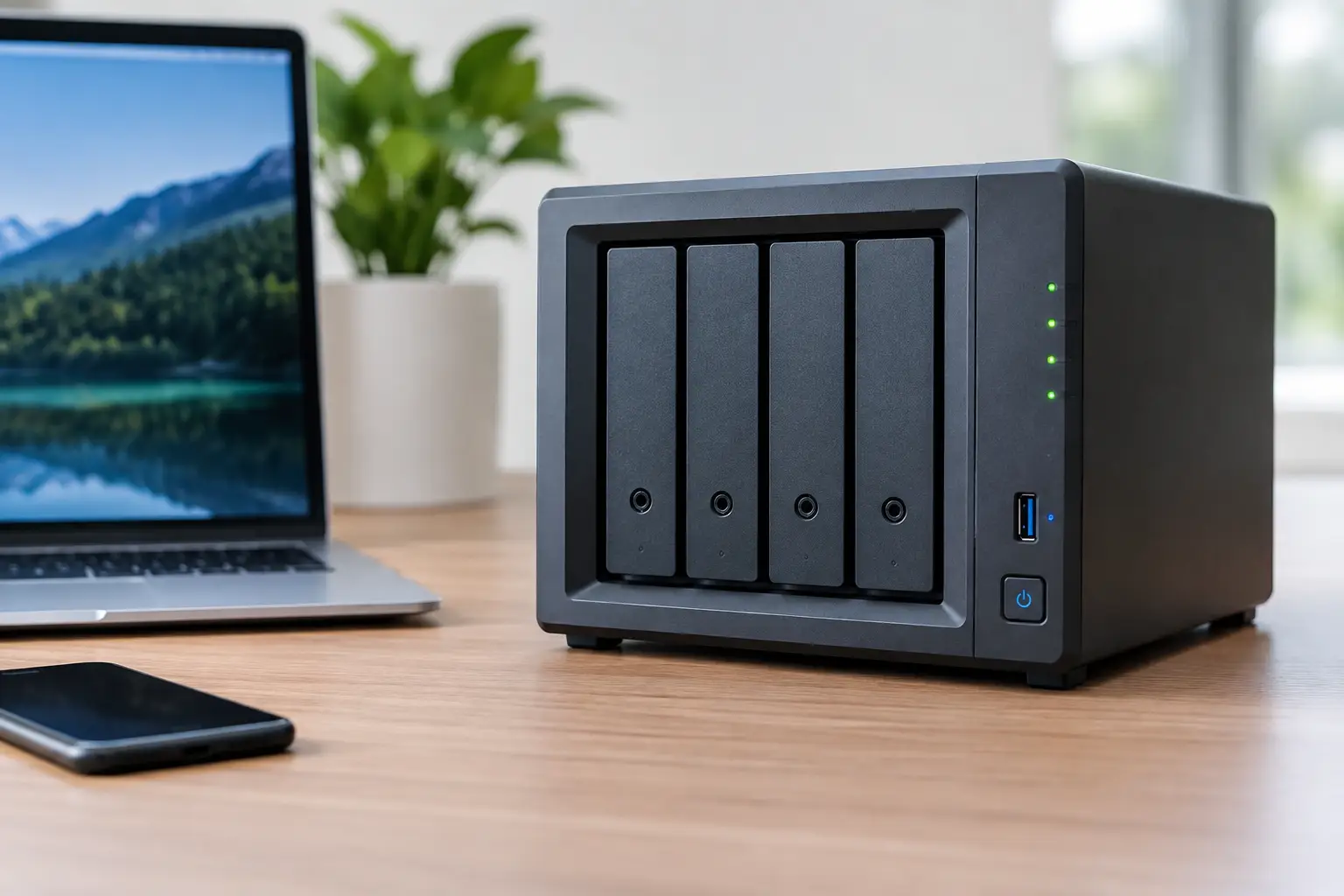
A NAS can appear healthy right up until the moment shared folders disappear, users lose access or the management console reports degraded storage. The common causes of NAS failure are rarely limited to one faulty component. A failed drive, interrupted write operation or configuration error can trigger a chain of problems that puts the whole storage volume at risk.
For a household, that may mean years of photos and videos are suddenly unavailable. For a Canberra business, it can mean project files, accounting records or operational data are out of reach when they are needed most. Knowing what has failed, and what not to do next, can make a material difference to recovery prospects.
Common causes of NAS failure
1. Failed or degrading hard drives
Most NAS units rely on conventional hard drives running continuously. These drives wear over time, and a single failed disk can place a RAID array into a degraded state. If another drive has hidden read errors, is already deteriorating or fails during a rebuild, the entire volume may become inaccessible.
Warning signs include clicking or repeated spin-up sounds, slow file access, SMART alerts, frequent drive dropouts and a NAS that repeatedly attempts to rebuild. Do not assume that replacing the drive immediately is always the safest option. In a degraded array, rebuilding writes extensively to every remaining disk. That workload can expose a second weak drive and complicate recovery.
2. Multiple disk failures in a RAID array
RAID improves availability, but its protection depends on the RAID level and the number of failed disks. RAID 1 generally tolerates one disk failure, while RAID 5 usually tolerates one and RAID 6 generally tolerates two. Once the array exceeds that limit, its data cannot be read normally.
The complication is that disks purchased and installed together often age under similar conditions. They may have the same operating hours, firmware behaviour and exposure to heat or power events. A second failure can occur before anyone notices the first alert, particularly where NAS notifications have not been configured or are being sent to an unattended email address.
3. Power loss, surges and unstable power
Unexpected shutdowns can damage more than the NAS hardware. If the unit loses power while it is writing data, updating RAID parity or modifying the file system, the array may come back online with corrupted metadata or an incomplete volume.
A quality uninterruptible power supply can reduce the risk, but it is not a complete answer. A failing power supply, surge event or improperly configured shutdown process may still leave a NAS in an inconsistent state. If a unit will not boot after a power incident, avoid repeatedly cycling the power. Each restart can prompt automatic repairs or further write activity.
4. RAID controller, backplane or NAS hardware faults
Drives are not the only point of failure. The NAS enclosure contains a motherboard, memory, power supply, drive backplane and controller hardware. A faulty backplane can make healthy disks appear missing. Failed memory can create unstable behaviour, while a damaged controller may prevent the NAS from recognising the array correctly.
This is why moving disks into another enclosure without a plan is risky. Even systems from the same manufacturer may use different firmware, disk order expectations, encryption settings or RAID metadata handling. The disks may be physically sound, but an incorrect migration can overwrite configuration information or initiate an unwanted rebuild.
5. File system corruption and damaged RAID metadata
The data on a NAS is organised through both a RAID layout and a file system. These layers hold critical information about disk order, stripe size, parity rotation, partitions, volumes and folders. Corruption can result from power loss, software bugs, failed updates or underlying disk read errors.
A NAS may show the disks as present but report that the storage pool is inactive, unmounted or uninitialised. It may also offer to create a new volume. That prompt should be treated with caution. Initialising, formatting or creating a new pool can write new metadata to disks that still contain recoverable information.
6. Firmware updates and configuration mistakes
Firmware updates are necessary for security and stability, but an interrupted or unsuitable update can cause boot issues, service failures or changes to storage configuration. The risk is higher where the NAS is already unstable, has failing drives or is updated during a power outage.
Configuration changes can be just as damaging. Common examples include deleting a volume, changing RAID type, removing the wrong disk, expanding an array with an incompatible drive or selecting a repair option without confirming what it will change. Some repair tools are useful when the fault is understood. Used on a damaged array, they can alter evidence needed to reconstruct the original layout.
7. Overheating and poor operating conditions
NAS devices work hard in environments that are often overlooked: a cupboard, storeroom, garage or crowded comms cabinet. Dust, failed fans and restricted airflow raise drive temperatures and shorten component life. Heat can also cause intermittent failures that are difficult to diagnose because the NAS may work again once it cools down.
Keep the enclosure in a ventilated location, check that fans are operating and respond to temperature alerts early. If the unit is making unusual noises or reporting multiple disks as absent, do not continue operating it simply because files remain accessible. Copying data may be appropriate where the array is stable, but a heavily stressed array can fail during the transfer.
8. Network, permissions and ransomware incidents
Not every apparent NAS failure is a physical storage failure. A network switch issue, changed IP address, expired credentials or altered permissions can make files appear unavailable while the volume remains intact. These issues require a different response from a damaged RAID array.
Ransomware is another possibility. If files have unexpected extensions, cannot be opened or display ransom notes, disconnect the NAS from the network as soon as practical. Do not delete affected files or rely on synchronised cloud folders as a backup, as encryption can propagate to connected locations. Preserve the system state and assess whether unaffected snapshots or isolated backups exist before attempting cleanup.
9. Human error and missing backups
Accidental deletion, overwritten folders and incorrectly configured synchronisation jobs remain common causes of data loss. RAID does not protect against these events. It only provides a degree of resilience against hardware failure.
A workable backup strategy keeps more than one copy, on more than one type of storage, with one copy separated from the main site or network. The details depend on the value of the data, recovery time requirements and available budget. What matters is testing restores, not merely seeing a backup job marked as successful.
What to do when your NAS fails
The first priority is to prevent additional changes. Record error messages, note the order of the drives and photograph labels or bay positions before removing anything. If the NAS is still running and the data is critical, avoid updates, factory resets, disk swaps and repeated reboot attempts.
Do not initialise a new storage pool, accept a format prompt or start a rebuild unless you are certain of the array’s condition and have a verified backup. A rebuild is not a neutral action. It writes data and parity across the array, which may reduce the chance of recovering files from a failing or incorrectly configured system.
For business-critical data, power down the unit if it is clicking, repeatedly disconnecting drives or showing signs of physical failure. Keep every original disk together, including disks that were previously marked failed. Specialist assessment can identify the RAID configuration, image unstable disks safely and reconstruct the array without treating the original media as a testing ground.
RecoveryGeeks provides professional NAS and RAID data recovery for situations where files are inaccessible, arrays have failed or a rebuild has not completed as expected. The safest next step is usually the one that preserves the most options: stop unnecessary writes, retain the original disks and get the failure assessed before a temporary fault becomes permanent data loss.
