











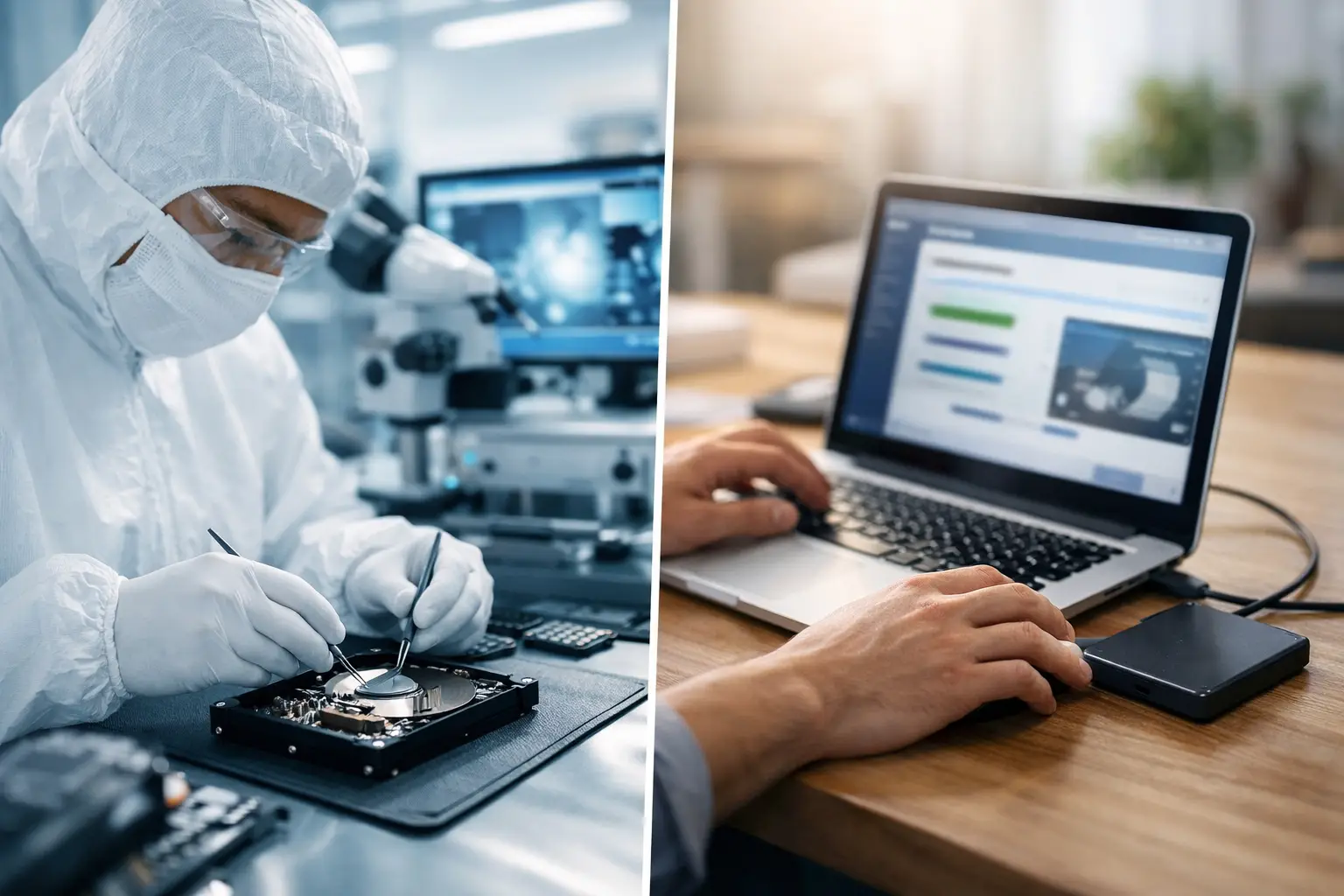
A drive stops appearing on your computer, a RAID volume drops offline, or a camera card suddenly asks to be formatted. The first decision often determines the recovery outcome: cleanroom recovery versus software. One approach may safely retrieve files from a working device with logical damage; the other is required when the storage hardware itself cannot be read reliably.
The distinction matters because data recovery software is not a repair tool. It can scan accessible storage and reconstruct lost files, but it cannot fix damaged read heads, failed SSD electronics, seized motors or media that has been physically scratched. Continuing to power a failing device in the hope that software will find the files can turn a recoverable fault into a far more difficult job.
What data recovery software can actually do
Recovery software is designed for logical data loss. In these cases, the device is physically healthy enough to communicate with a computer, but the file system, partition information or directory entries are missing, corrupted or overwritten. Common examples include accidental deletion, an emptied recycle bin, a formatted external drive, or a damaged file system after an improper shutdown.
When a drive remains stable and is detected at its correct capacity, software can scan the readable sectors and search for file signatures or existing file-system records. It may recover documents, photos, videos and other files to a separate, healthy destination drive.
That is a useful option, particularly where the data is not unique or the device shows no signs of physical failure. It is also generally less expensive than laboratory work. However, its limitations need to be understood before any scan begins.
Software reads data from the drive. It does not make an unstable drive stable. A deep scan can take hours or days and place sustained load on hardware that is already struggling. If a hard drive is clicking, repeatedly spinning up and down, disappearing during use or reporting a capacity of zero bytes, a software scan is usually the wrong next step.
Software is best suited to stable devices
A reasonable DIY attempt may be appropriate when the device is consistently recognised, runs quietly, does not disconnect, and the issue clearly followed accidental deletion or formatting. Even then, avoid installing recovery software on the affected drive and never save recovered files back to it. Both actions can overwrite the very data you are trying to retrieve.
For SSDs, the margin for error can be even smaller. Many SSDs use TRIM, a command that may clear deleted blocks after files are removed. Once those blocks have been erased internally, no software or cleanroom process can recreate their contents. Prompt action is essential, but repeated use of the SSD should be avoided.
Cleanroom recovery versus software: the key difference
Cleanroom recovery is a hardware-focused process used when a storage device has physical damage or an electronic fault that prevents normal access to the data. The work is performed in a controlled clean environment, using specialist equipment and compatible donor components where required.
A traditional hard disk drive contains extremely sensitive internal parts. Its read/write heads operate at microscopic distance from spinning platters. Opening a drive in a home, office or ordinary workshop exposes those platters to airborne contamination. Dust that seems harmless on a desk can cause further surface damage inside a drive.
In a professional recovery setting, the goal is not simply to make the drive work again. The goal is to obtain a safe, controlled read of the media long enough to create an image or extract the required data. This may involve repairing or stabilising the drive, working around damaged sectors, addressing firmware issues, or replacing failed components with carefully matched donor parts.
Software works above the hardware layer. Cleanroom recovery deals with the hardware layer first, then uses specialised imaging and data reconstruction techniques once the media can be read. These are complementary methods, not competing versions of the same service.
Signs that software should not be used
If any of the following symptoms are present, stop using the device and seek professional advice before running recovery software:
- Clicking, beeping, grinding or repeated spin-up and spin-down noises from a hard drive
- A drive that is not detected, appears with the wrong capacity, or disconnects intermittently
- Visible damage after a drop, impact, liquid exposure, fire or electrical surge
- A burnt smell, failed power board, or a device that will not power on
- A NAS or RAID system with multiple failed drives, degraded storage, or uncertain rebuild status
These symptoms do not always mean a cleanroom procedure is necessary. For example, some external drives fail because of a faulty cable, enclosure or power supply. But they are strong reasons not to keep experimenting. A correct diagnosis should come before any recovery method is chosen.
Why RAID and NAS systems need extra care
With RAID and NAS storage, the risk is rarely confined to a single drive. The data may be spread across multiple disks using a specific stripe order, block size, parity pattern and file system. Replacing the wrong drive, initialising a volume, accepting an automatic rebuild, or running software against individual disks can alter the evidence needed to reconstruct the array.
If a RAID volume becomes inaccessible, record the disk order, power down where appropriate, and avoid changing configuration settings. A specialist can assess the member drives and rebuild the array structure from images rather than relying on assumptions. This is especially important for small businesses facing operational downtime and for creative teams with active project storage.
The practical trade-offs: cost, time and risk
Software is attractive because it is immediate and comparatively low cost. Where the device is healthy and the loss is logical, it can be a sensible first option. The trade-off is that successful-looking scan results do not prove the files will open correctly, and a long scan may stress marginal hardware.
Cleanroom and specialist hardware recovery cost more because the work involves technical diagnosis, controlled handling, imaging equipment, donor components and substantial engineering time. It is not necessary for every deleted file, but it is often the safer route where irreplaceable data sits on a failing device.
Time also depends on the fault. A straightforward logical recovery might be completed quickly. A physically damaged drive may require assessment, sourcing compatible parts and careful imaging of unstable media. Complex RAID, encrypted storage and severe platter damage can add further variables.
The important comparison is not only price versus price. It is the cost of recovery against the value of the data and the risk of making the situation worse. Family photographs, client records, financial documents, research, production files and evidence may have little practical substitute.
What to do immediately after data loss
Stop writing to the affected device. Do not reformat it, reinstall an operating system, run repair utilities that modify the file system, or keep restarting a drive that is making unusual noises. If the device is an external hard drive, check obvious non-invasive issues such as the cable and power supply, but do not open the enclosure or drive.
For a mobile, camera card or USB device, remove it from service as soon as the problem is noticed. Avoid taking further photos or recording additional footage to the same card. New data can overwrite deleted file space and reduce the chance of a complete recovery.
Write down what happened just before the failure. Details such as a power interruption, accidental format, liquid spill, dropped laptop, failed RAID disk or unusual noise help establish whether the problem is logical, electronic or mechanical. They also help a recovery specialist choose the least risky path.
Choosing the right recovery path
Use software only when the device is stable, readable and affected by a clear logical event. Treat it as a controlled attempt, not a cure-all. If the data is highly valuable, consider obtaining professional advice first, even where the drive appears functional.
Choose specialist recovery when hardware symptoms are present, the storage is encrypted or configured as RAID or NAS, or failed DIY attempts would have serious consequences. RecoveryGeeks can assess a broad range of storage devices and advise whether the fault calls for logical recovery, hardware work or a cleanroom process.
The safest action after a serious storage failure is often the simplest: stop using the device, preserve its current state and let the recovery method follow the diagnosis. That gives your data its best chance of coming back intact.
