











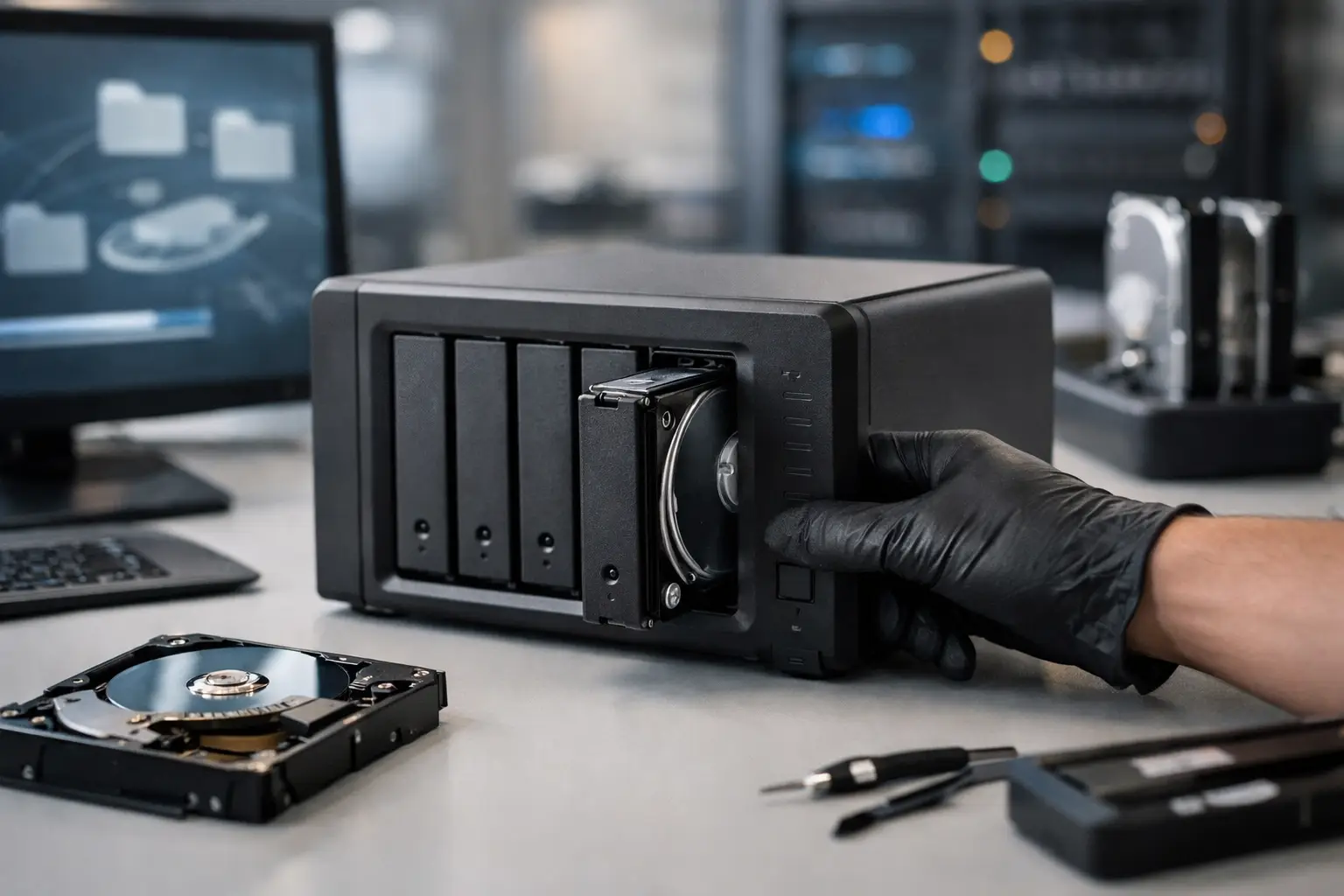
A NAS failure rarely arrives at a convenient time. One moment staff can access shared project folders, client records or accounting files; the next, the device is showing a degraded volume, missing shares or a message asking to initialise disks. Searching for the best NAS recovery services is a sensible first step, but the right provider is not simply the one promising the fastest fix. NAS recovery requires a careful understanding of the hardware, file system, RAID layout and the actions already taken after the failure.
For Australian businesses and home users, the priority is protecting what remains. A Network Attached Storage device often holds the only accessible copy of years of work, family photos, media archives or business-critical documents. The wrong troubleshooting step can turn a recoverable issue into a far more complex one.
What Makes the Best NAS Recovery Services Different?
A NAS is more than a collection of hard drives in a box. Systems from Synology, QNAP, Netgear, Western Digital and other vendors commonly use RAID to distribute data across multiple disks. They may also run Linux-based file systems, use proprietary volume management, support encryption, host virtual machines or synchronise data with cloud services.
That complexity is why a standard hard drive recovery approach may not be enough. A suitable NAS recovery specialist needs to reconstruct the array virtually, identify the disk order and RAID parameters, interpret the file system, and extract data without writing back to the original media. If one or more drives have physical faults, the work may also require controlled hardware recovery before logical reconstruction can begin.
The best NAS recovery services assess the full storage environment rather than treating each disk independently. Recovering files from individual drives without correctly rebuilding the array can produce incomplete folders, corrupted files or no useful result at all.
Start by Protecting the NAS and Its Drives
When a NAS becomes inaccessible, the first response matters. It is tempting to restart the unit repeatedly, replace a drive, run a repair tool or accept a prompt to rebuild the volume. These actions can overwrite parity information, alter metadata or stress a failing disk.
If the NAS is making clicking, beeping, grinding or repeated spin-up sounds, power it down rather than continuing to operate it. Mechanical drives can deteriorate quickly when they have physical damage. If the unit is online but folders are missing or the RAID is degraded, avoid rebuilding, reformatting, initialising or creating a new volume until the data has been assessed.
Keep every drive in its original bay order if possible. Label each disk with its slot number before removing it, and do not mix drives from another NAS into the set. The enclosure, power supply and network configuration can be relevant too, so make a note of error messages, recent power events, failed disk alerts and any changes made before the data became unavailable.
Common NAS Failures and What They Mean
Not every NAS problem requires the same type of recovery. An experienced provider should identify whether the fault is physical, logical or configuration-related before recommending a path forward.
A single-drive failure in a redundant RAID system may appear straightforward, but a rebuild can expose a second weak drive. This is particularly common where disks are the same age and have carried the same workload. If the array is already degraded and the remaining disks show read errors, an attempted rebuild may be risky.
Multiple disk failures, accidental deletion, failed firmware updates, file system corruption and ransomware each call for a different approach. A NAS may also appear empty after an incorrect reset, migration or volume configuration change even though much of the data remains on the disks. Encrypted volumes add another consideration: recovery may depend on access to the correct password, key file or recovery information.
Questions to Ask a NAS Data Recovery Provider
When comparing services, look past generic claims about recovering hard drives. NAS and RAID systems deserve questions that reveal practical capability. A provider should be able to explain their assessment process, how they preserve original media, and whether they can work with your specific NAS brand, RAID level and operating system.
Ask whether the initial diagnosis checks all member disks and identifies the RAID configuration before recovery starts. Confirm how recovered data will be delivered, whether folder structures and filenames can be retained, and how your information will be handled throughout the process. For businesses, confidentiality and a clear chain of custody are often as important as the technical outcome.
Four practical questions can help clarify whether the service is suitable:
- Can you recover data from the NAS model, RAID type and file system involved?
- Do you create working copies or images before attempting reconstruction?
- What happens if one or more disks have physical damage?
- Can you provide an estimate and explain the likely recovery options before major work proceeds?
No reputable specialist should promise a guaranteed result without examining the device. Recovery prospects depend on the failure type, the number of affected disks, whether data has been overwritten, and the condition of the media. Clear communication about those variables is a positive sign, not a limitation.
Why DIY NAS Recovery Can Create More Damage
NAS vendor support tools are designed primarily to restore a working system, not to preserve data after a serious failure. Their recommendations may include replacing drives, rebuilding the RAID, resetting settings or recreating a volume. Those steps can be appropriate when verified backups exist. They are less appropriate when the data on the NAS is the only copy.
Consumer recovery software also has limits. It may identify files on a healthy single disk, but it cannot reliably compensate for a failed RAID controller, incorrect disk order, damaged sectors, encryption or a partially rebuilt array. Running software directly against the original NAS disks can write logs or changes that complicate later professional work.
This does not mean every incident needs laboratory-level recovery. If the NAS is functioning, backups are current and only one disk has failed, following the manufacturer’s documented replacement process may be reasonable. The decision changes when the array will not mount, more than one disk is affected, the data is irreplaceable, or there are signs of physical drive failure.
Recovery for Businesses, Creatives and Home Users
For a small business, NAS downtime can stop access to job files, shared records, email archives, point-of-sale exports or compliance documents. The main requirement is often a usable recovery of priority folders as soon as possible, followed by a complete extraction where practical.
Photographers, videographers and designers may need large project files, catalogue databases and media libraries restored with original folder structures intact. Home users are often dealing with personal photos, documents and backups collected over many years. The stakes differ, but the recovery principles do not: avoid further writes, preserve the original disks and make decisions based on evidence rather than guesswork.
RecoveryGeeks provides specialist professional data recovery for NAS and RAID systems, alongside other storage devices. For Canberra customers, local access can make it easier to discuss an urgent fault and hand over equipment carefully. Customers elsewhere in Australia can still arrange specialist support without relying on a generic computer repair process.
Choosing a Recovery Path After Assessment
A proper assessment should turn a stressful situation into a clear decision. It should establish whether the drives are readable, whether the RAID can be reconstructed, whether encryption is involved, and what level of file recovery is realistic. In some cases, data can be extracted from an intact array after correcting configuration issues. In others, each disk must be imaged and the volume rebuilt from those copies.
Once data is recovered, treat the original NAS as evidence of the incident rather than immediately putting it back into production. Confirm that the returned files open correctly, then rebuild or replace the storage environment with tested backups in place. RAID improves availability, but it is not a backup strategy. It does not protect against deletion, ransomware, fire, theft or a serious multi-disk failure.
If your NAS has become inaccessible, pause before attempting a rebuild. Preserving the drives and getting an informed technical assessment early gives your critical data the best available chance of recovery.
