











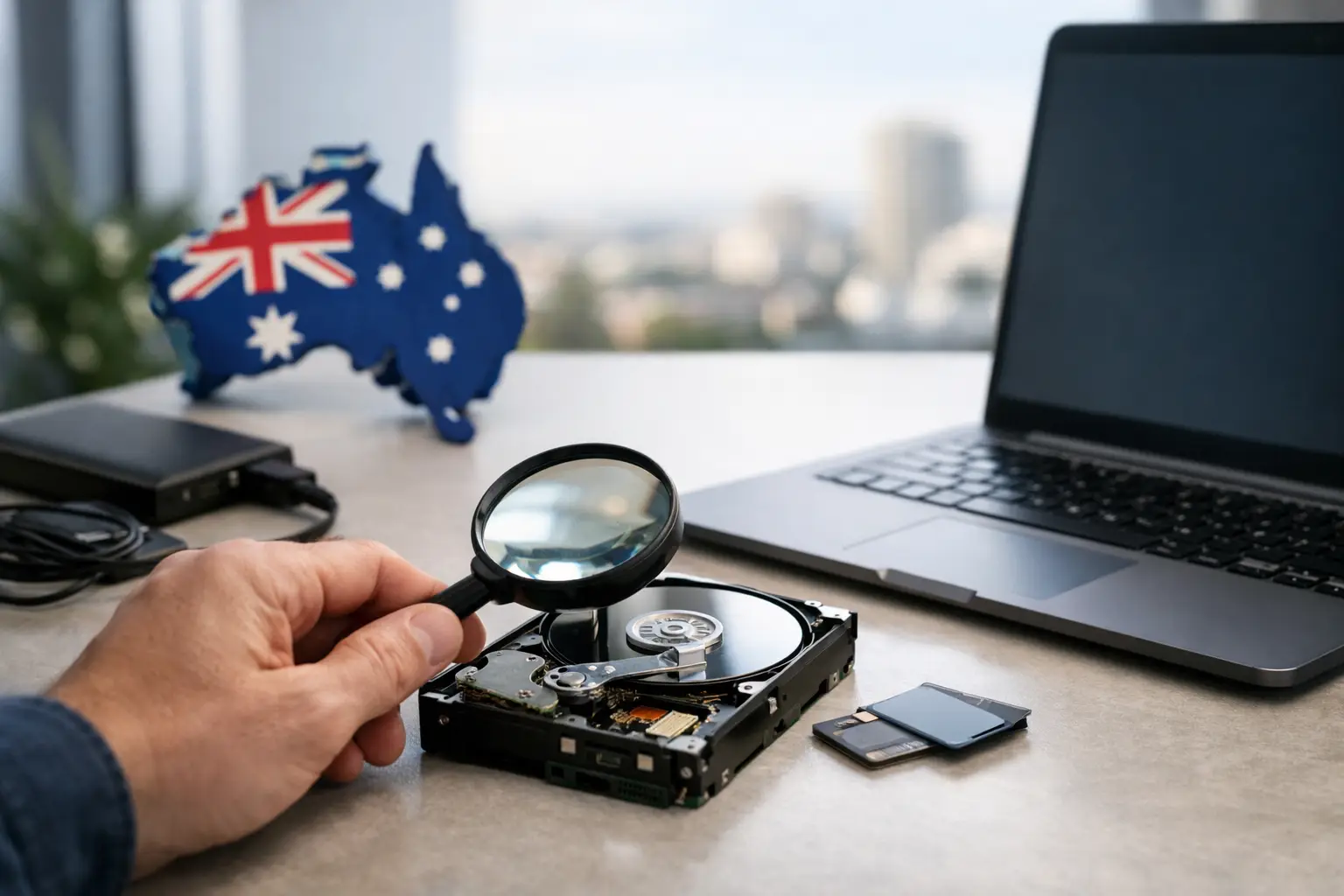
A failed drive rarely gives you a convenient warning. One moment, your files are available. The next, a laptop will not start, an external drive asks to be formatted, or a NAS shares nothing but error messages. Australia-wide data recovery is about more than finding deleted files. It is a specialist process for protecting the remaining data on damaged, corrupted or inaccessible storage media - before well-meant troubleshooting makes the situation worse.
For a home user, that data may be years of family photos. For a photographer, it may be an unrepeated shoot. For a business, it can be client records, financial information, project files and systems needed to keep operating. The right response depends on the device, the fault and the value of the data, but the first rule is consistent: stop using the affected device.
What to do when data is no longer accessible
If a drive disappears from your computer, files suddenly become unavailable, or a device makes unfamiliar clicking, beeping or grinding noises, turn it off safely. Do not keep restarting it to see whether it comes back. Each extra power cycle can place further strain on failing mechanical parts or overwrite data that may still be recoverable.
Avoid formatting the device, reinstalling an operating system, or accepting prompts that offer to repair a disk when the files matter. These actions can occasionally solve a minor logical issue, but they can also alter file system information that a recovery specialist needs to rebuild the data structure.
Do not install recovery software onto the affected drive. Software can be useful for an accidental deletion from a healthy device, particularly where the drive has been taken out of service immediately. It is not a safe answer for a drive that is slow, disconnecting, physically damaged or reporting read errors. The trade-off is simple: a do-it-yourself attempt may be reasonable when the data is low value and the media is healthy; when the data is critical, preserving the original state is usually the better decision.
Write down what happened before the fault appeared. A device dropped from a desk, a power outage, a failed firmware update, a liquid spill or an interrupted transfer can all point to different failure modes. Note the device type, operating system, error messages and whether anyone has already attempted a repair. This information helps establish the safest recovery path.
Australia-wide data recovery for different failures
Data loss does not look the same across every device. The technology inside the media changes the risks, the available recovery techniques and the chances of obtaining a complete result.
Hard drives and external drives
Traditional hard disk drives use moving parts. Clicking, repeated spin-up attempts, scraping sounds or failure to appear consistently can indicate a physical fault. Opening a hard drive outside a controlled environment is particularly risky. Dust, incorrect handling and damaged internal components can reduce the amount of recoverable data.
An external drive may also fail because of its USB cable, enclosure or power supply rather than the drive itself. That does not mean it is safe to dismantle without care. Some external drives use hardware encryption or a USB controller configuration that must be handled correctly to access the data.
SSDs and modern laptops
Solid-state drives do not have spinning platters, but they can fail suddenly. Controller faults, degraded memory cells, firmware issues and electrical damage can make an SSD inaccessible with little warning. Unlike a hard drive, an SSD may use automatic background processes that remove deleted data quickly. Time and continued use can therefore matter greatly after accidental deletion.
Many current laptops also have storage soldered to the motherboard. Apple devices and ultrathin Windows laptops can involve encryption, security hardware and device-specific components. Recovery may require work at the board level or careful access to the original device, rather than simply removing a standard drive.
NAS, RAID and business storage
A NAS or RAID system is designed to tolerate certain faults, but it is not a backup. Multiple disks can still fail, a controller can become corrupted, a rebuild can be started with the wrong configuration, or a power event can damage the file system. The result may be a storage volume that is visible but inaccessible, or one that appears empty.
If a RAID or NAS is unavailable, do not initialise disks, create a new array, or accept a rebuild without confirming the original configuration. Disk order, RAID level, stripe size and controller behaviour can all be relevant. Keep the drives labelled in their original order, make a note of the enclosure model and errors, then seek specialist assessment. A recovery process may involve creating controlled copies of each member drive before reconstructing the array virtually.
Cameras, memory cards and mobiles
Memory cards often appear to fail after a card is removed during a write, a battery goes flat, or the card has been used across several devices. Stop taking new photos or video immediately. New content can overwrite the space previously occupied by deleted or inaccessible files.
Mobile recovery is equally dependent on circumstances. A damaged screen is different from a phone that will not power on, and an accidentally deleted file is different from data held behind device encryption. For modern phones, the passcode and the condition of the original device can be central to a successful result. Never share a passcode through an insecure channel, and ensure it is provided only through an agreed, confidential process where it is genuinely required.
When postal recovery is the practical option
Specialist help should not be limited by your location. Customers in Canberra may prefer an appointment and direct handover, while people elsewhere in Australia may need to send media for assessment. Either approach should begin with a clear description of the device, fault and priority files.
Before sending storage media, package it to prevent further damage. A hard drive should be placed in an anti-static bag where available, surrounded by firm protective material and packed in a rigid box. Do not send it loose in an envelope. Keep RAID disks individually protected and clearly labelled so their original order is not lost. For a laptop or NAS, include only the equipment needed for recovery unless the device-specific fault requires the complete unit.
Maintain a record of the device serial number, the courier tracking details and any accessories included. If the media contains sensitive business, legal, health or personal information, ask how it will be stored, assessed and returned. Data recovery is a high-trust service. Technical capability matters, but so do confidentiality, careful handling and honest communication about the condition of the media.
What a professional assessment should clarify
No reputable provider can promise recovery before examining the device. The extent of damage, encryption, overwritten data and the condition of the storage media all affect the outcome. What a professional assessment can do is identify the likely fault, explain the available options and provide realistic expectations before work proceeds.
For straightforward logical issues, recovery may involve analysing file system structures and extracting intact files to separate media. For physical hard drive faults, the work may require controlled hardware repair and imaging. For RAID systems, it can involve stabilising individual drives and reconstructing the array parameters. These are different jobs, which is why a one-size-fits-all recovery tool is rarely enough.
Ask practical questions: whether the original media will be preserved, how recovered data is supplied, how long the assessment may take, and how confidentiality is managed. If the data is business-critical, identify the folders, databases or file types that matter most. Priorities help guide verification once data becomes available.
RecoveryGeeks provides specialist recovery support for storage devices ranging from everyday external drives to complex NAS, RAID and Apple systems. The most useful thing you can do before any assessment is preserve the device exactly as it is. Put it aside, keep clear notes about the failure, and let the next step be based on evidence rather than another risky restart.
